


On some websites some links will not load

For example, Jockey.com. Website loads just fine. Select Men's, Women's or whatever. When I select any category below nothing happens. Works fine in IE8. AM I missing an add-on? FIrefox doesn't say I am.
Gekozen oplossing
OK, good.
Can you click the "Solved" button? This will take your post out of the loop.
You can always start another thread if things go pear-shaped again.
Dit antwoord in context lezen 👍 0Alle antwoorden (5)
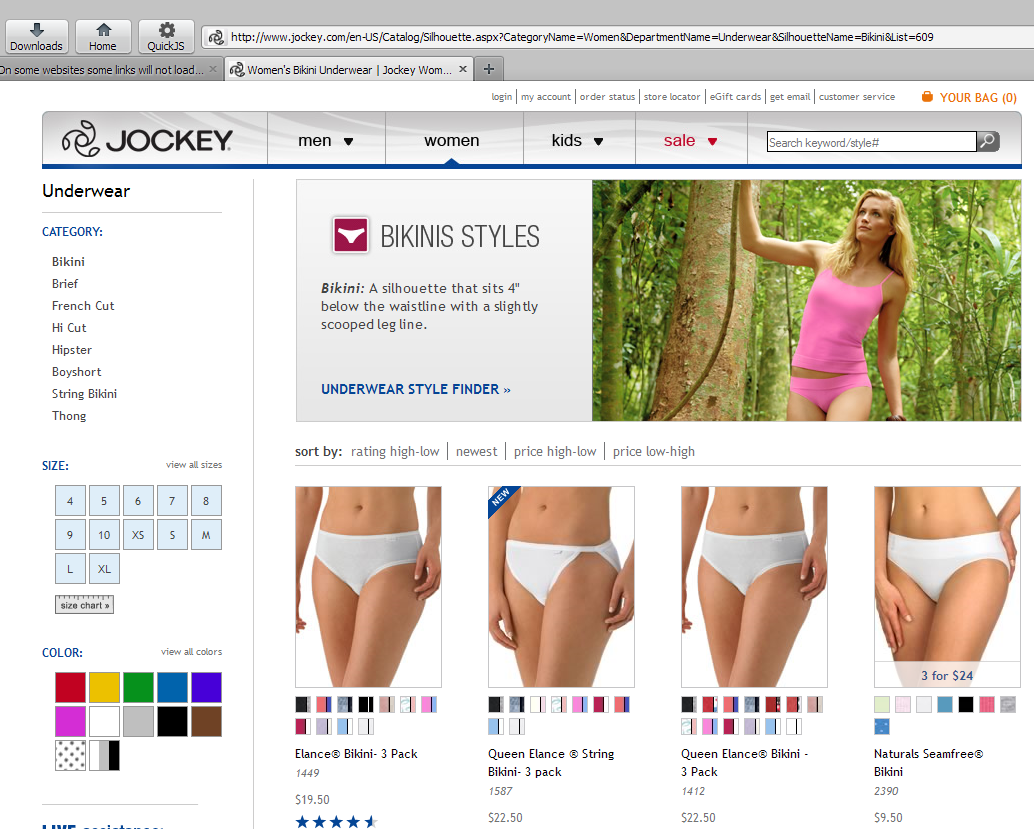
As you can see from the screenshot I've uploaded, there doesn't appear to be a problem loading any of the submenus on the site you linked to.
What I suggest you do here is to try running Firefox in Use Troubleshoot Mode in Firefox. If it works correctly in that configuration, then one of your add-ons is the culprit.
Also, please go to the Plugins Check page and update those which are out of date. Some of the outdated versions potentially expose your system to attack by hackers.
Right you were.......Plug-In outdated after upgrade.
Can you load the submenus after you updated the plugins?
I could, thanks.
Gekozen oplossing
OK, good.
Can you click the "Solved" button? This will take your post out of the loop.
You can always start another thread if things go pear-shaped again.