


No Notifs or Alerts Displaying for New Emails on Desktop
I only recently started using Thunderbird a couple weeks ago and it's mostly nice but I can't figure out how to get notifications to alert anywhere. There's no alert nor number badge on my taskbar (in fact it doesn't show up in the system tray icons app list either), it doesn't play a sound (set on default or on custom sound), and doesn't show up on the Windows notifications center.
- I'm using Windows 11 and Thunderbird version 144.0.1 (64-bit).
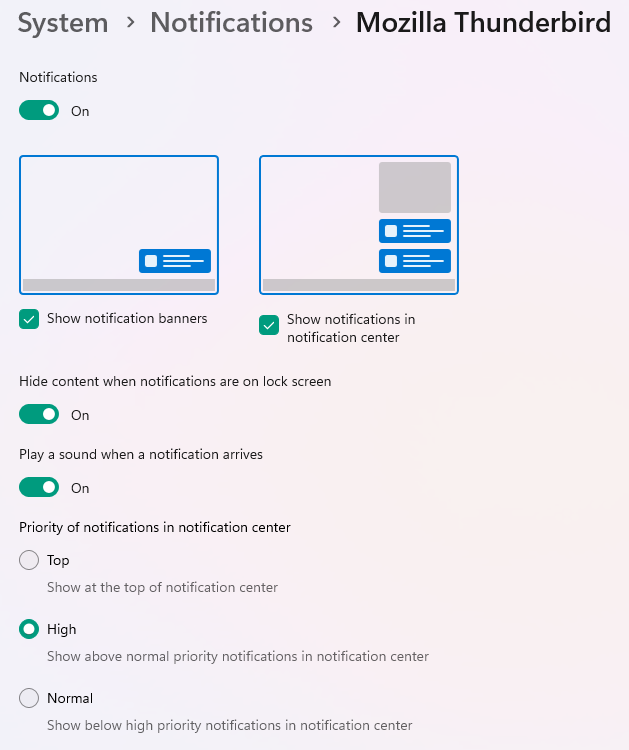
- Notifications are On in the Windows settings
- Volume mixer is fine, it shows 100% volume
- Windows settings is NOT on Do Not Disturb mode
- Thunderbird isn't listed on Taskbar System Tray Icons
- Other areas of sound are working just fine - I can also play the sound when testing the alert
- No special folder rules or anything, pretty much everything is the same as when I got it set up
It seems to be receiving emails just fine but of course I have to keep checking periodically if a new email has shown up, which isn't ideal.
I only recently started using Thunderbird a couple weeks ago and it's mostly nice but I can't figure out how to get notifications to alert anywhere. There's no alert nor number badge on my taskbar (in fact it doesn't show up in the system tray icons app list either), it doesn't play a sound (set on default or on custom sound), and doesn't show up on the Windows notifications center.
* I'm using Windows 11 and Thunderbird version 144.0.1 (64-bit).
* Notifications are On in the Windows settings
* Volume mixer is fine, it shows 100% volume
* Windows settings is NOT on Do Not Disturb mode
* Thunderbird isn't listed on Taskbar System Tray Icons
* Other areas of sound are working just fine - I can also play the sound when testing the alert
* No special folder rules or anything, pretty much everything is the same as when I got it set up
It seems to be receiving emails just fine but of course I have to keep checking periodically if a new email has shown up, which isn't ideal.


Alle antwoorden (2)
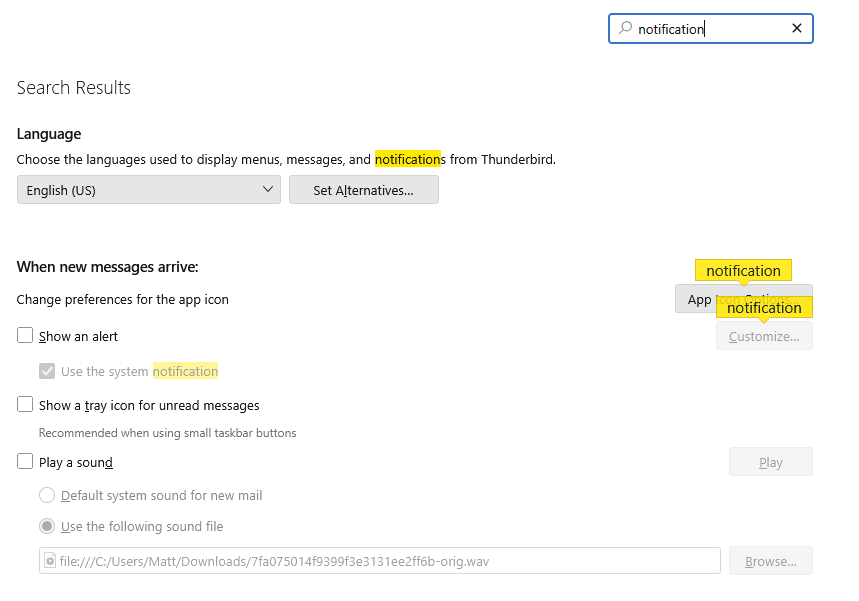
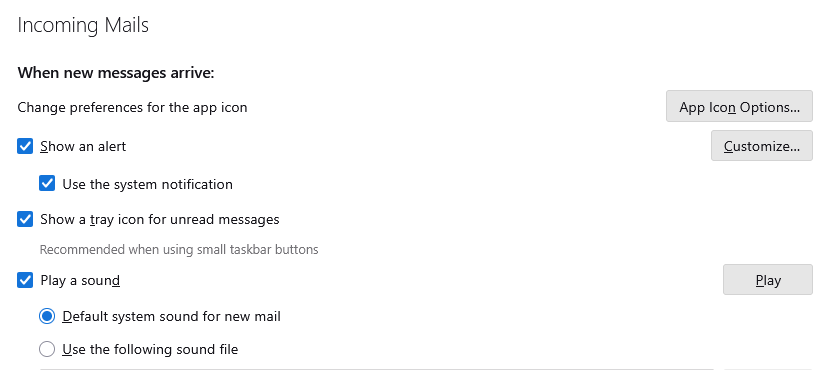
I should have mentioned it in the bulletpoints but yes I have all those Thunderbird setting checkboxes ticked, as shown in my screenshot in the original post.
Bewerkt door fontantn op