overlay

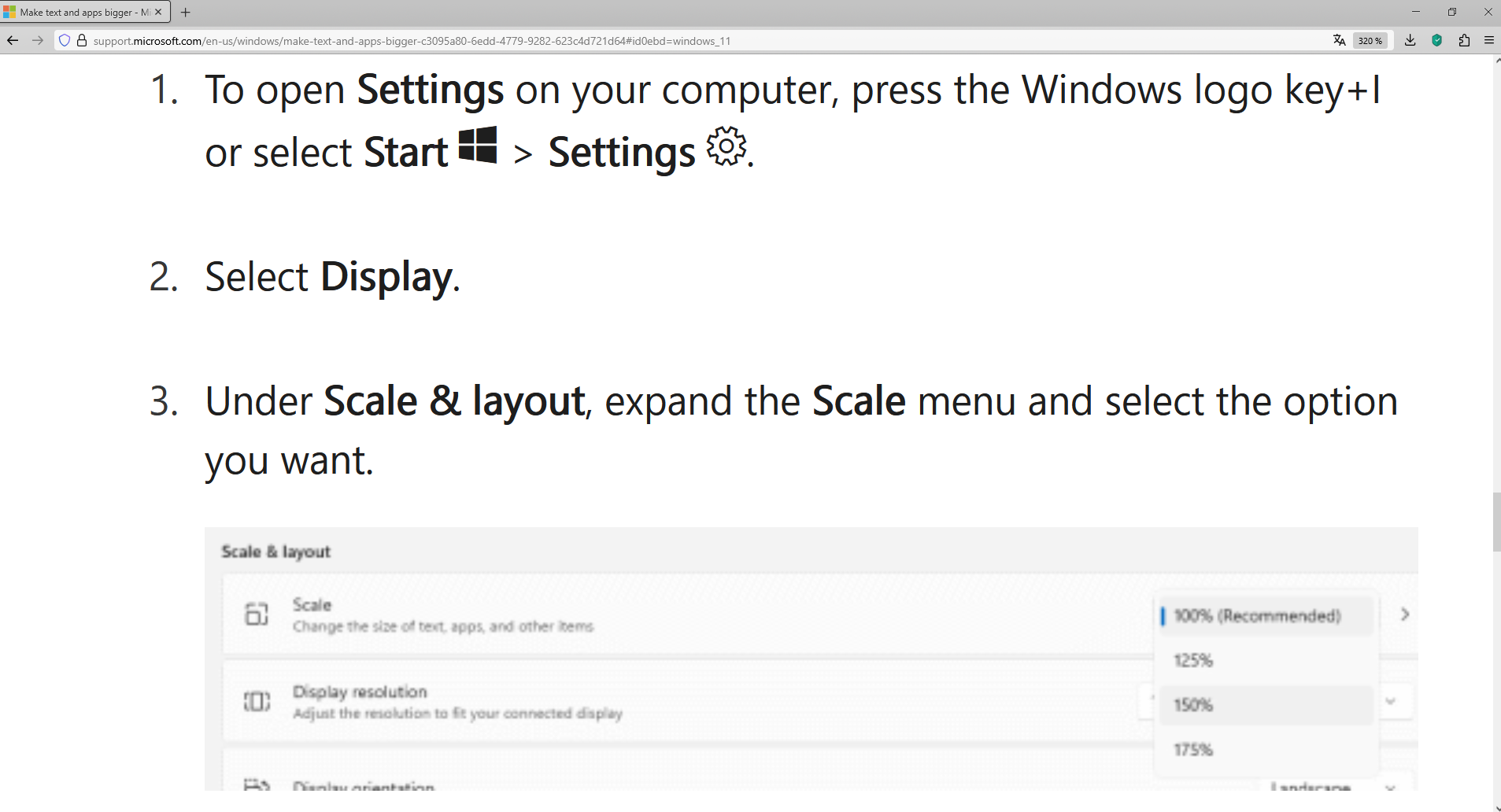
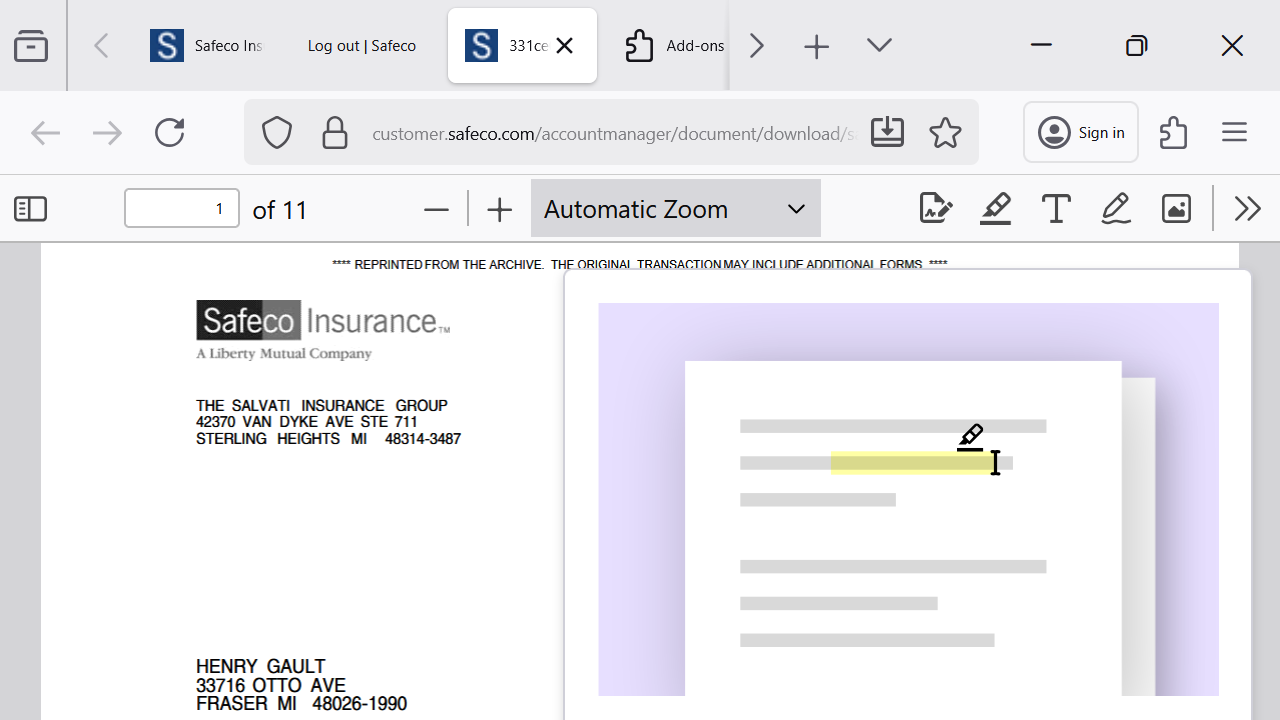
When I try to open a pdf on a certain site I get the pdf, but there is an overlay of a pencil editing a ghost document. How can i get rid of this overlay? I've tried everything.
Gekozen oplossing
Hello
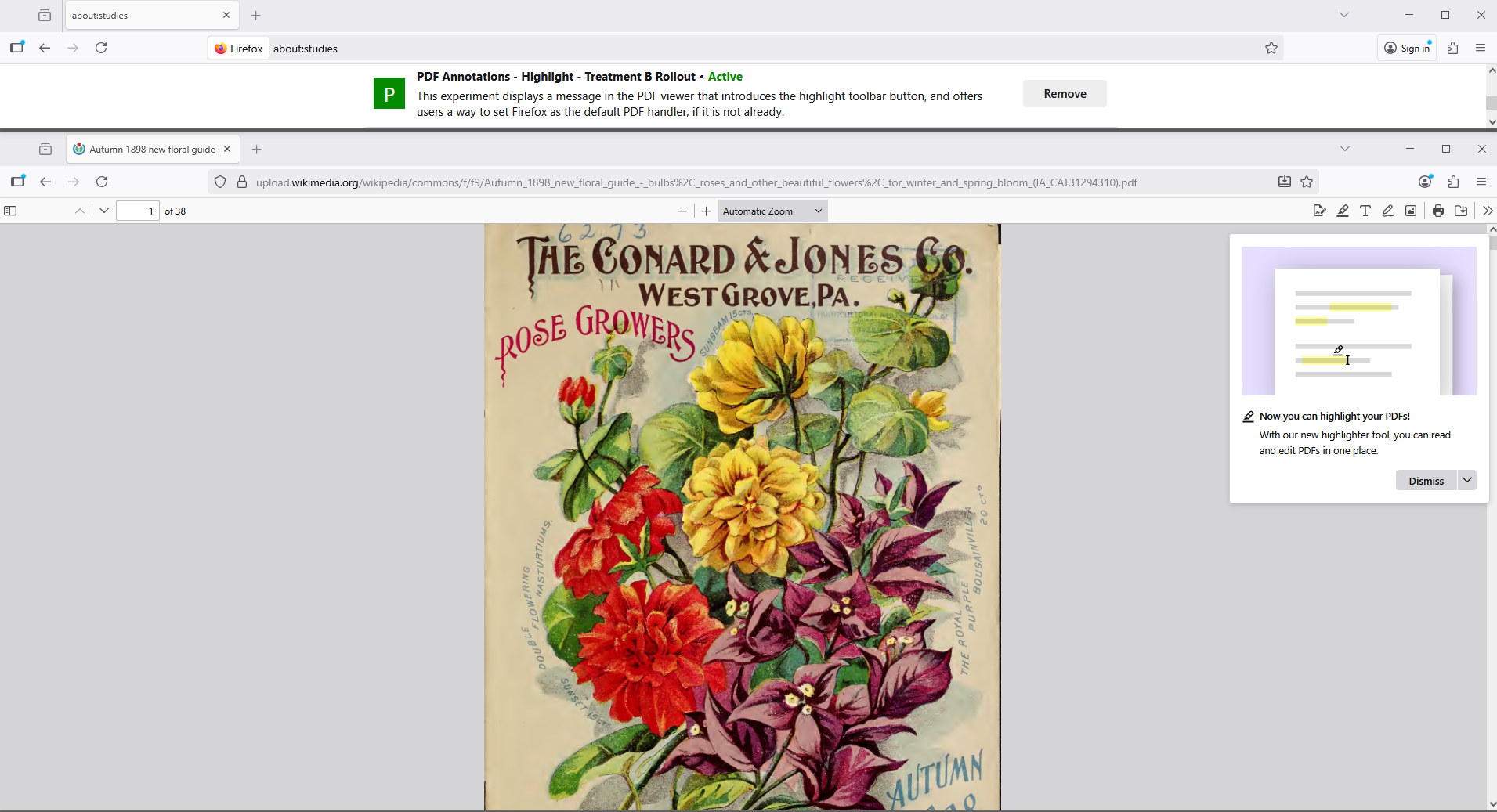
About Studies. https://support.mozilla.org/en-US/kb/shield
Type about:studies into your address bar to see a list of your studies. Click the Remove button next to the study you want to opt out of. And restart Firefox.
Alle antwoorden (5)

There should be a button to dismiss it, but it looks like you may be too zoomed in to see it.
Try zooming out several times (by pressing CTRL and the - key (minus). That may enable you to see it and dismiss the popup.
Afterwards, press CTRL and 0 to reset to your default zoom setting.
Didn't work. Probably a scaling issue, but that window does not react to <ctrl, - >, so cannot see close button, would be nice if it was a standard win window with minimize and close at the top. No hurry, it worked in chrome.
Gekozen oplossing
Hello
About Studies. https://support.mozilla.org/en-US/kb/shield
Type about:studies into your address bar to see a list of your studies. Click the Remove button next to the study you want to opt out of. And restart Firefox.
It worked! In about:studies I removed "pdf annotations, reloaded firefox, solved problem. Thanks robot!
According to your screenshot, this hypothesis. Have you verified your screen.