

Deze conversatie is gearchiveerd.
Stel een nieuwe vraag als u hulp nodig hebt.

Gearchiveerd
Original Calendar Colors

Is there any option to import the color of events from my main calendar provider into Thunderbird so that it doesn't have just one color per calendar?
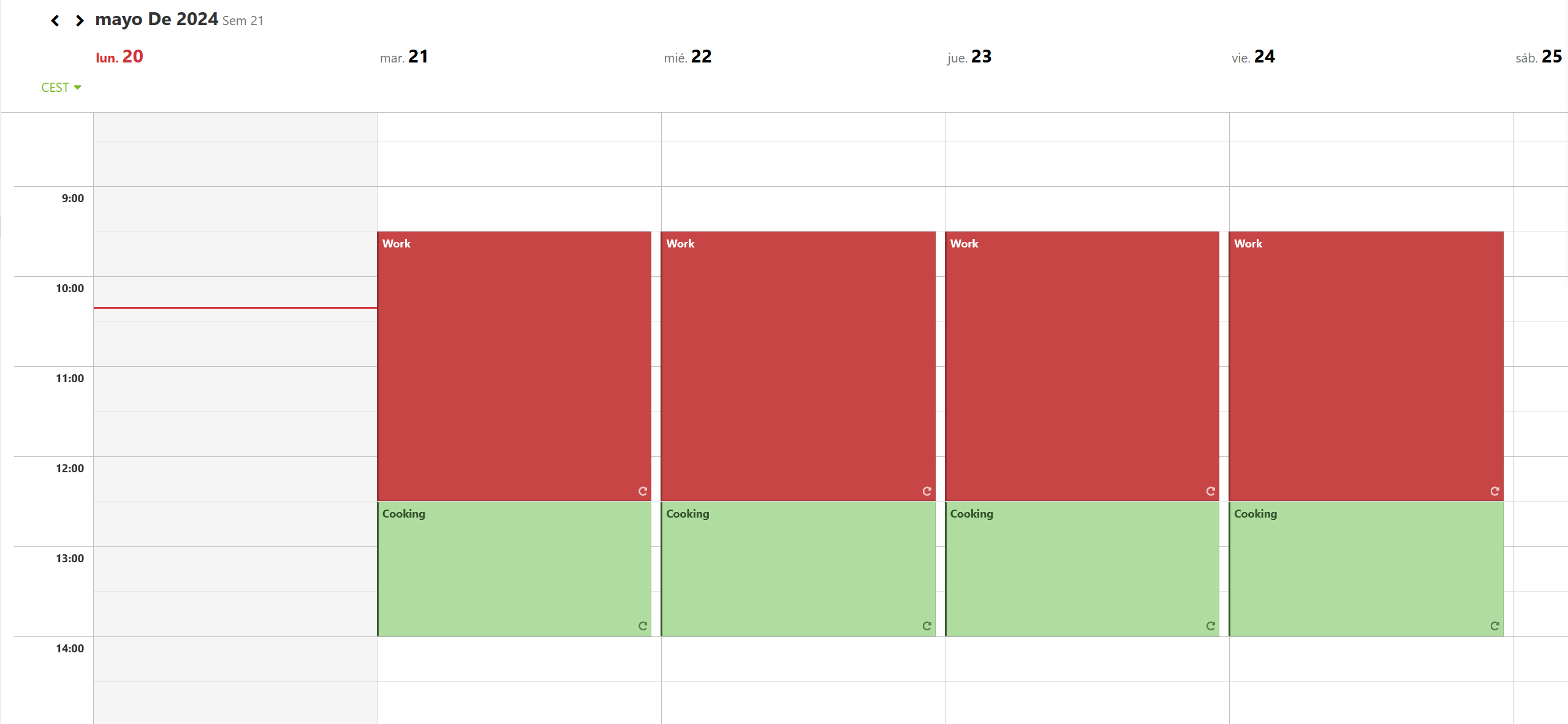
For example, in my email account, it looks like this way this way.
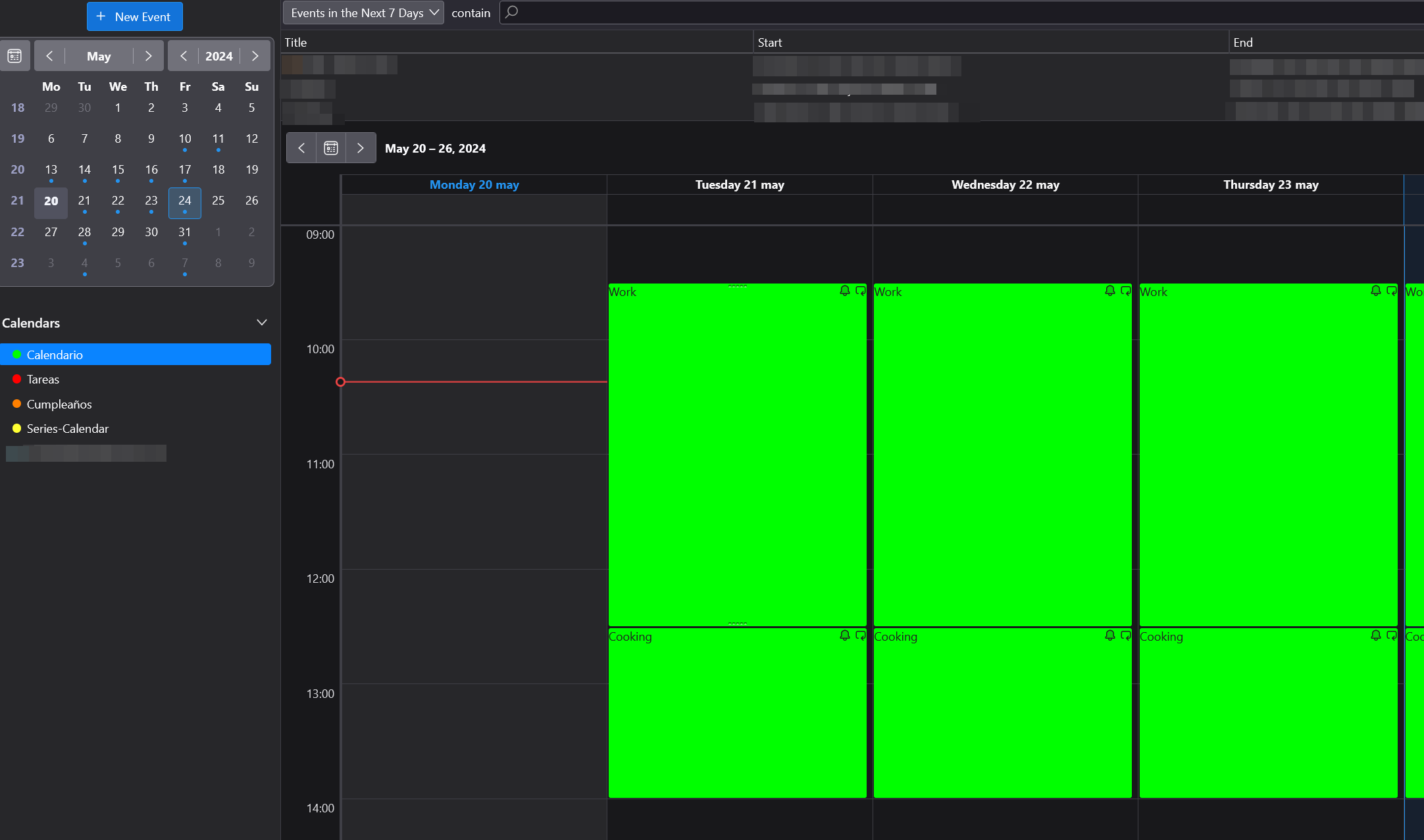
Whereas in my Thunderbird calendar, it looks like this this.
Thanks a lot if anyone come up with a solution.
Is there any option to import the color of events from my main calendar provider into Thunderbird so that it doesn't have just one color per calendar?
For example, in my email account, it looks like [https://assets-prod.sumo.prod.webservices.mozgcp.net/media/uploads/images/2024-05-20-01-20-36-259682.png this way] this way.
Whereas in my Thunderbird calendar, it looks like [https://assets-prod.sumo.prod.webservices.mozgcp.net/media/uploads/images/2024-05-20-01-20-36-259682.png this] this.
Thanks a lot if anyone come up with a solution.
Alle antwoorden (1)
Hola, Su consulta fue redirigida el foro en Español. En mi caso uso el complemento de calendario "Provider for Google Calendar" que es prácticamente el mismo que el calendario incluido en Thunderbird Supernova, solo que ya existía antes, puedes probar lo que indica un colaborador en el desarrollo de dicho complemento, ver primer comentario: https://github.com/kewisch/gdata-provider/pull/591 Saludos