


How to made web pages dark in Firefox?

Hi and I want to know that how can I make web pages dark in mozilla. In mozilla settings there was option to change the theme but there was no option to make the web pages dark. For ex in chrome and brave we can make it dark by going to `chrome://flags` or `brave://flags` and then typing `force dark mode for web contents` in search bar and enabling it and then relaunching the browser but I don't know how to do it in mozilla.
Alle antwoorden (7)
There is a Dark reader addon. Note that it can lower Firefox's performance.
Some site have built-in theme detection based on your operating system settings. If you don't use a dark theme for your OS, there is a way to set Firefox to tell websites you do. This won't cover all sites, but will help with some of them. Here's how:
(A) In a new tab, type or paste about:config in the address bar and press Enter/Return. Click the button accepting the risk.
(B) In the search box, type or paste ui.systemUsesDarkTheme
(C) Firefox should display a bar with some radio buttons to choose a new preference type, followed by a + button. Choose Number and click the + button:

(D) Edit the value to either 0 (Light) or 1 (Dark) and then click the blue check mark button or press Enter/Return to save the change.

You should noticed a change immediately on the about:config page.
TyDraniu said
There is a Dark reader addon. Note that it can lower Firefox's performance.
I already used it but I didn't like it tbh.
jscher2000 said
Some site have built-in theme detection based on your operating system settings. If you don't use a dark theme for your OS, there is a way to set Firefox to tell websites you do. This won't cover all sites, but will help with some of them. Here's how: (A) In a new tab, type or paste about:config in the address bar and press Enter/Return. Click the button accepting the risk. (B) In the search box, type or paste ui.systemUsesDarkTheme (C) Firefox should display a bar with some radio buttons to choose a new preference type, followed by a + button. Choose Number and click the + button:
Omg thank u so much :)
jscher2000 said
Some site have built-in theme detection based on your operating system settings. If you don't use a dark theme for your OS, there is a way to set Firefox to tell websites you do. This won't cover all sites, but will help with some of them. Here's how: (A) In a new tab, type or paste about:config in the address bar and press Enter/Return. Click the button accepting the risk. (B) In the search box, type or paste ui.systemUsesDarkTheme (C) Firefox should display a bar with some radio buttons to choose a new preference type, followed by a + button. Choose Number and click the + button:
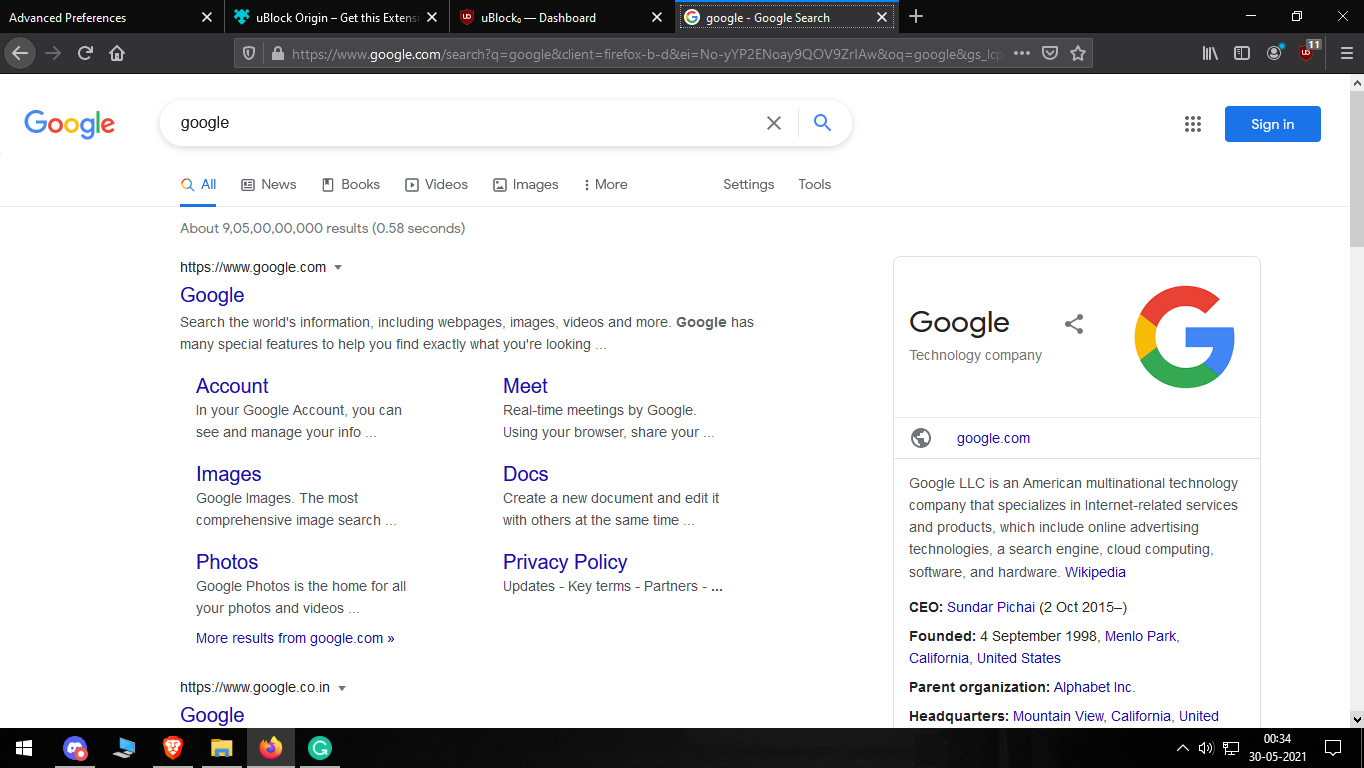
I tried it but it didn't make the google website dark. It is still white and it hurts my eyes especially at night.
Bewerkt door rounakpropubg op
But is there a way to make firefox dark other than using extensions like dark reader?
Bewerkt door rounakpropubg op