


Firefox glitching images
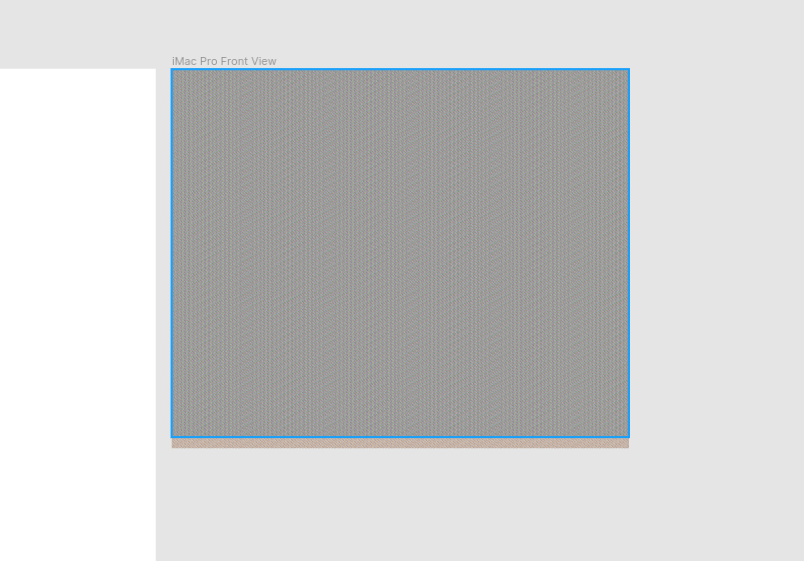
Recently, I am seeing some images glitching when browsing in Firefox. For example, when I try to use Figma, images in my canvas glitch. I attached a screenshot as example.
Glad if anyone can help me.
Gekozen oplossing
Fixed it.
I apparently I had changed some settings in about:config that was causing the problem. I reset everything and now it's working fine.
Thanks for the help! :)
Dit antwoord in context lezen 👍 0Alle antwoorden (4)

Is this with all websites/pages, some, a few?
Many site issues can be caused by corrupt cookies or cache.
Warning ! ! This will log you out of sites you're logged in to. You may also lose any settings for that website.
- How to clear the Firefox cache {web link}
If there is still a problem, Start Firefox in Safe Mode {web link} by holding down the <Shift> (Mac=Options) key, and then starting Firefox.
A small dialog should appear. Click Start In Safe Mode (not Refresh). Did this help?
While you are in safe mode;
Try disabling graphics hardware acceleration in Firefox. Since this feature was added to Firefox it has gradually improved but there are still a few glitches.
How to disable Hardware Acceleration {web link}
So far, I noticed this problem in figma.com and canva.com.
I cleaned all the cookies and cached data and still had the problem. Then, when I restarted Firefox in Safe Mode and tried to use Figma, I got this error: "We can't open this file because WebGL isn't supported, or is disabled, in your browser. If your browser supports WebGL, check out this help article to find out how to enable it."
I also tried disabling hardware acceleration, but that didn't worked either.
Weird thing is that it was working fine a few days ago.
Btw, I'm using Linux (Ubuntu). I don't if that has anything to do with the problem.
Gekozen oplossing
Fixed it.
I apparently I had changed some settings in about:config that was causing the problem. I reset everything and now it's working fine.
Thanks for the help! :)
That was very good work. Well Done.