


I can’t open reddit, but all other websites are working well
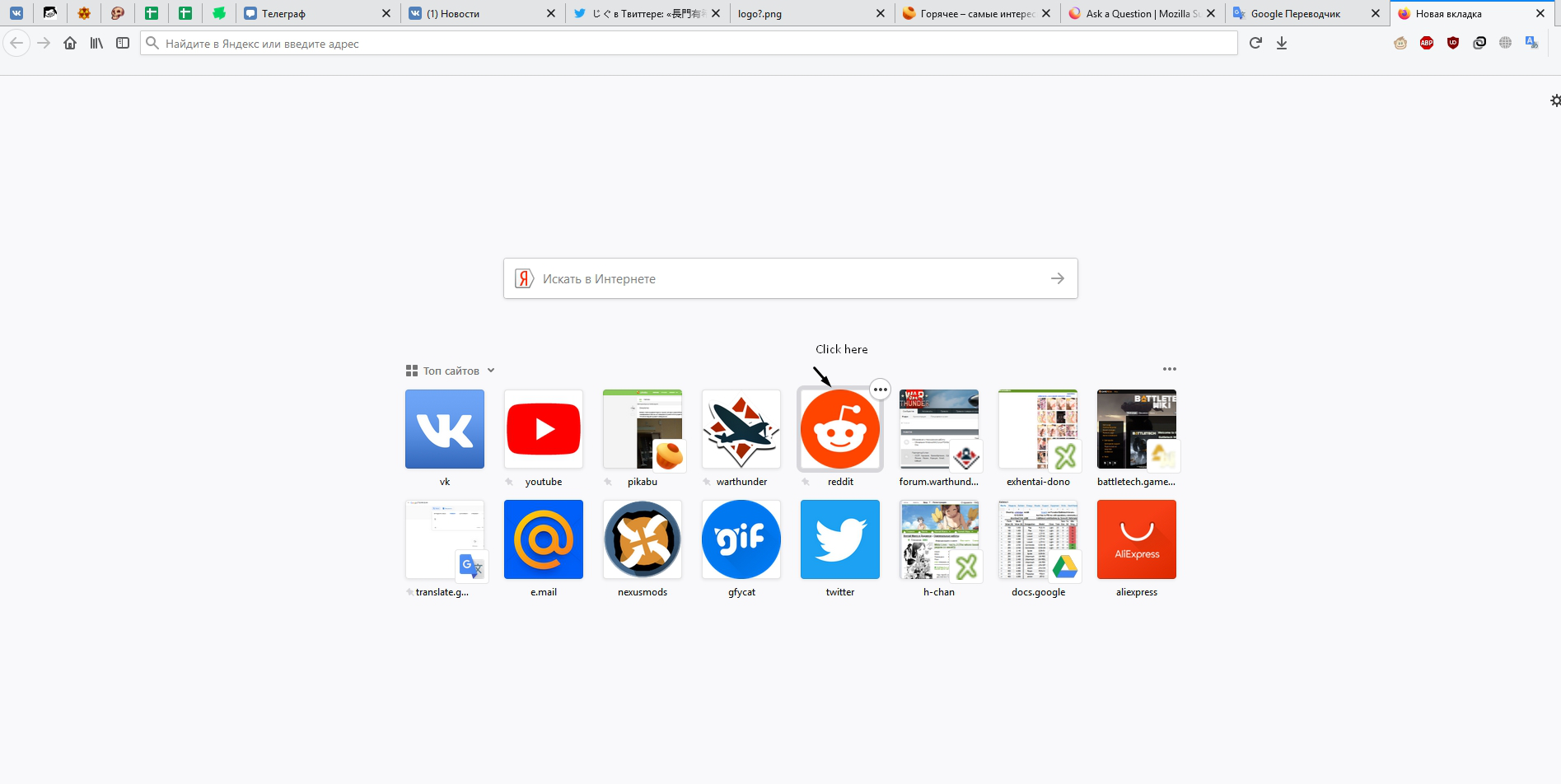
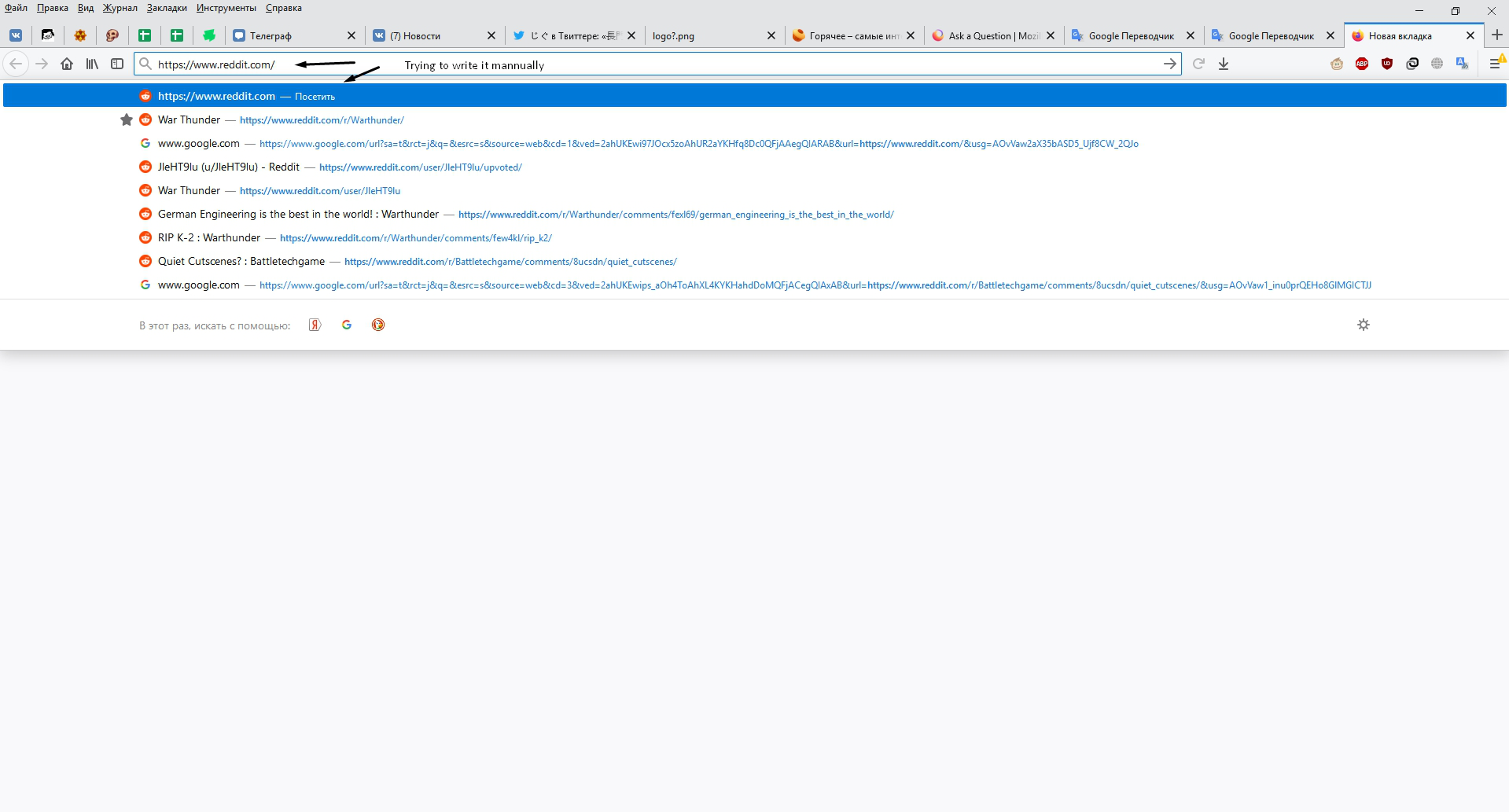
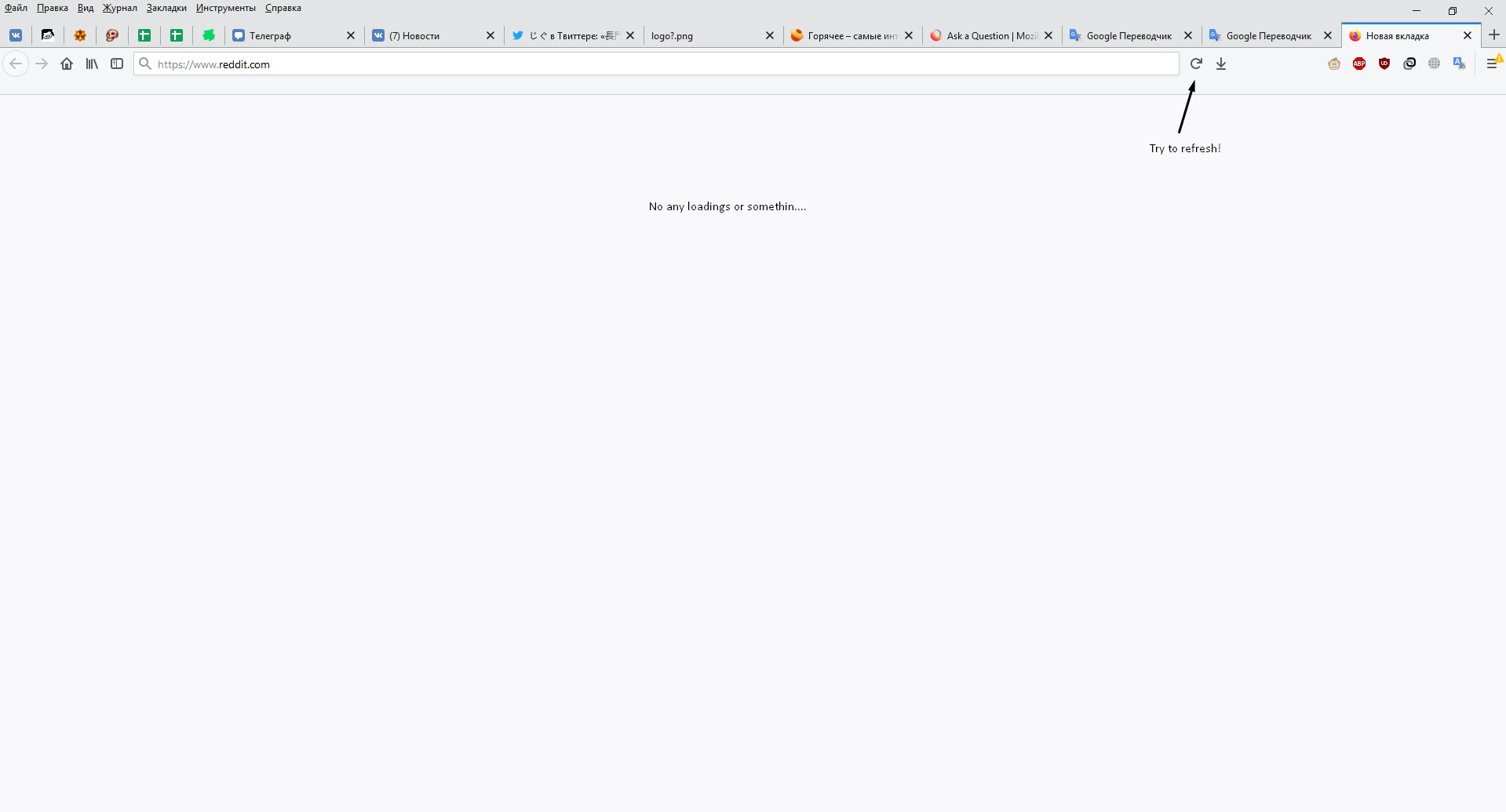
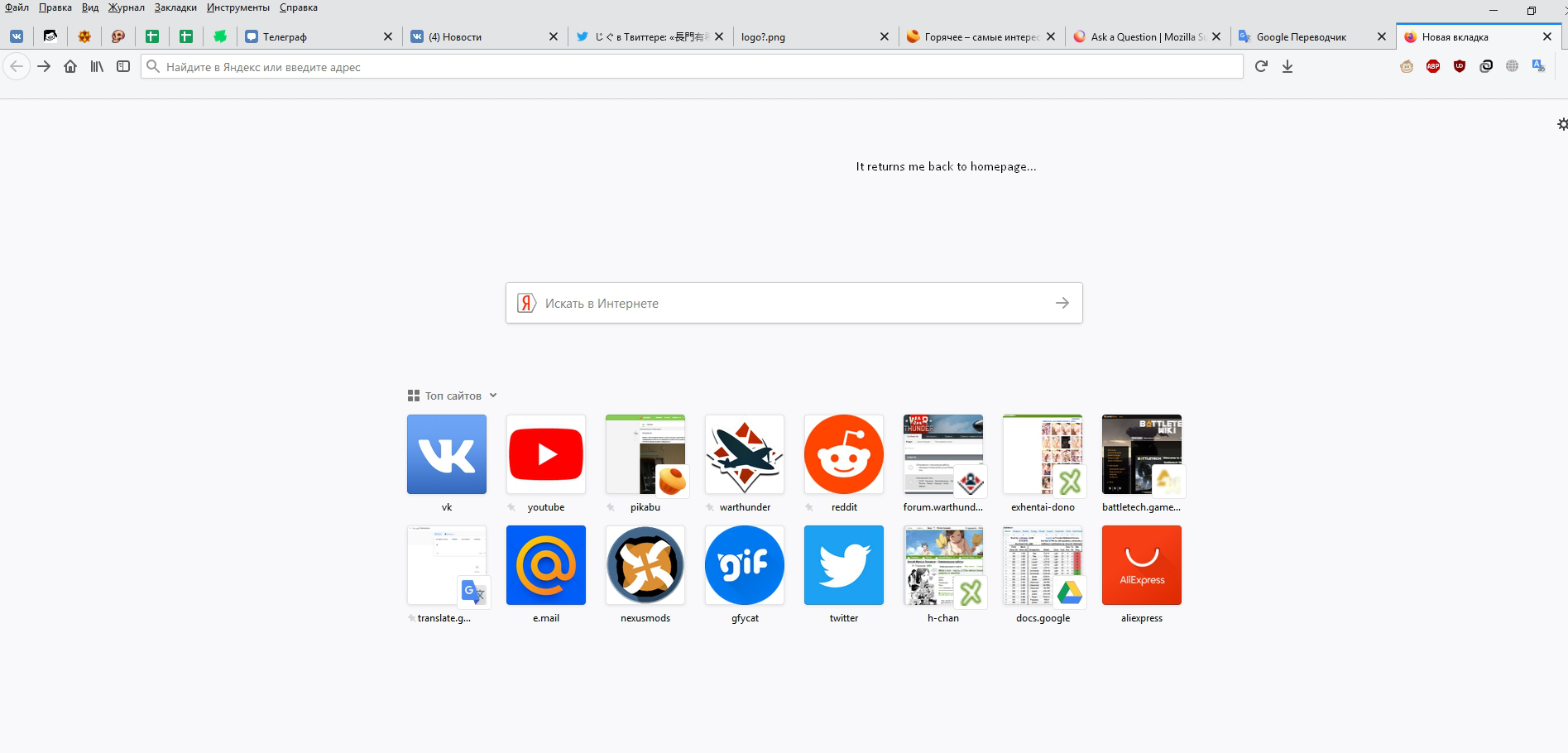
Within 2 or 3 days I can’t access in the reddit webpage, it doesn’t even load (see Screenshots). Disabling add-ons did not help. It opens normally on Edge and in the mobile Firefox, and Reddit app. Any other sites work well.
Gekozen oplossing
Very odd.
Remove History For One Site
Open the History Manager <Control><Shift> H. In the search bar, enter the name of the site. Right-click on one of the listings and select Forget About This Site. This should remove all information, including any settings.
Dit antwoord in context lezen 👍 2Alle antwoorden (8)

Start Firefox in Safe Mode {web link}
A small dialog should appear. Click Start In Safe Mode (not Refresh). Is the problem still there?
FredMcD said
Start Firefox in Safe Mode {web link} A small dialog should appear. Click Start In Safe Mode (not Refresh). Is the problem still there?
Yep, still not working
Start your Computer in safe mode with network support. Then start Firefox. Try Secure websites. Is the problem still there?
http://encyclopedia2.thefreedictionary.com/Linux+Safe+Mode Starting Any Computer In Safe Mode; Free Online Encyclopedia
FredMcD said
Start your Computer in safe mode with network support. Then start Firefox. Try Secure websites. Is the problem still there? http://encyclopedia2.thefreedictionary.com/Linux+Safe+Mode Starting Any Computer In Safe Mode; Free Online Encyclopedia
Still there :(

Gekozen oplossing
Very odd.
Remove History For One Site
Open the History Manager <Control><Shift> H. In the search bar, enter the name of the site. Right-click on one of the listings and select Forget About This Site. This should remove all information, including any settings.
FredMcD said
Very odd. https://support.mozilla.org/kb/Clear+Recent+History#w_how-do-i-remove-a-single-website-from-my-history Remove History For One Site Open the History Manager <Control><Shift> H. In the search bar, enter the name of the site. Right-click on one of the listings and select Forget About This Site. This should remove all information, including any settings.
Oh! I did this and cleared any cache related to Reddit. And now it works! Thanks!
Glad to help. Safe Surfing.
Hi NyanCat:
Oh! I did this and cleared any cache related to Reddit. And now it works! Thanks!
Glad FredMcD was able to help you fix it (thanks Fred!)
So just to be clear you did the following right?
1. <Control><Shift> H. In the search bar, entered Reddit. Right-click on one of the listings and select Forget About This Site. <-- as per Fred AND you did the following : 2. about:preferences#privacy and then entered Reddit and then clicked on "Remove all Shown" right?
Cheers!
...Roland