


lockwise stuck in light theme
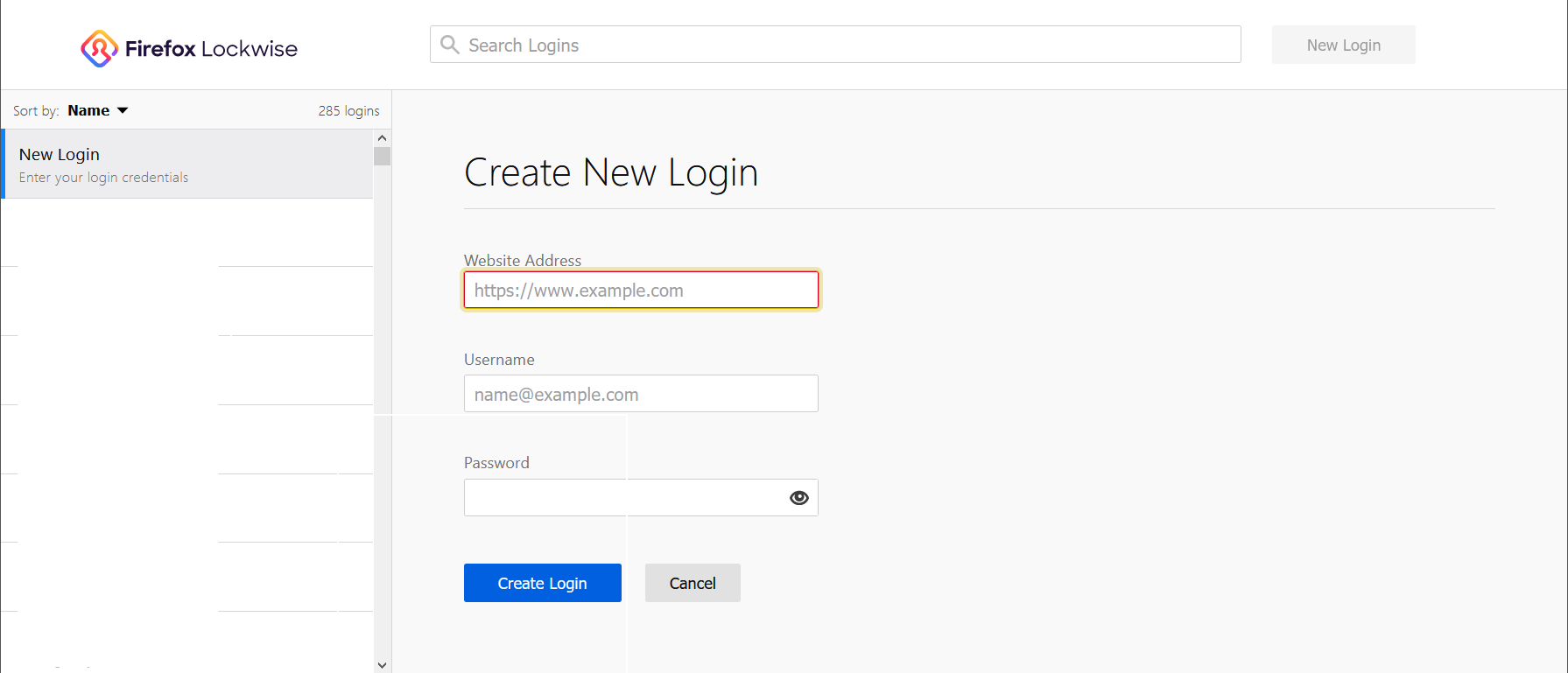
I have my browser in dark mode, but lockwise is stuck in light mode. this isn't an issue in other instances of the browser I've installed.
Gekozen oplossing
Hello William,
Your system details show that you have "Firefox Lockwise 2.2.4-alpha" installed, which you don't need anymore.
Even though I doubt that this extension is causing it; would you please disable or remove it ?
Unfortunately I haven't been able to find anything (else) that might explain your problem; maybe someone else will.
Dit antwoord in context lezen 👍 0Alle antwoorden (4)
Gekozen oplossing
Hello William,
Your system details show that you have "Firefox Lockwise 2.2.4-alpha" installed, which you don't need anymore.
Even though I doubt that this extension is causing it; would you please disable or remove it ?
Unfortunately I haven't been able to find anything (else) that might explain your problem; maybe someone else will.
You do you change Firefox to dark mode ?
Is that with code in userChrome.css ?
removing the alpha worked! didn't even know it was still installed. thanks!