How to fix console errors?
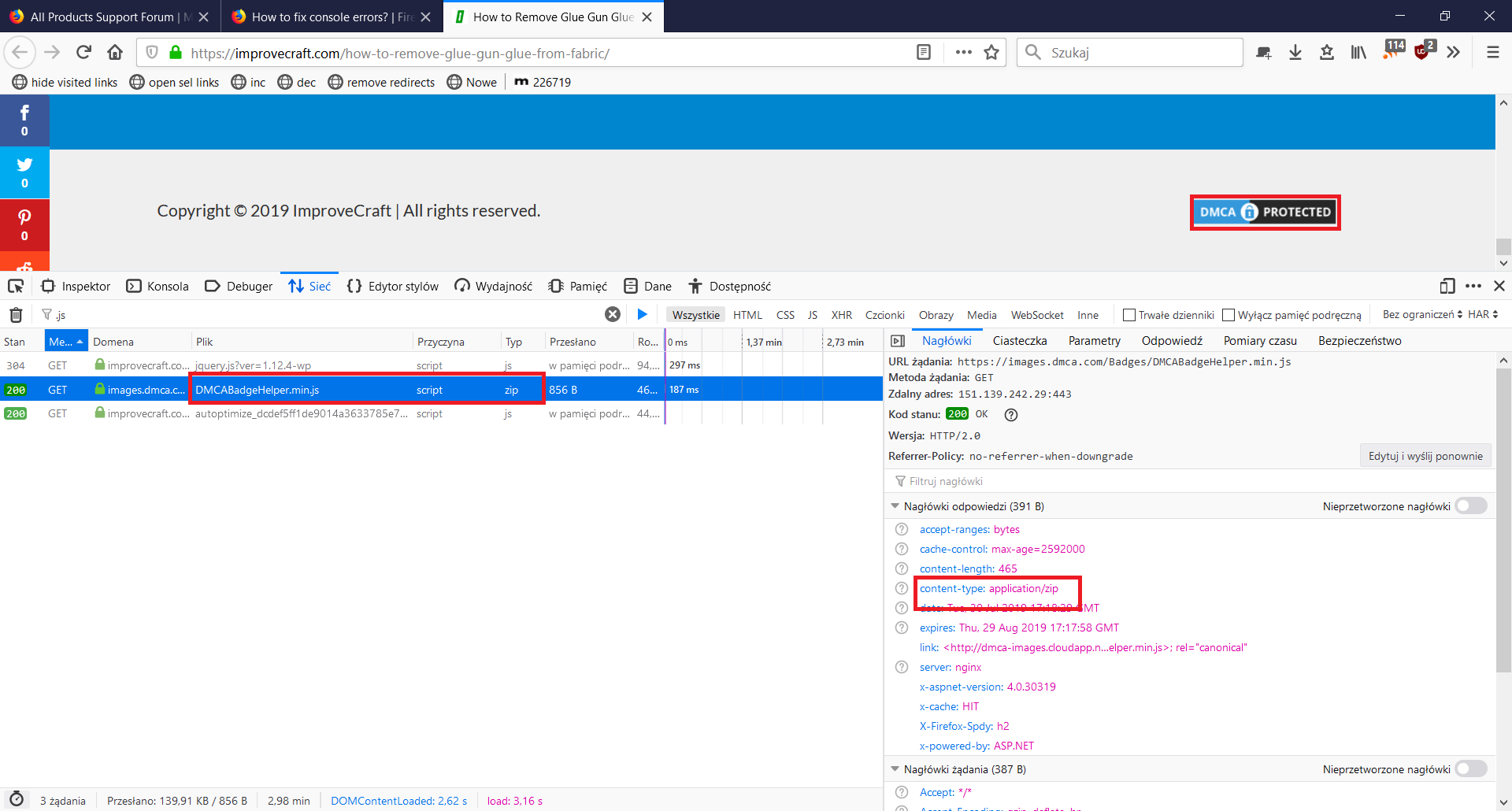
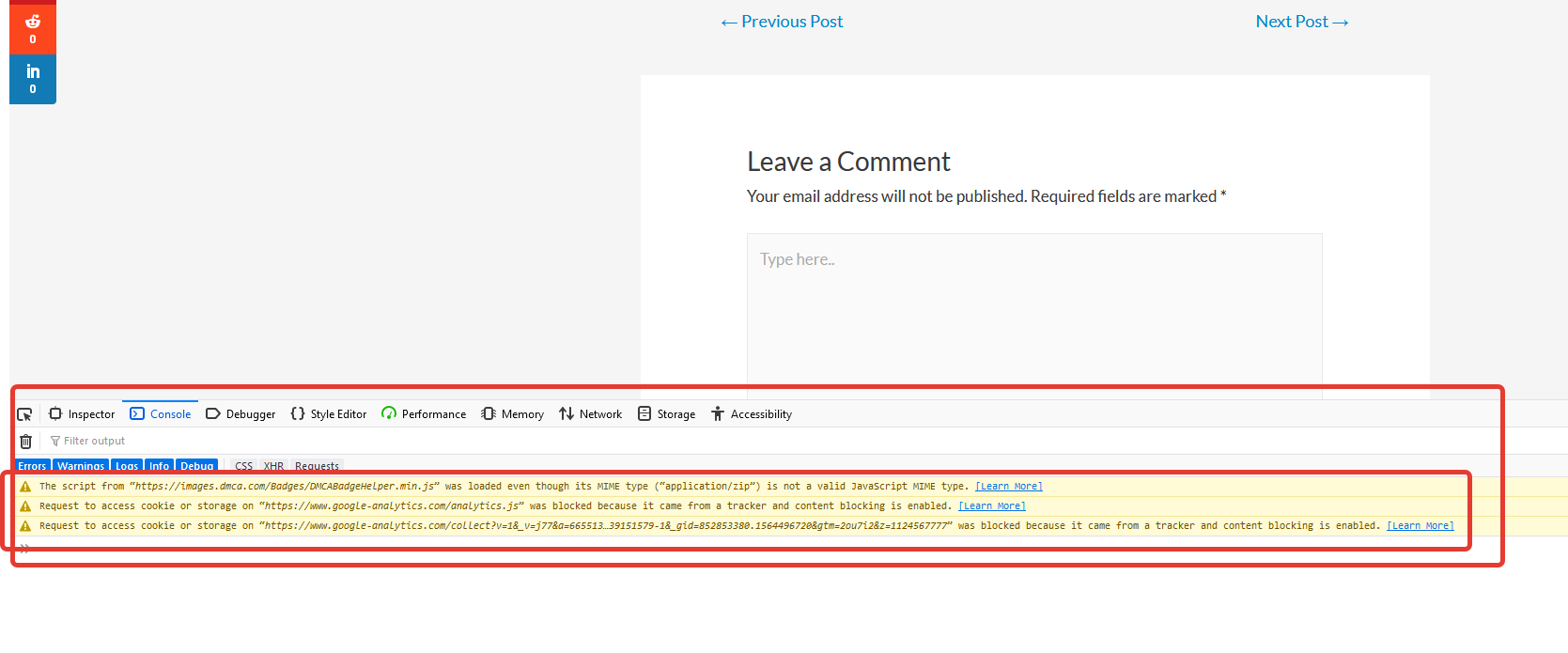
Hello! My name is Kevin, I work as a novice developer on a small site. Recently, my employer saw errors in the browser in the console (as in the screenshot).
Question: how to remove these errors? how to open access to https://www.google-analytics.com and https://images.dmca.com/Badges/DMCABadgeHelper.min.js In some file on the site you need to enter permissions?
The page with the problem: https://improvecraft.com/how-to-remove-glue-gun-glue-from-fabric/
Yes, and almost every page of the site displays this error.
Thank.
Alle antwoorden (3)
Gekozen oplossing
The content blocking error is because you are using trackers on your website that Firefox blocks by default. Here's a blog post explaining it: https://blog.mozilla.org/firefox/tracking-protection-always-on/
More and more users have tracking protection enabled every day.
Tyler Downer said
The content blocking error is because you are using trackers on your website that Firefox blocks by default. Here's a blog post explaining it: https://blog.mozilla.org/firefox/tracking-protection-always-on/ More and more users have tracking protection enabled every day.
Thank you Tyler Downer.
The JS error is a server config mistake. Not yours, but of the owner of this badge in the footer.