Firefox "Homepage and new windows" setting is wrong
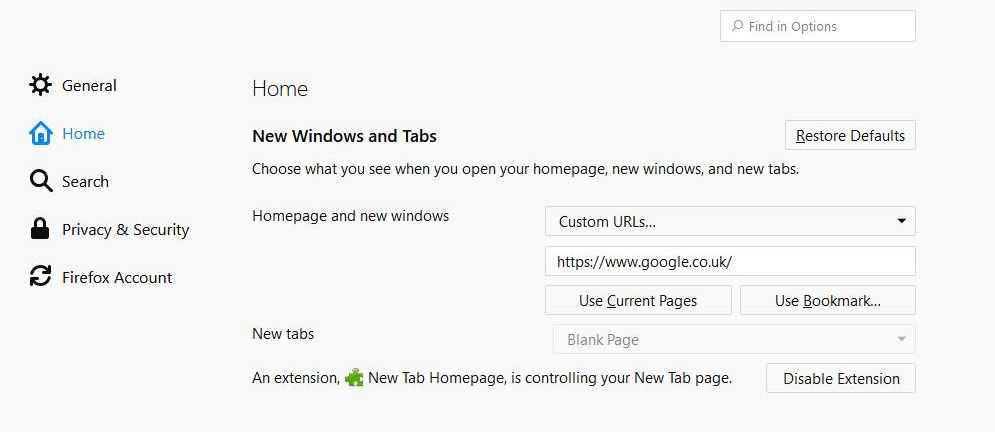
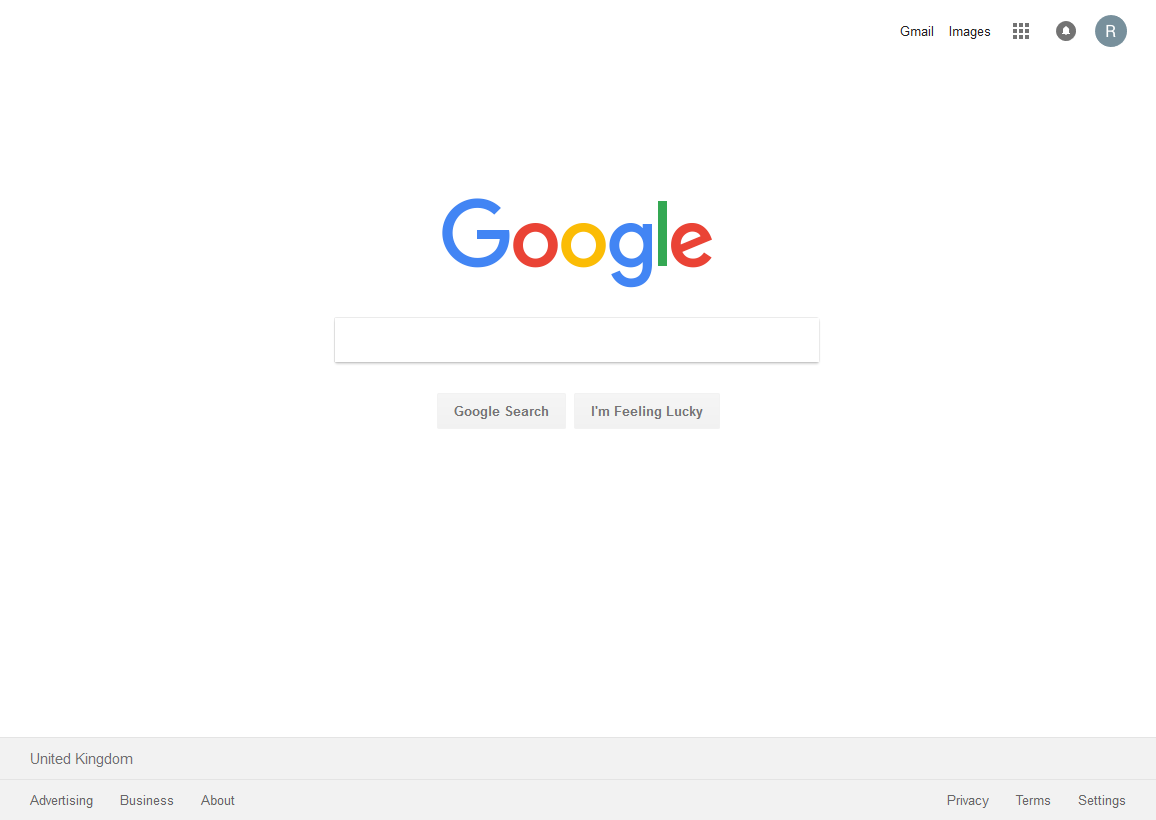
Before recent updates, my "Homepage and new windows" options settings took me to a vanilla "Google.co.uk" homepage. Since then I get this modified, unwanted Home page with "Highlights" underneath and restricted access to Google facilities - see images.
How can I get rid of it?
thks

Gekozen oplossing
That's really crap - Firefox shouldn't impose their own home screen on users otherwise they will move elsewhere.
Alle antwoorden (7)

Hi, that's the default Firefox Home page. Click in the 'Home page and new windows' box, and select Custom URLs... then type in the address you want to use in the box below - such as google.co.uk
If your question is resolved by this or another answer, please take a minute to let us know. Thank you!
That's the problem. I'm an experienced user. I've always customised my home/new tab to Google.co.uk and its still set that way now.
This problem only started recently. I've installed an add-on that fixes it (New tab homepage) but if I disable that add-on my homescreen reverts to the Firefox homepage not the one I have chosen in Options. I shouldn't have to install the add-on!!
Something really weird going on with Fitefox just now.
That's the problem. I'm an experienced user. I've always customised my home/new tab to Google.co.uk and its still set that way now.
This problem only started recently. I've installed an add-on that fixes it (New tab homepage) but if I disable that add-on my homescreen reverts to the Firefox homepage not the one I have chosen in Options. I shouldn't have to install the add-on!!
Something really weird going on with Fitefox just now.
having an addon is the only way to tweak the new tab page in firefox currently, so please just let it stay enabled.
Gekozen oplossing
That's really crap - Firefox shouldn't impose their own home screen on users otherwise they will move elsewhere.
Hi rfjay:
about:preferences#home and then uncheck 'Highlights' should get rid of Highlights and give you some of the customization you want.
Cheers!
...Roland
"Fixed" it via an add-on - see image.
In my opinion I shouldn't have had to do this however. Having a modified home screen imposed on the user by Firefox is not the way to go.