This is tiresome already! I have repeatedly downloaded the Silverlight update to version 5.1 but firefox continues to show version 4.1.10111.0.

FIREFOX 16.0.2 CONTINUES TO SHOW SILVERLIGHT 4.1.10111.0 IN PLUG-INS DESPITE REPEATEDLY UNINSTALLING SILVERLIGHT AND THEN INSTALLING SILVERLIGHT VERSION 5.1.
All Replies (3)
Your system details list shows a Silverlight 5.1.10411.0 version.
Where do you see the Silverlight 4.1.10111.0 version?
I have installed Silverlight 5.1.10411.0 but the red message stating "Silverlight plug-in is know to be vulnerable and should be updated" but when I follow the "update now" link it just goes to a page saying "Silverlight 4.1.10328.0 has been blocked".
I think the problem is that the red warning message should have been removed when users have updated to 5.1.10411.0 but it hasn't for some reason despite what seems to be a successful install ?
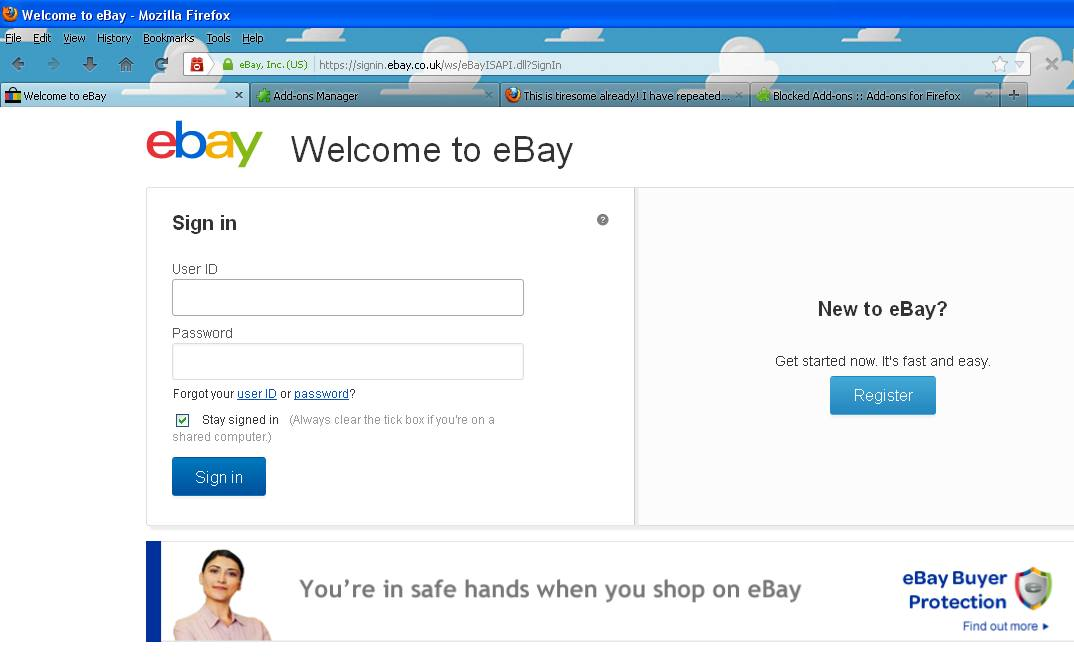
I also still get the flashing RED Lego brick (plugin) symbol in the browser navigation toolbar when I go to sign-in on any https: prefixed website (see attached picture) even though Silverlight 5.1.10411.0 'appears' to be installed according to the Add-ons Manager display.
What is going on?????