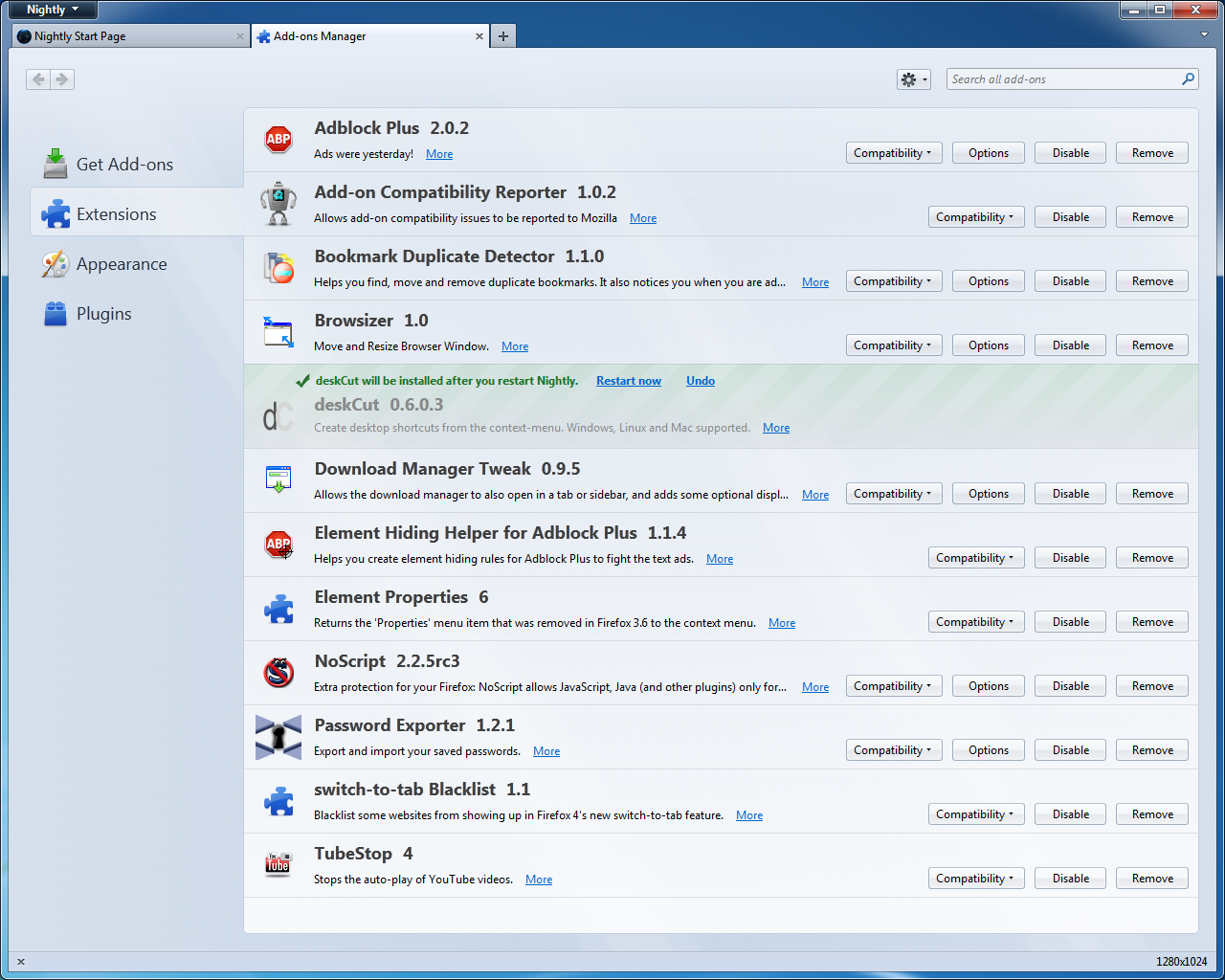
The deskcut add on is not working 0.6.0.3 no matter what i try

When i right click on a web page in ff to save a short cut to my desktop it doesn't work. The deskcut won't put the shortcut on the desktop anymore. Why?
Chosen solution
I can drag the link to the desktop and when I hover over it it shows the url but when I click the Icon it tries to set up a printer to complete a print job
Read this answer in context 👍 0All Replies (6)
Note under "Developer Comments" on the add-on page ( https://addons.mozilla.org/en-US/firefox/addon/deskcut/ ) reads:
Note:7/15/2011: In some cases, the path to the desktop is not getting found automatically. Looking for the cause, but clicking the 'Find' button in the 'Path' tab of the deskcut options seems to fix it.
It is the developer's responsibility to fix the problem of which he/she seems to be aware.
If this reply solves your problem, please click "Solved It" next to this reply when signed-in to the forum.
Modified by SafeBrowser
You can drag the favicon on the left end of the location bar onto the desktop to create a shortcut.
You can also use an extension.
This makes no since to me at all. Sorry.
I already knew about the drag the icon, but i wanted the deskcut to work. I might as well uninstall deskcut since it obviously won't work. Poor development by who ever put it out.
Chosen Solution
I can drag the link to the desktop and when I hover over it it shows the url but when I click the Icon it tries to set up a printer to complete a print job
Tried to answer it here, hope it (also :)) helps! =)
Link @ https://support.mozilla.org/en-US/questions/843888
PS. To make new(er) versions work, there are 2 extensions -