


Open
I need to clear my information in Firefox on my IPhone 16 Pro
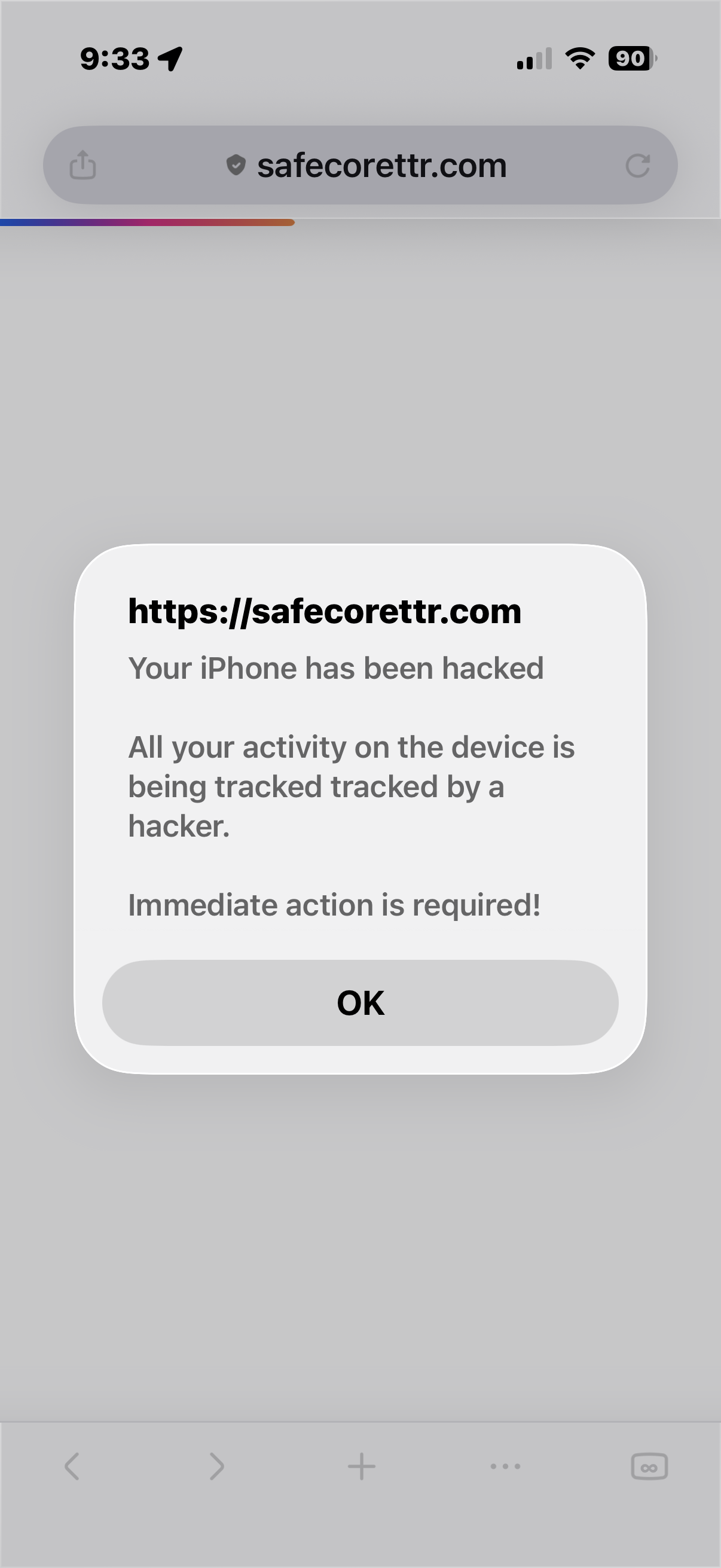
I cannot get past this screen even after a cold reboot of my iPhone. I’ve included a screenshot of the problem.
I cannot get past this screen even after a cold reboot of my iPhone. I’ve included a screenshot of the problem.
All Replies (1)
Try turning on airplane mode (and disconnecting any networks if still on) before restarting — that should stop it from reloading so that you can close the tab then.
See support.mozilla.org/questions/1594665 for the steps.