


why is firefox blocking a domain fowarding merch site

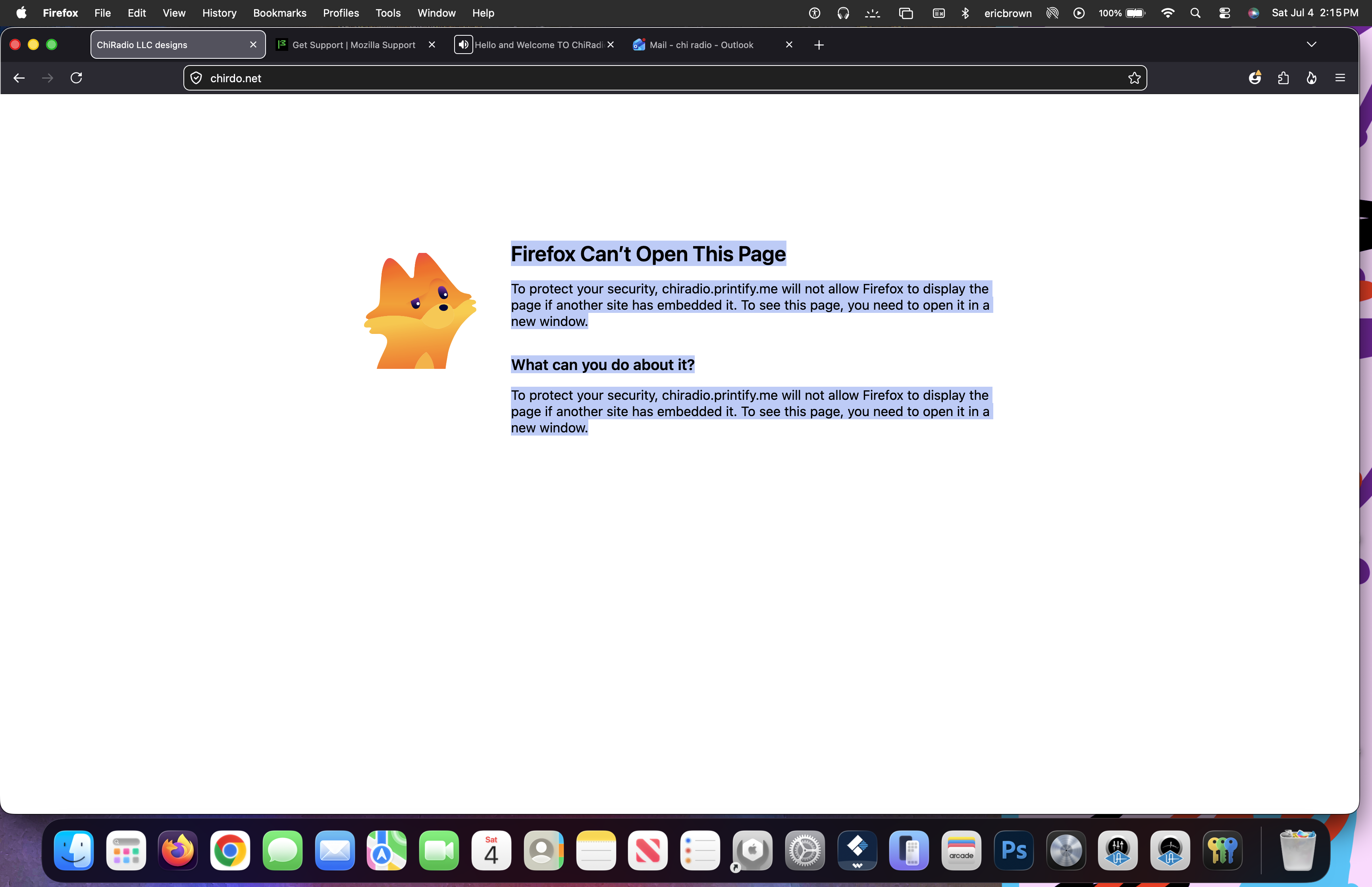
i have a domain that ( i bought ) i connected to my printify sellers page and this message came up Firefox Can’t Open This Page
To protect your security, chiradio.printify.me will not allow Firefox to display the page if another site has embedded it. To see this page, you need to open it in a new window. What can you do about it?
To protect your security, chiradio.printify.me will not allow Firefox to display the page if another site has embedded it. To see this page, you need to open it in a new window.
All Replies (2)
It means that you cannot embed the other site like this:
 <frameset rows="100%,*" border="0">
   <frame src="https://chiradio.printify.me" frameborder="0" />
 </frameset>
it is not allowed, because that other site has this header:
content-security-policy: frame-ancestors 'self' https://printify.com
I just tested it in Ms Edge and they don't allow it as well.
Hi,
This forum is intended to help users with Mozilla products, such as Firefox. Your question, however, does not appear to be Firefox-specific, so it falls beyond the scope of our support forum. As a moderator, I’m going to lock the thread and mark it as off-topic. Please see Mozilla Support rules and guidelines for more information.