


Can't set Move as option
Supposedly I can set Move as an option in Display/Visible message actions or in Interaction/Swipe. I CAN set these options, but it makes no difference.
All Replies (15)

Hi Tombarkas
What do you mean "It makes no difference". Could you detail what your exceptions are versus what your observing.
Unified inbox folder
The only area where the action is limited is within the unified inbox folder. There you must open the email first before moving it. Moving from the message list is not available.
- Open email
- Press 3 dot menu
- Select Move, or refile > Move
For other accounts & folders
From the message list view
- Select message(s)
- Press 3 dot menu
- Select move.
From an open email.
- Press 3 dot menu
- Select Move, or refile > Move
Swipe
The swipe operation also appears to work for the move operation. Swiping displays folder list allowing you to choose where to move the email to.
I have setthe settings for Display and Interaction as I described.
Now, In the Unified Inbox, the only option that appears on clicking on the 3 dots is Select All In Trash, the options are Select All, Mark all as Read (this is Trash!) and Empty Trash, or, for a single message, Show Headers
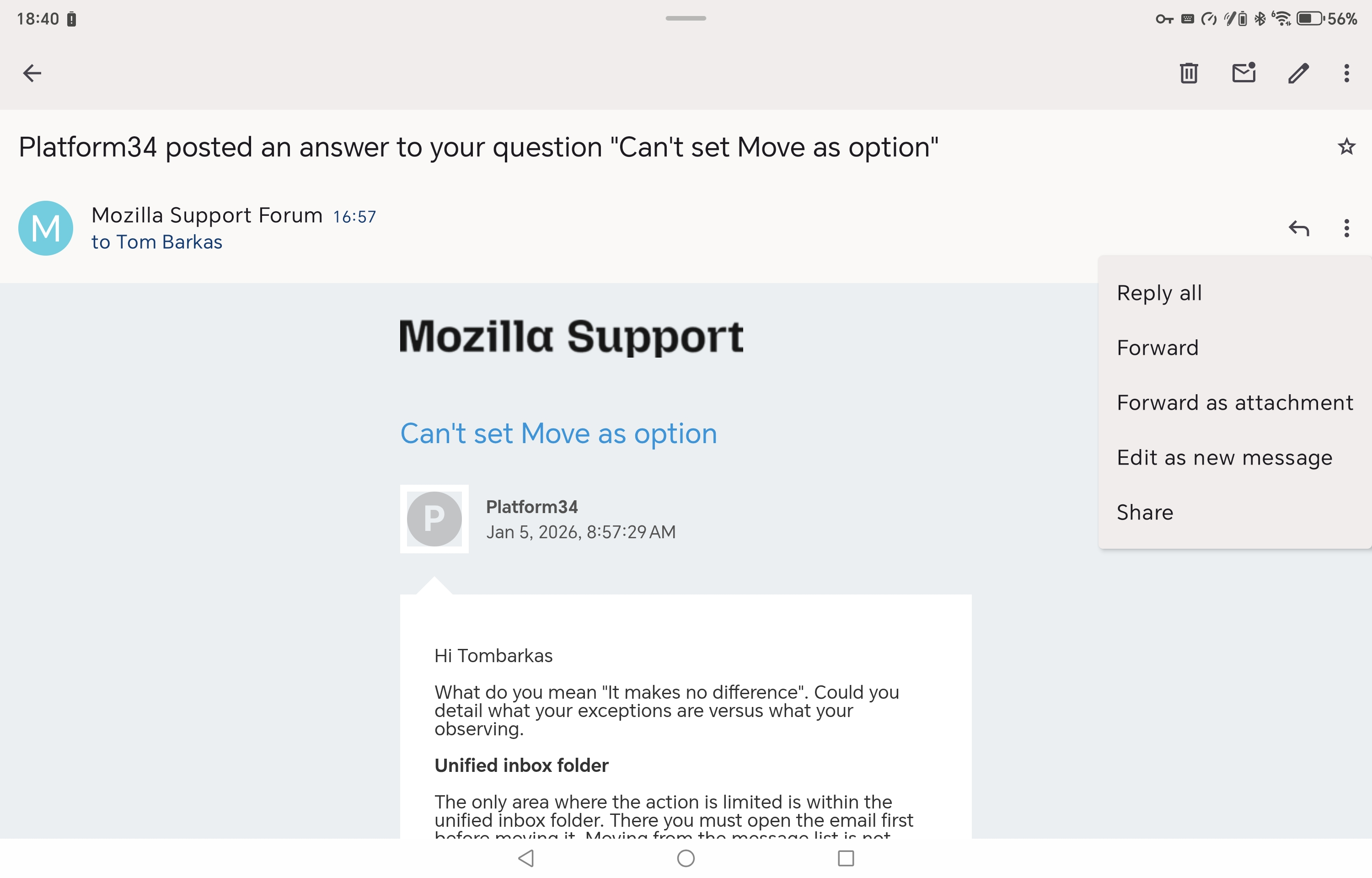
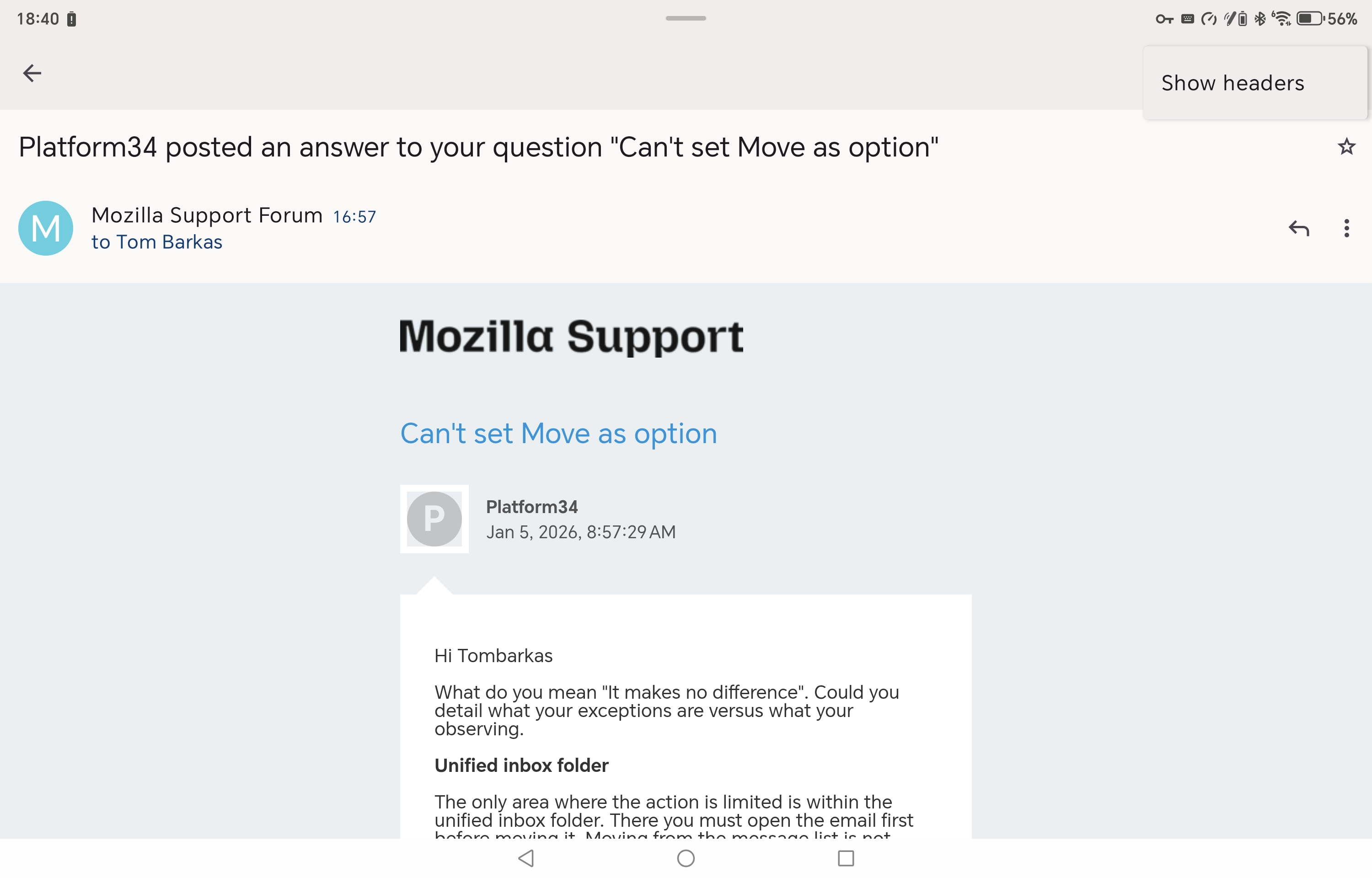
Those were opened messages, as you suggested. This was supposed to be a selected non-opened one, but it's again stuck on upload!
Modified by Tombarkas
Hi Tombarkas
You should be seeing more options in the upper most 3 dot menu where you're seeing "Show Headers". Even the basic compose option is missing from your menu. Please see mine attached as comparison.
What app and android version are you running.
It also looks like you're running on a tablet from your screen shot. Can you try each of the 4 orientation's to see if the menu options change. I notice mine change when switched from portrait to landscape, though some just move into the refile menu.
Do you also use the split screen option?
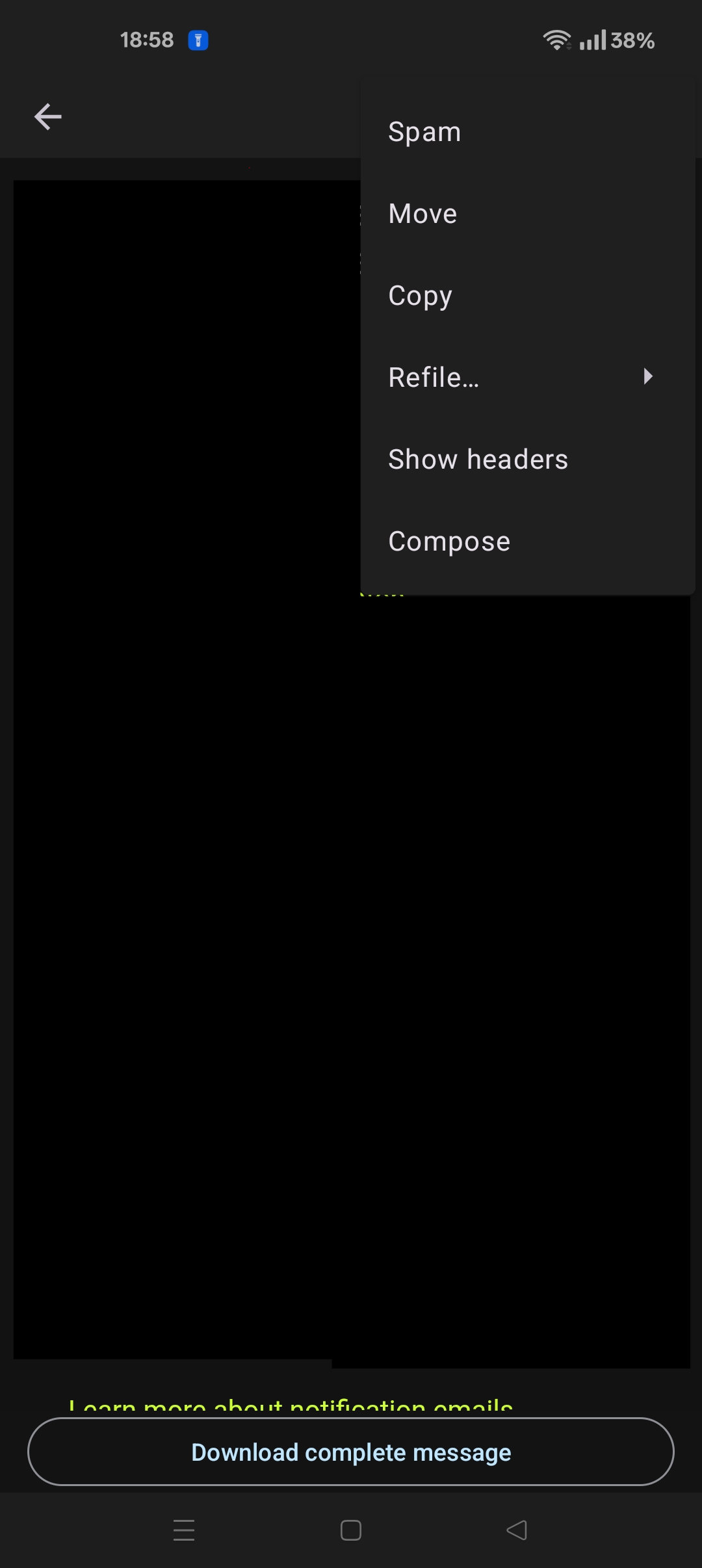
Hi Platformer. I'll try to provide all the answers. I'm using a Honor MagicPad 2 tablet, but I get the same effect/lack of effect on my Pixel 7a phone. Rotating through all 4 positions makes no difference.
MagicPad2 -Magic OS 9.0. Android 15. Thunderbird 14.0 Pixel - Android 16, Thunderbird 14.0
My main reason for looking into this was I wanted to move an email out of Trash and back into the Inbox.
Modified by Tombarkas
Hi Tombarkas
For the specific email, you should be able to return the email from the trash to the inbox using your webmail. Do you have a second email provider in the app. Does the behavior show with a different account?
It would be good to try reinstalling the app to rule out any corruption. Would you be open to trying? You can backup your settings to file and restore them after reinstall.
Hi Platformer.
Using webmail defeats the object of using Thunderbird.
I've just looked at different accounts in the app. On my tablet, I have 2 accounts (emails) with Zen Internet. Both of these do not show any of the expected options, such as Move, Copy etc. On my phone, I have the same 2 Zen Internet accounts, both of which do not show these options. However, my Gmail account shows all of these options!
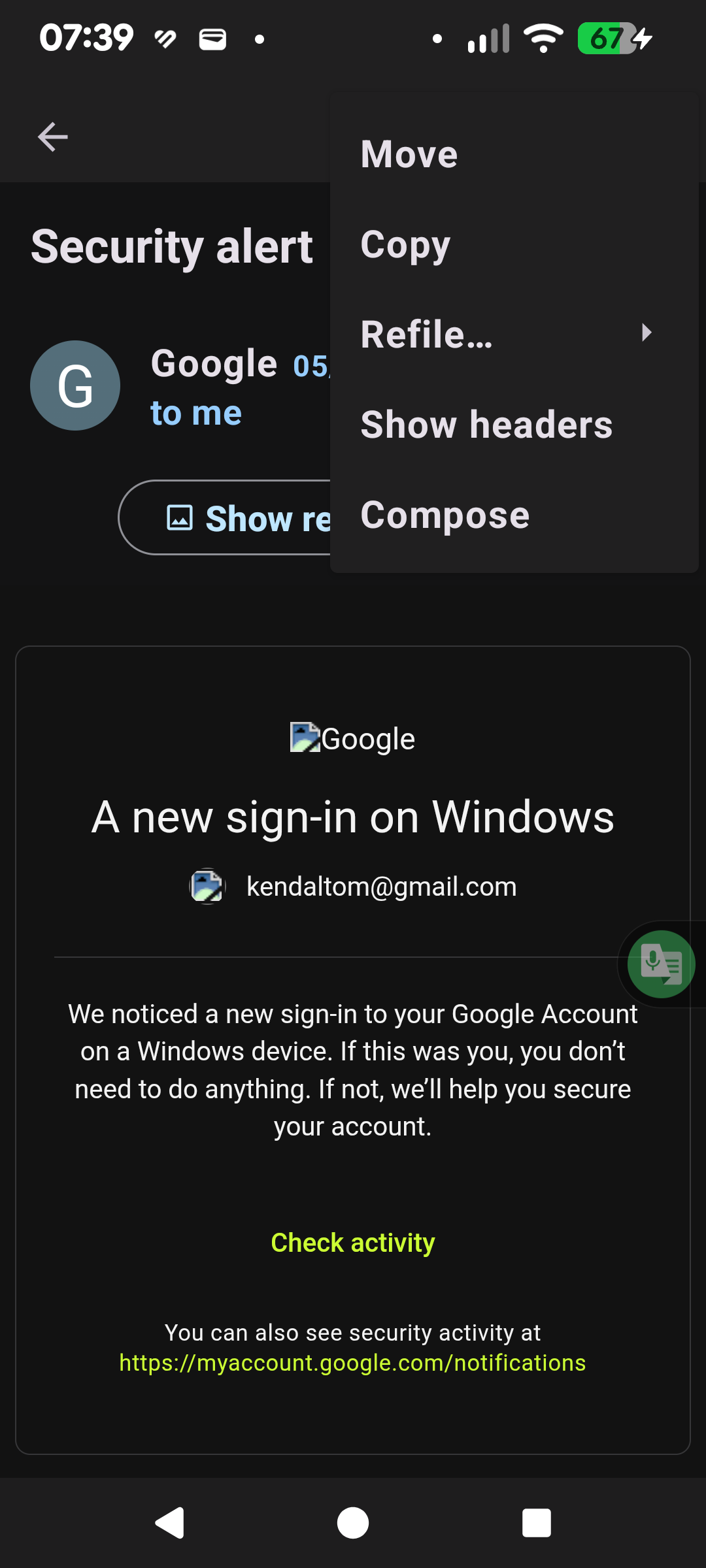
Hi Tombarkas
Do your Zen accounts connect via the Pop3 protocol? I'm assuming your using Imap for the gmail account!
Hi Tombarkas
There was a developer response (CKetti) to the same issue reported by a user in March 2024. I recognize it's not the answer you hoped for.
"Did you set up your account using POP3? Not being able to move messages from the Trash folder to the Inbox is a known limitation because the app doesn't properly support local folders or messages (see #648).
For the foreseeable future the focus of the app will be to manage email on the server. Try using IMAP instead."
Statement Reference https://github.com/thunderbird/thunderbird-android/issues/7733#issuecomment-2017658423
You can create a feature request on Mozilla Connect where the community can vote for the idea. https://connect.mozilla.org/t5/ideas/idb-p/ideas/label-name/thunderbird%20android
Thanks. I'm stuck with it then, as Zen Internet don't have IMAP. Maybe I'll have to just use Thunderbird on the PC and go back to one of the other email programmes for Android