


SHARE from Word 365

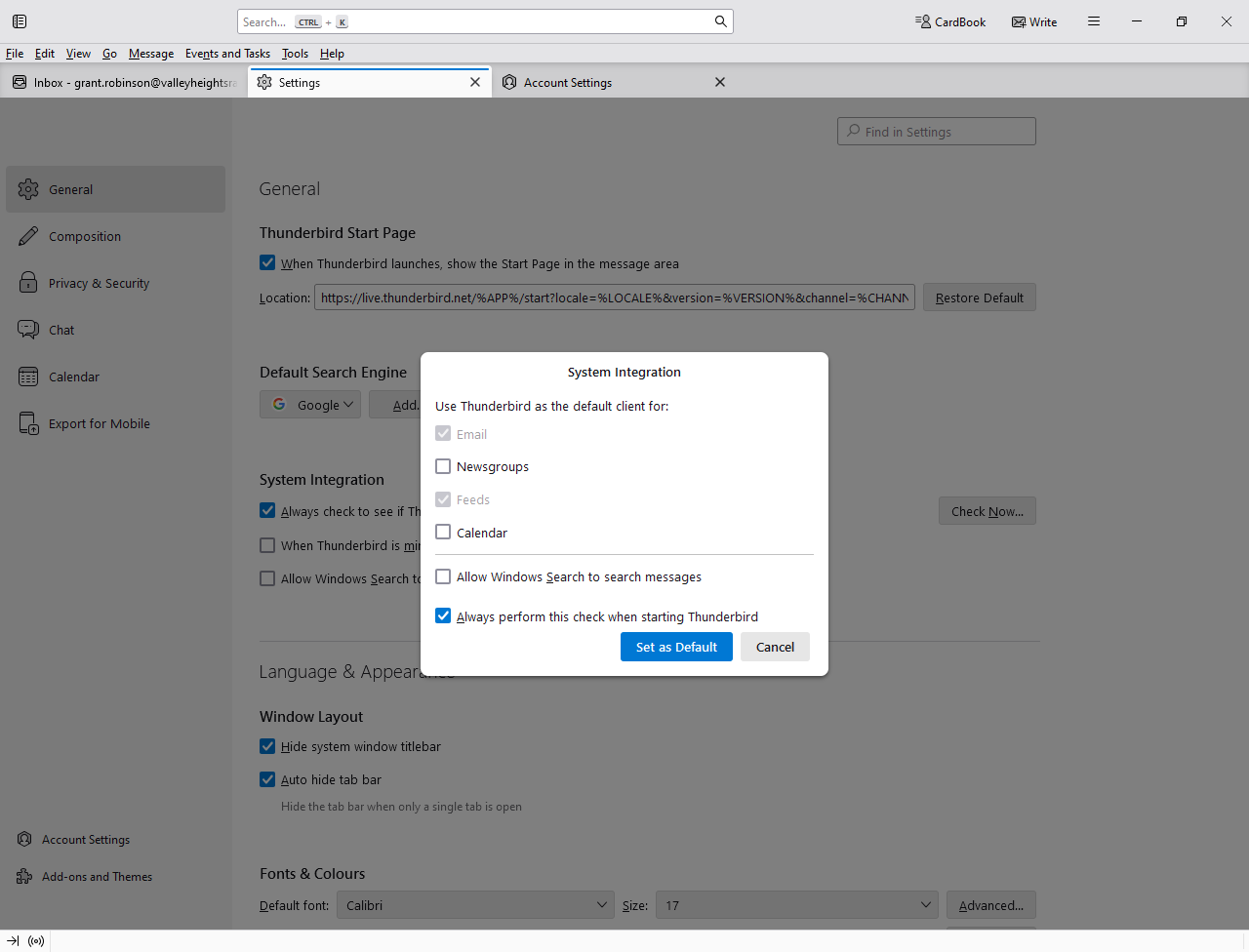
I have Thunderbird 128.9.2 on Windows 11 and run Word 365 I have configured TB as default mail program (see attached)
When I click on FILE > SHARE > EMAIL in Word 365, Word will not start Thunderbird, but wants to install Outlook 2016.
How get I get Word to send a file via Thunderbird instead of trying to configure an out of date version of Outlook?
I have Thunderbird 128.9.2 on Windows 11 and run Word 365
I have configured TB as default mail program (see attached)
When I click on FILE > SHARE > EMAIL in Word 365, Word will not start Thunderbird, but wants to install Outlook 2016.
How get I get Word to send a file via Thunderbird instead of trying to configure an out of date version of Outlook?
All Replies (1)
TB also is not integrated with the Share command in File Explorer, and I doubt it ever will be.