


can't open state owned website due to sertificate signature error
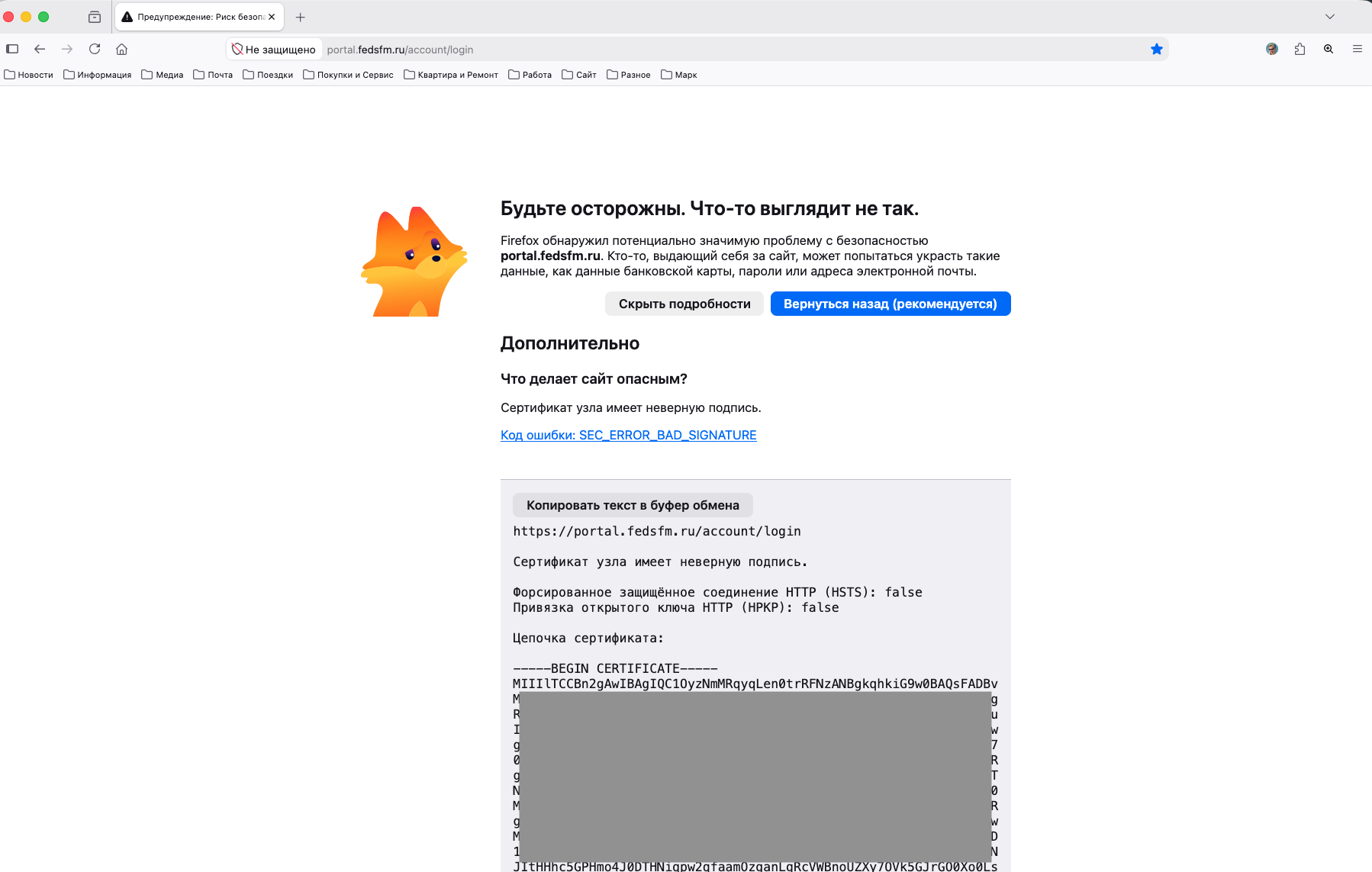
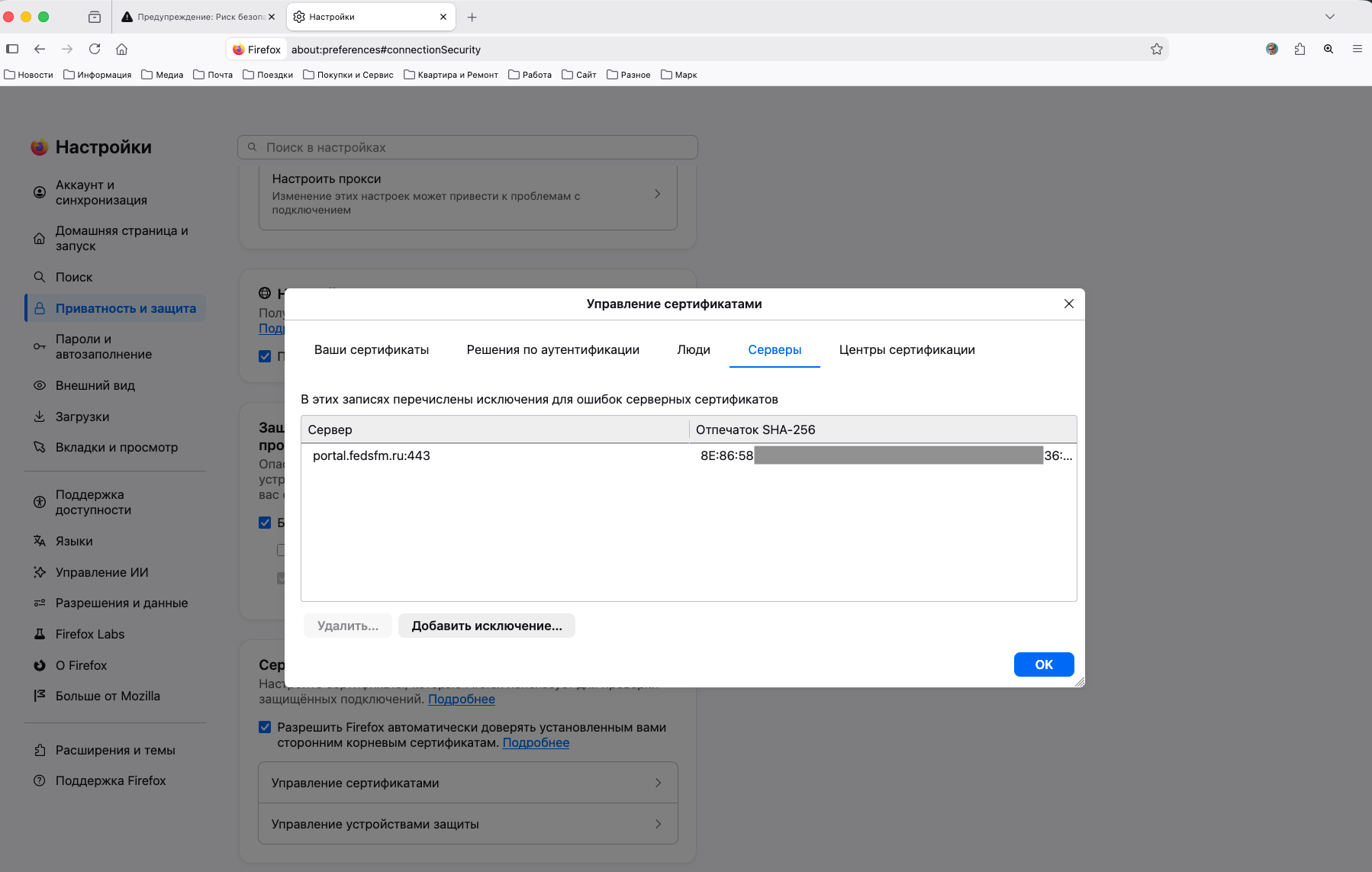
Hi, I try to use Firefox for my job and faced with the problem that I can't open state owned website due to sertificate signature error. I ready to take a risk but I can't find the button "Proceed.. (Risky)". This button simply not showing. In th same time in mobile version I saw this button, could take permssions myself and open the website. I tryed to add root and sub sertificates of the Goverment, tryed to add the site address to exclusions -- all these steps don't work. I can't open the site and can't find button "Proceed.. (Risky)". Moreover, in the same time, I can open this website without any questions and problems with Safari and Chrome.
I use the last Firefox version (153.0) from Firefox official website.
How can I resolve this problem in Firefox? Please help me
Chosen Solution
jbr Thanks a lot for your time and patience. On the russian forum I found the solution. The problem was that I had imported in FireFox not all Government's sertificates. I didn't know about these changes early (new or old sertificates, I don't know -- I had only 2 from 4 in fact). When I imported all sertificates, the problem was solved. Thanks a lot one more time! Our discussion helped me to find right solution.
All Replies (4)
The site isn't accessible from anywhere else so it's impossible to check the response and handshake steps. In general SEC_ERROR_BAD_SIGNATURE is not recoverable, hence it has no "Proceed" option.
Thanks a lot jbr You are right,, this website is no accessble in other countries, unfortunatly. Only from Russia. But as I mentioned early the mobile version of FireFox had this button wlth the same error and I could get access to the website from mobile FireFox. Only desktop version of FireFox don't show this button (option). May be I can change some preferences to change this behavior?
Modified by Алексей Сулденко
I'm not familiar with Android code and whether/how it uses the same networking library and logic — does it also show the same actual SEC_ERROR_BAD_SIGNATURE code?
It can be that if using different networks, the devices receive different responses with different chains, resulting in different handshakes so one may succeed "more" than the next. So you'd need to verify that handshake always returns SEC_ERROR_BAD_SIGNATURE if that's server side. If the codes differ on devices, it's plausible these get changed during transport or based on ISP. Since you'd need actual local assistance in verifying what's the expected chain and what is not, you'd probably find more help in e.g. forum.mozilla-russia.org — for the main fedsfm site I correctly see the expected SEC_ERROR_UNKNOWN_ISSUER which is recoverable. So your SEC_ERROR_BAD_SIGNATURE could be even something else, on top of the basic trust debacle. (If you search for "cert9.db" here, you might find something relevant to your case.)
There's no pref for non–recoverable TLS, you'd have to patch your own sources incl. any networking libraries, and build your own version.
Chosen Solution
jbr Thanks a lot for your time and patience. On the russian forum I found the solution. The problem was that I had imported in FireFox not all Government's sertificates. I didn't know about these changes early (new or old sertificates, I don't know -- I had only 2 from 4 in fact). When I imported all sertificates, the problem was solved. Thanks a lot one more time! Our discussion helped me to find right solution.