


Why does Firefox put up a big red blocked sign on ESPN & Flicker?

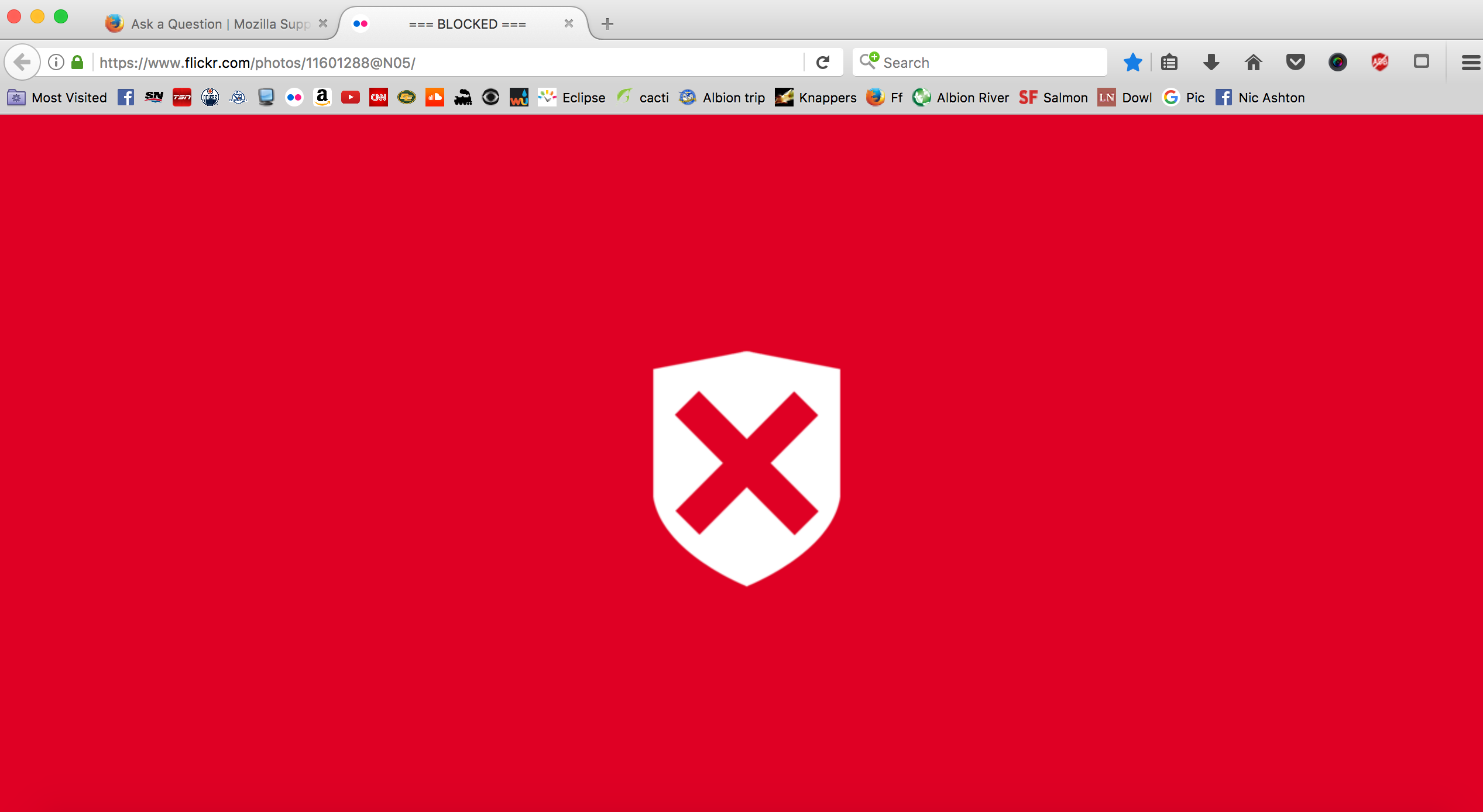
When I pull up some Webpages that worked fine just a week ago on my Laptop Mac they now have a big red Shield and the whole page is red and states "Blocked" Any Idea what is up? I will add a picture from my Flicker block page.
Chosen solution
It's your Porn Blocker add-on :
https://addons.mozilla.org/en-US/firefox/addon/porn-blocker/
Read this answer in context 👍 2All Replies (7)
Can you post what the page looks like, and any error messages you see?
There are no error messages that I can see.
You can check the connection settings.
- Options/Preferences -> Advanced -> Network: Connection -> Settings
- https://support.mozilla.org/en-US/kb/Options+window+-+Advanced+panel
If you do not need to use a proxy to connect to internet then try to select "No Proxy" if "Use the system proxy settings" or one of the others do not work properly.
See "Firefox connection settings":
You can check for recently installed suspicious or unknown extensions.
You can try to disable hardware acceleration in Firefox.
- Options/Preferences -> General: Performance
remove checkmark: [ ] "Use recommended performance settings"
"Use hardware acceleration when available"
You need to close and restart Firefox after toggling this setting.
You can check if there is an update for your graphics display driver and check for hardware acceleration related issues.
It looks a little similar to a red shield button on your toolbar. Does anything happen if you click it? Or right-click it?
Chosen Solution
It's your Porn Blocker add-on :
https://addons.mozilla.org/en-US/firefox/addon/porn-blocker/
Thank-you for helping all of you. To a non-computer man like me it was very helpful. Have a great long weekend. Sheldon