Why does my Firefox say it's Version 159.01 (Up-to-date) when Versions 160, 161 and 162 exist?

Why does my Firefox say it's Version 159.01 (Up-to-date) when Versions 160, 161 and 162 exist? Can I update further than 159.01? Thank you.
All Replies (5)
These are alpha and beta versions. Right now, when a version is upgraded every two weeks, there's no really need for a normal user to use alpha.
Chosen Solution
Firefox 159.0.1 is the current Release version.
Firefox 160.0 is currently on the Beta development channel and current build is Fx 160.0b5 though Fx 161.0 will be starting very soon at Fx 161.0b1. Fx 160.0 will be as Release on Nov 10.
Firefox 162.0 is currently on the unstable Nightly developmental channel as it gets updates each day and meant more for testers and developers in mind and not regular Firefox users. You should understand the basics of separate folder install and using its own Profile to use these.
Though Fx 161.0 should start on Beta channel very soon as it finished on the Nightly channel with 162.0 starting on Nightly now.
Short version is stick with the current Firefox Fx 159.0.1 release unless you want to be a tester.
Modified by James
Bonjour
To complement,
Firefox release notes https://www.firefox.com/en-US/releases
Firefox release calendar https://whattrainisitnow.com/calendar
Some users have multiple installations of Firefox, each in separate program folders. Installation location, for illustration and Windows. Create Mozilla Firefox Nightly installation folder in C:\Program Files Install Nightly in C:\Program Files\Mozilla Firefox Nightly
(e.g.) a article https://www.camp-firefox.de/artikel/1292-firefox-161-erweitert-theme-auswahl-um-klassische-themes-und-oled-schwarz
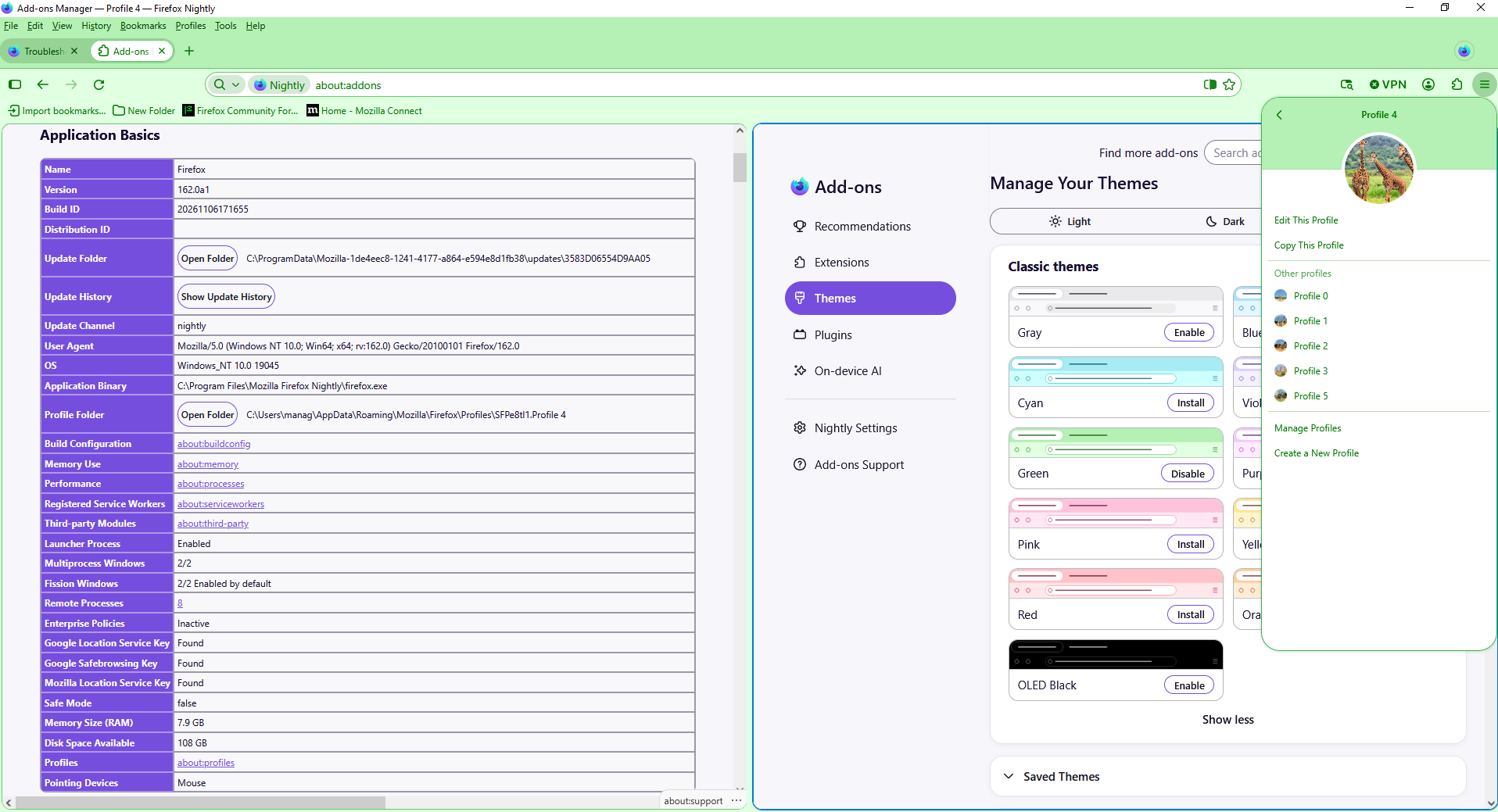
Below, Firefox Nightly 162
How do you change the border/highlight color in Split View? https://support.mozilla.org/en-US/questions/1609272
Feedback - Split View https://connect.mozilla.org/t5/discussions/feedback-split-view/td-p/122296
Below, just to see.