


Guardian website not loaded

For some days now the Guardian (UK journal) website can't be loaded. It's specific for Guardian, I have no such problems with other sites, and I don't have this problem with Guardian with Chrome. I've erased cookies and caches, restarted my computer, to no avail. I'm using version 146.6.0 of Firefox on MacBook Pro 2020 with Sequoia 15.7.1.
All Replies (7)
Show what you're getting when you try the site.
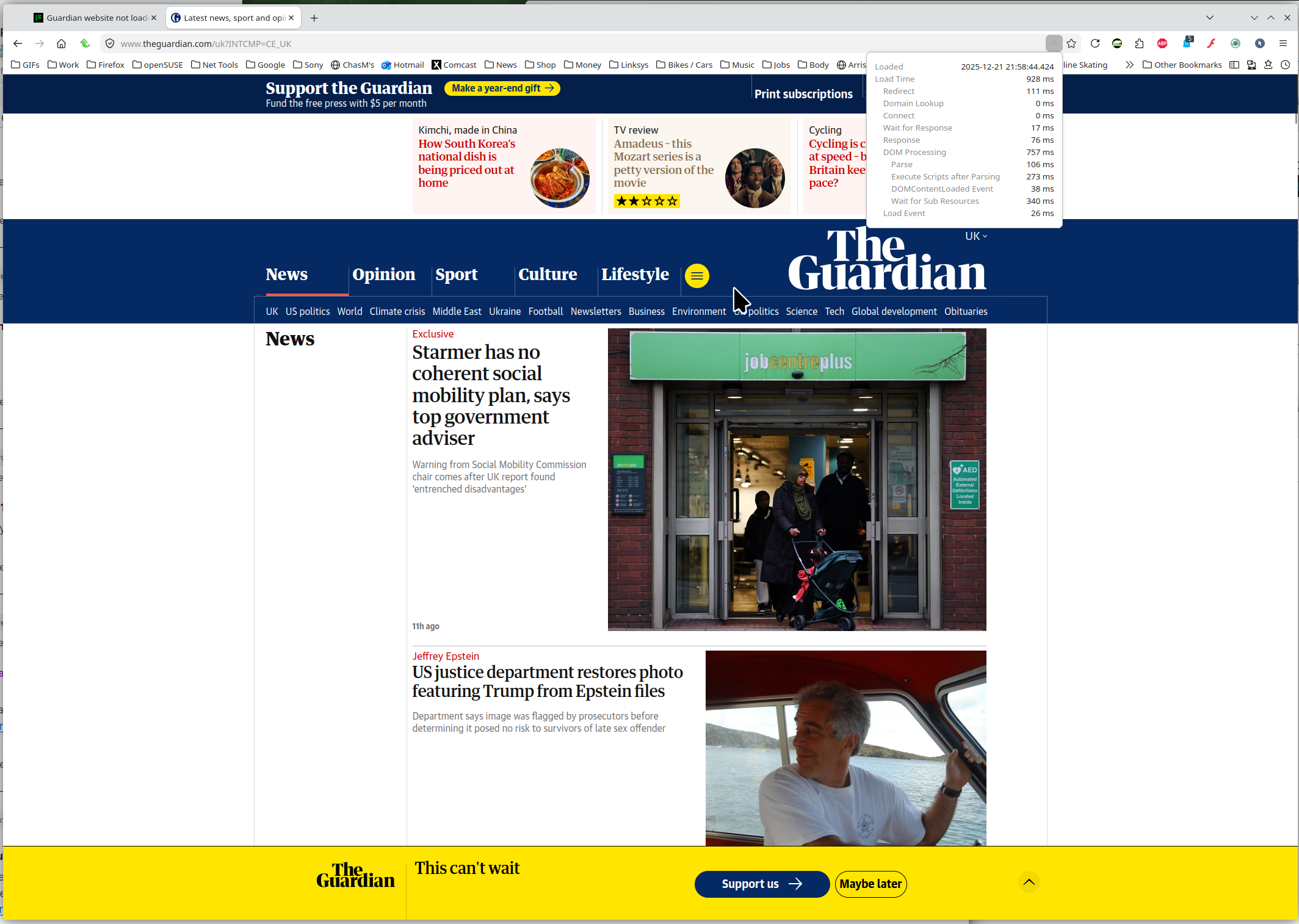
The UK site works for me from the US. see screenshot
Did you try with Firefox in Troubleshoot Mode? https://support.mozilla.org/en-US/kb/diagnose-firefox-issues-using-troubleshoot-mode#w_how-to-start-firefox-in-4troubleshoot-modesf5safe-modesf
Thank you for your suggestion. I followed it and it appeared that the culprit is one of my extension, Adblock Plus. It seems that Gardian's site stops working when Adblock is on. It's a new thing, I haven't had this problem before, but now I have to disable Adblock to be able to read the Journal, even though I pay a yearly fee for a membership but it's not sufficient for not having parasitic ads to pop up :(
Hello,
I am glad to hear that your problem has been resolved. If you haven't already, please select the answer that solves the problem. This will help other users with similar problems find the solution.
Thank you for contacting Mozilla Support.
I thought that neutralizing Adblock Plus solved my problem. Actually it did not, and the picture gets more complicated. I have pinned Gardian's website on Firefox, and the problem of Guardian not loading was still there. But connecting to the very same Guardian website not as pinned site worked perfectly fine. So at the same moment, the pinned website was unable to connect, the non-pinned site ran smoothly.... Any thought about this?
Yes, the pinned sites not working is a common issue I also have. For me it's hotmail and google voice. I click on login and they open a new tab that I log into then just detach the logged in tab and then drag and drop the shortcut into the pinned tab and then it works. Long time pain every day.
Modified by jonzn4SUSE
Thank you for your input. So you just have to live with it, there is nothing that can be done about it, right?
I would assume someone from Dev may have an idea why it's opening a new tab instead of staying in the pinned tab. Let me ask the devs over here https://chat.mozilla.org/#/login because it happens in all versions of Firefox.
Modified by jonzn4SUSE