


How can I print a webpage without all the link's URLs appearing throughout the page?
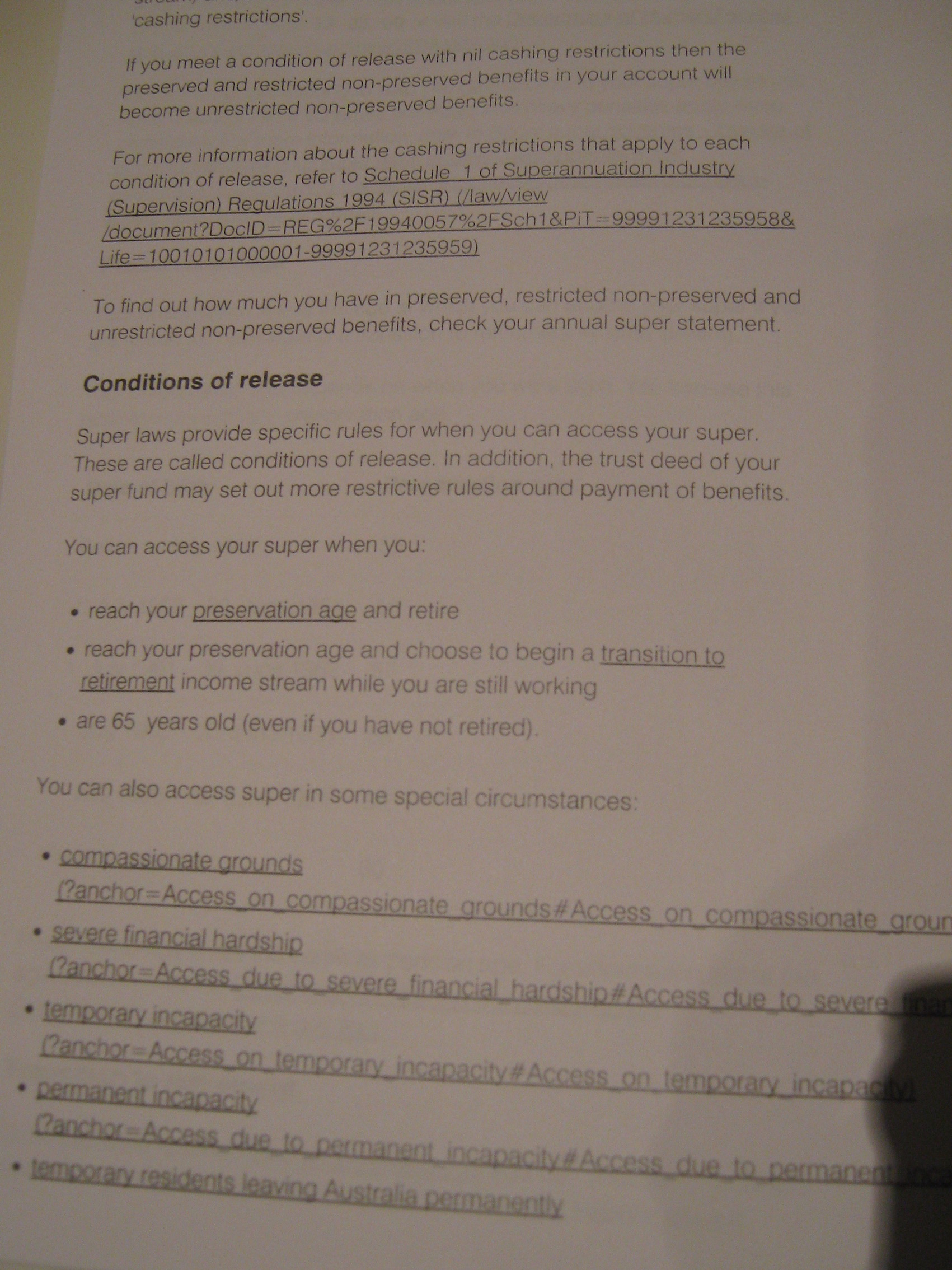
A long time ago I think I changed my Firefox settings so that when I print a web page, all the links on that that page get printed with their often l-o-n-g URLs. Some pages are really hard to read with about 8 long URLs all over the page.
I've googled around on how to change it, but haven't had any luck.
Can anybody help?
Thanks :-)
Chosen Solution
Thanks Oxylatium, for replying.
I've concluded that there's something wrong with the page, because
- My firefox doesn't have this problem with other pages I've tested out - the actual PAGE has this problem in Google Chrome browser. So given that it's a problem with 2 browsers, I've decided that I'll put up with it.
thanks again :-)
All Replies (4)

Do you speak about the URL of the webpage displayed in the header of the print output?
No - the links are appearing throughout the page and document.
Sorry about the quality of the photo. Hopefully you'll be able to see this example - the other pages are very similar.
The links are appearing all through the page. Near the top of the page, and about 4 times near the bottom of the page
What setting do I change? Thanks :-)
Modified by bulla
do you have an URL to test?
Chosen Solution
Thanks Oxylatium, for replying.
I've concluded that there's something wrong with the page, because
- My firefox doesn't have this problem with other pages I've tested out - the actual PAGE has this problem in Google Chrome browser. So given that it's a problem with 2 browsers, I've decided that I'll put up with it.
thanks again :-)