


How to add bookmark tabs in mavericks OS?

Just got the new OS for my macbook, Mavericks OS. In my previous OS, I used Firefox and had bookmarks saved on the menu but also different websites saved as bookmark tabs, right under the website search bar and under the normal google search bar on the top right. For each website like gmail.com, I would set settings so there would be no words, only icons which I would recognize. Made it really easy for me to use, why can't I do this now?
Solution eye oponami
Make sure that toolbars like the "Navigation Toolbar" and the "Bookmarks Toolbar" are visible.
- View > Toolbars
- Right-click empty toolbar area
Use "View > Toolbars > Customize" to open the Customize window and set which toolbar items to display.
- check that "Bookmarks Toolbar items" is on the Bookmarks Toolbar
- if "Bookmarks Toolbar items" is not on the Bookmarks Toolbar then drag it back from the toolbar palette into the Customize window to the Bookmarks Toolbar
- if missing items are in the toolbar palette then drag them back from the Customize window on the toolbar
- if you do not see an item on a toolbar and in the toolbar palette then click the "Restore Default Set" button to restore the default toolbar setup
All Replies (6)
You can hide the text on the Bookmarks Toolbar with code in userChrome.css.
Add code to the userChrome.css file below the default @namespace line.
@namespace url("http://www.mozilla.org/keymaster/gatekeeper/there.is.only.xul"); /* only needed once */

#personal-bookmarks .bookmark-item > .toolbarbutton-text {display:none!important}
The customization files userChrome.css (user interface) and userContent.css (websites) are located in the chrome folder in the Firefox profile folder.
It's not about hiding it. What I am saying is that I cannot even add them there. I can only add "Bookmarks Menu" and "Bookmarks Tool", but neither are Booksmarks tab which add it right below website bar..
The Bookmarks Toolbar does appear immediately below the address bar.
But maybe you had moved the tab bar below the address bar and were using pinned app tabs (they show only the site icon and not the page title)?
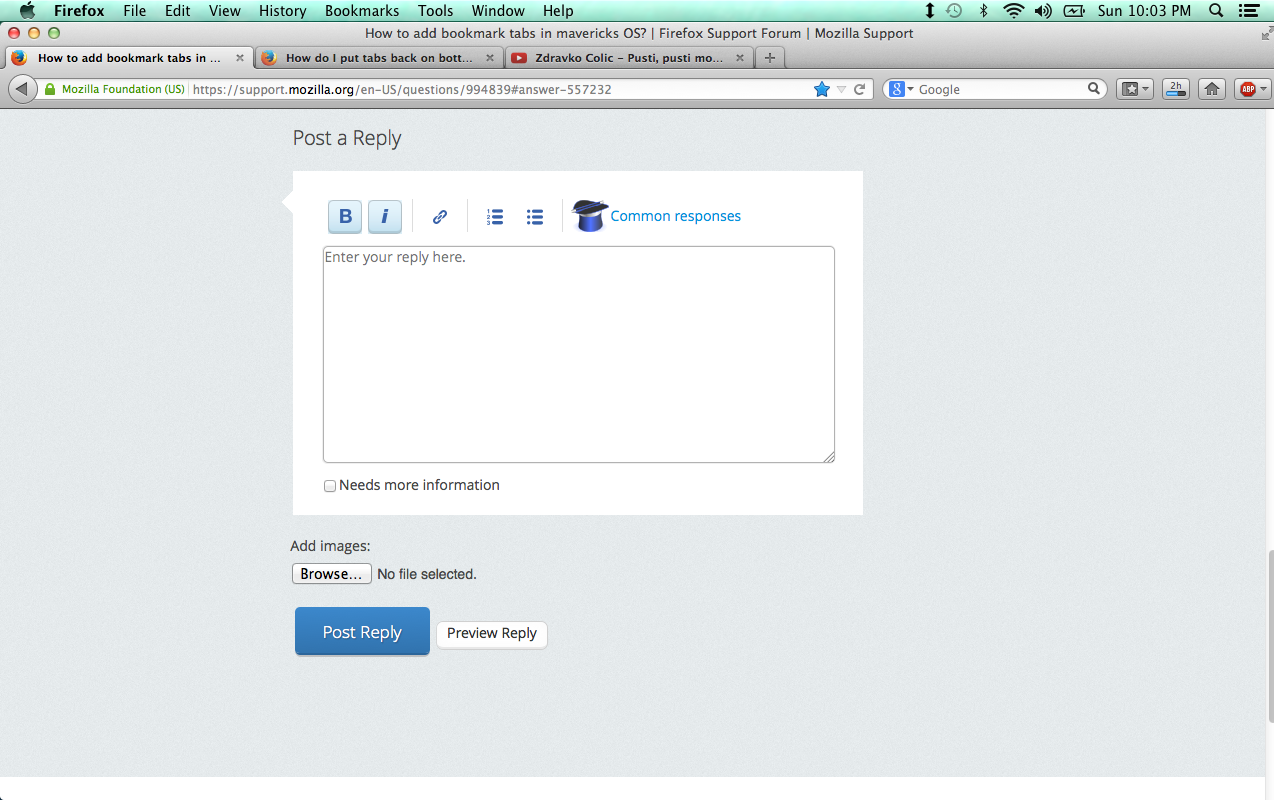
This is a picture of what it looks like.
Solution eye oponami
Make sure that toolbars like the "Navigation Toolbar" and the "Bookmarks Toolbar" are visible.
- View > Toolbars
- Right-click empty toolbar area
Use "View > Toolbars > Customize" to open the Customize window and set which toolbar items to display.
- check that "Bookmarks Toolbar items" is on the Bookmarks Toolbar
- if "Bookmarks Toolbar items" is not on the Bookmarks Toolbar then drag it back from the toolbar palette into the Customize window to the Bookmarks Toolbar
- if missing items are in the toolbar palette then drag them back from the Customize window on the toolbar
- if you do not see an item on a toolbar and in the toolbar palette then click the "Restore Default Set" button to restore the default toolbar setup
Thank you cor-el, you're a gentleman and a scholar! It's finally working!