


Windows 11 taskbar is visible when entering fullscreen on a video

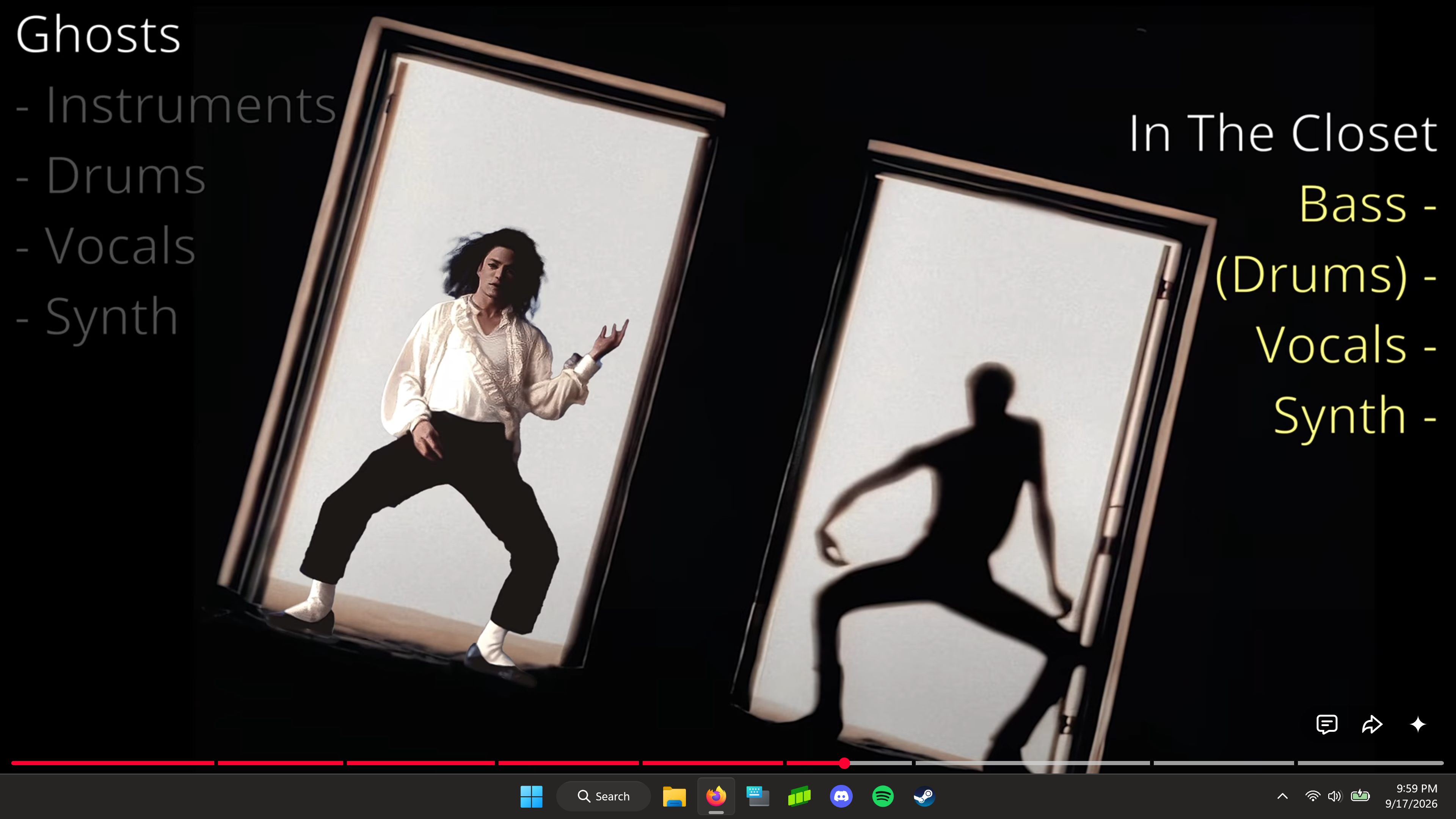
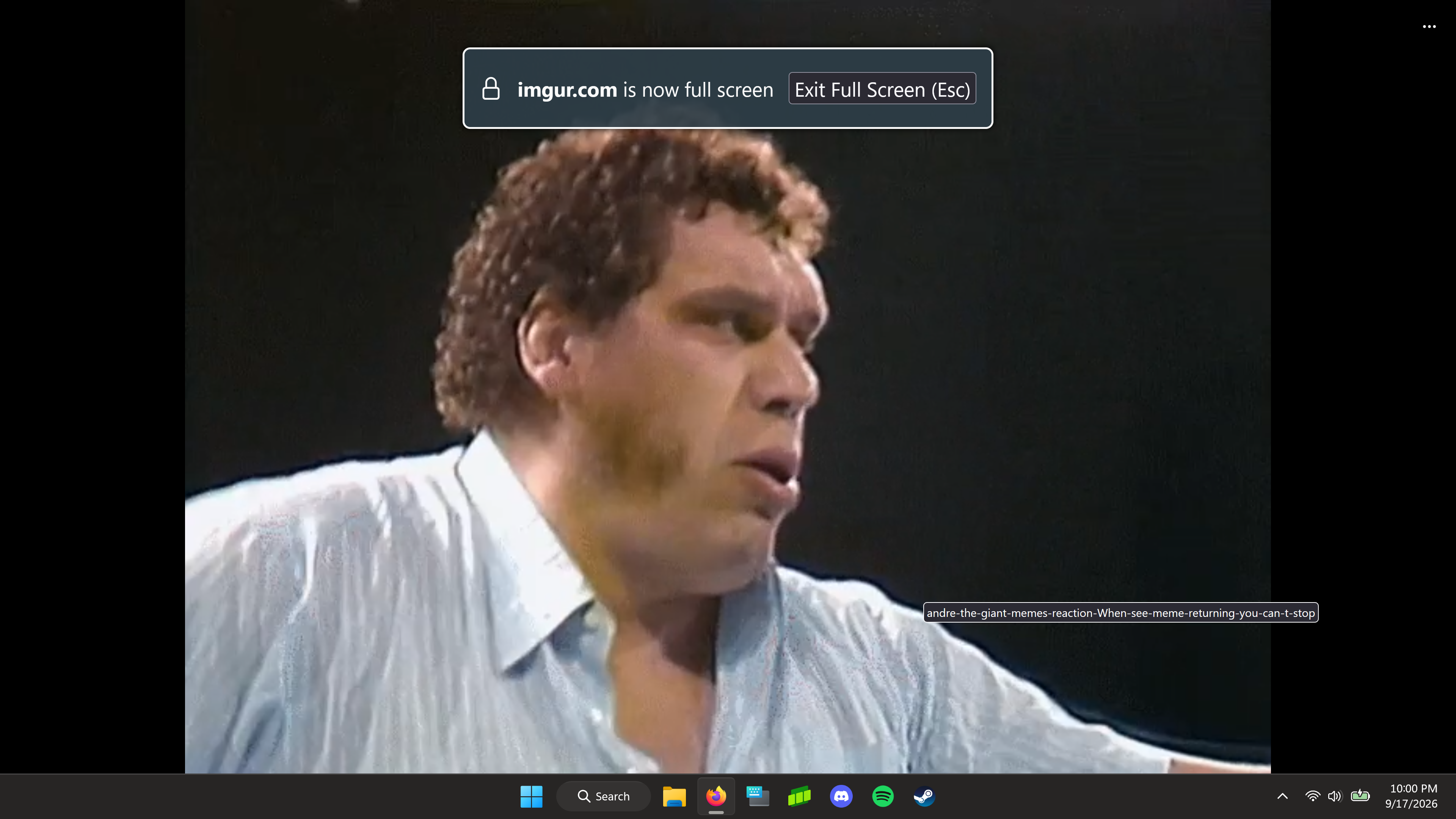
For some reason after either a recent Firefox update or a Windows 11 update (genuinely don't recall which) anytime I enter the fullscreen of a video the windows taskbar is still visible, covering up the video player controls. If I enter fullscreen for the browser itself though (tapping f11) and then enter fullscreen on the video this doesn't happen. I've tested this on Chrome and Edge and this behavior happens on neither. Thought this was Youtube only but it also happens on Vimeo and Imgur, so I assume it happens on all video players. Firefox version 156.0, Windows 11 25H2 OS build 26200.9457
All Replies (3)

This damn bug appeared again.
https://support.mozilla.org/en-US/questions/1509304?page=1
It was resolved in the link above a while ago, but the bug has reappeared
in version 156.
changing the setting for `widget.windows.fullscreen_marking_method` in about:config
0, 1, 2, and 3 are all not working.
maky00 said
changing the setting for `widget.windows.fullscreen_marking_method` in about:config 0, 1, 2, and 3 are all not working.
Can confirm right after I posted this I checked that same older bug report and tried changing that setting to each of the values to no avail.
Different issue, different workarounds: bugzilla.mozilla.org/2072895