


this new version still did not help
i have tried anew profile got a the newest version and it still does not help i guess the people doing the updates have no idea how to fix the issue or care none of you can really help all the idea you have had i have tried and still i get the same Firerfox running but not responding' guess you will force me to go to chrome instead which does not do this nor does Edge so you can not tell me it is not a firebox issue because neither Chrome or hedge with by the way all the same desktop icons i have had for years work
All Replies (20)
Can you please link to your bugzilla report to help understand the issue? Thanks.
i do not have a bugzilla account or report
on the last update i had that but nothing helped so i just gave up
Hi Mary again :)
Have you cleared all registry entries in Windows before you do a new install?
Hopefully you can disable any virus apps you have then start again
i do not touch the registry for fear of removing something important as for a virus i have a virus remover and if firefox has a virus then why do hey not fix it plus where in the registry do i go should i decide to clean it
if firefox has a virus then why do hey not fix it
It's more that the virus checker is not up todate with Mozilla than what you suggest.
With the regedit
You would search for Mozilla and delete every entry, it would take a while.
Of course you could backup the Windows registry before you start
This must be very frustrating for you, given not just how many posts but how you try to get help via different queries. I strongly suggest you keep to one query so it can be followed.
I am impressed however with your determination to succeed, but of course have another browser ready.
If you have a mobile, especially a Samsung have you considered
Other browser : Brave ?? Opera . . .
first of all it does not happen in any other browser that it why i think it is a Firefox issue i have tried all other browsers but stupidly i like or dd like at one time Firefox I wish to sat y but like i said if i had a virus would it not be in the computer itself and other browsers as well. Plus if i do th registry y i have to start all from scratch with Firefox correct lose everything right? here is what i see in the registry which one do i go to for cleaning like you said
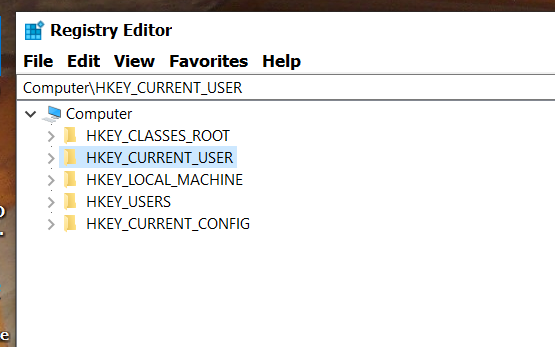
i have chrome i have edge and do not get it in either of those that is why i think it is a Firefox issue
there are a lot or f sections in the registry which one do i click on and that means if i reinstall i lose all addon all book marks have to do it all from scratch
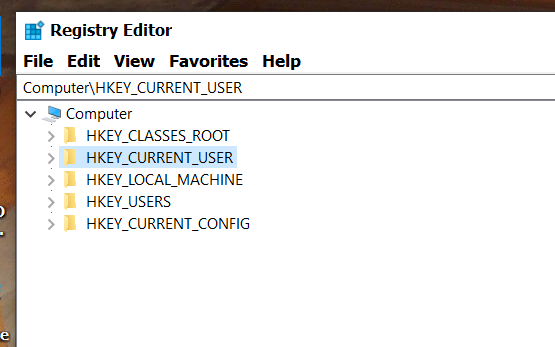
Yes if you do anything in the registry it will mess up Fx, so there is not point in touching it unless you uninstall Fx and then do a [Restart] of Windows, not a [Shut down]
all addon all book marks unless you save or export them.
What I am concerned about is that you ask a lot of questions that can be answered by a common internet search, which implies you are caught in this forum and going around in circles.
You can read all about regedit online.
If you do go down that road yes the Key_Cuurent_user Will have a lot of references to Firefox, and I do mean a lot, it will take probably an hour or so to find them :)
If you are brave enough to use regedit there is an option to export under [File] but all such work and queries are best done on a Windows forum, this is not the place to focus on regedit though it could help resolve issues that are probably linked to your installation and nothing to do with Firefox.
So finnaly on the Windows issue ... do you actually [Restart] Windows rather than [Shut down] You can aslo uninstall via the Gui Windows > Settings > Apps .....
How have you deleted Firefox in the past ??
thank you
es i restar alot and i do also shut down and i also log off
I say restart as [shut down] keeps some settings for a quicker bootup etc.
I ever I get an error, anywhere, Firefox or ???? I do a [Restart] but again this is a Windows issue not an Fx one. :)
All the best
not sure if i told you it does not happen all the time it is speratic if i try to open more than one ap tabat a time and then sometimes it happens a lot just speratic
If it happens under use as such, have you looked at
a) The memory via the task manager with only FX running by the way do you have programmes/application set to run a t startup
b) The memory with Edge and chrome running
ie. to see how much memory is being used. There are a few 'complaints' about how much memory is being used, and of course what occurs sometime is faulty RAM limiting the useful memory
So check the RAMs viability Search in windows for [Windows Memory Diagnostic] and you can read up on it before trying, to get a broader view of what is happening
https://www.howtogeek.com/260813/how-to-test-your-computers-ram-for-problems/
what i do not see anything that says memory in task manager i do see start up what iam sending is what i have at start up and i have my windows Defender antivirus and the volume but as far as i know that is it
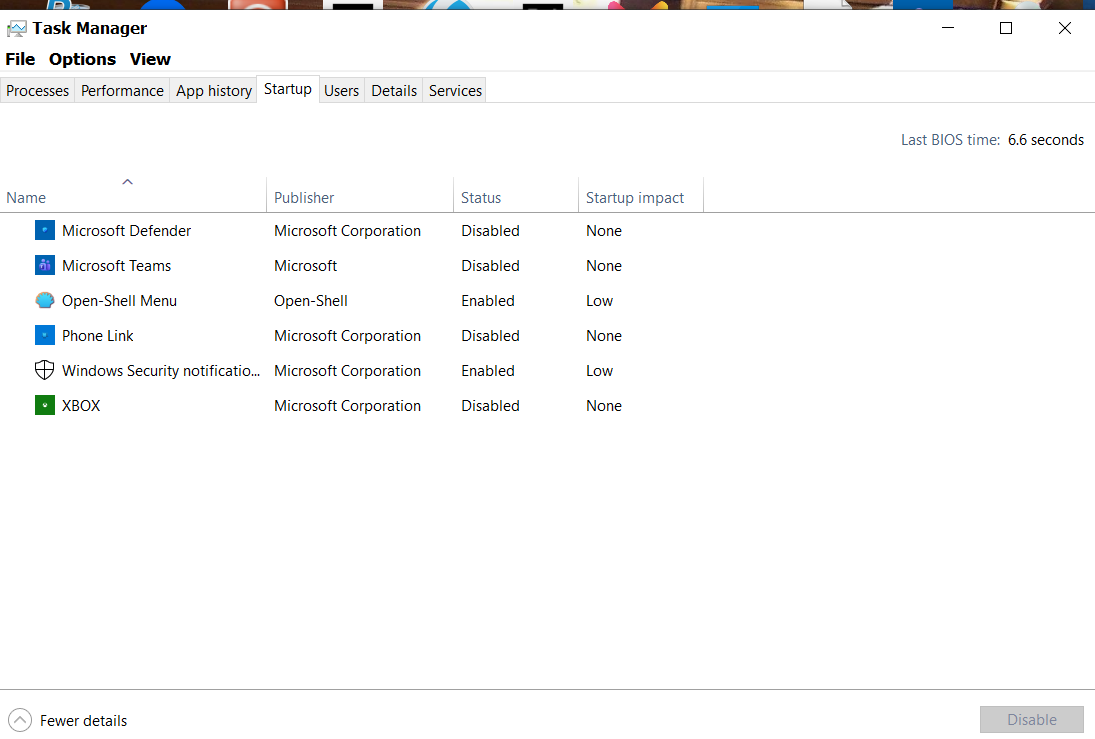
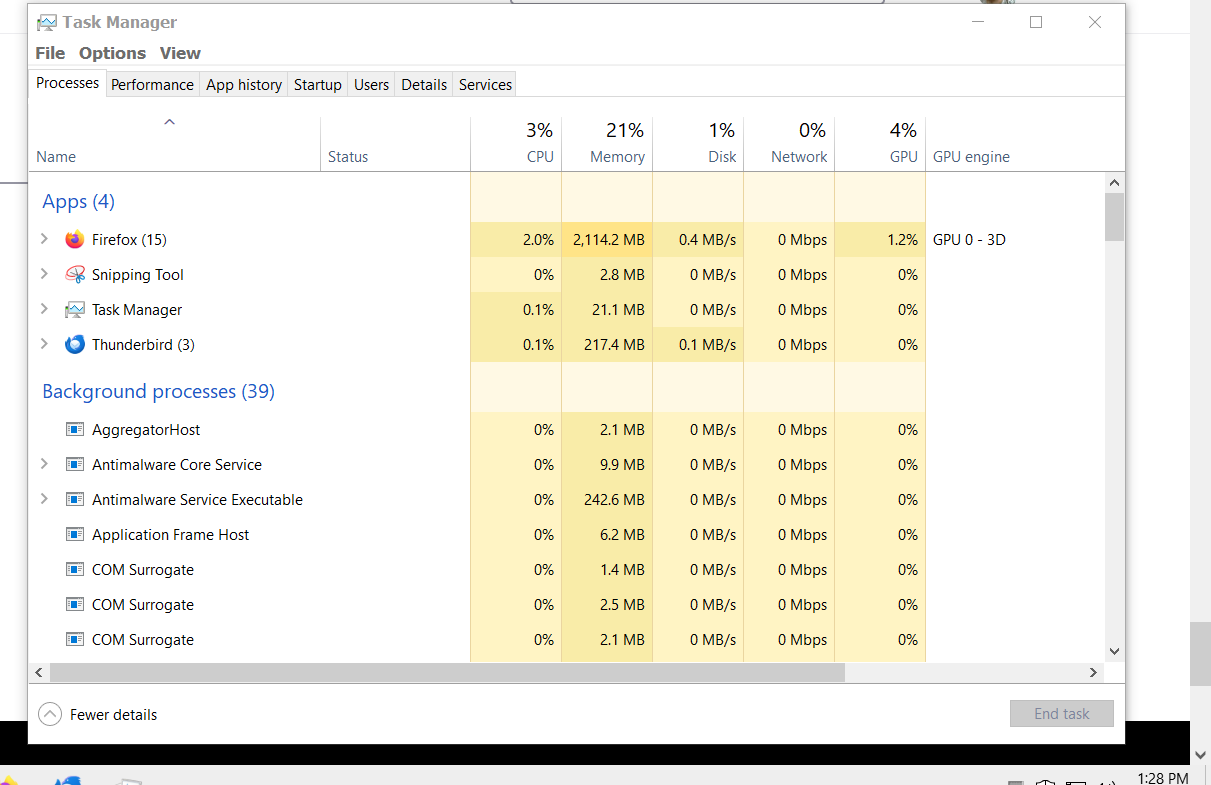
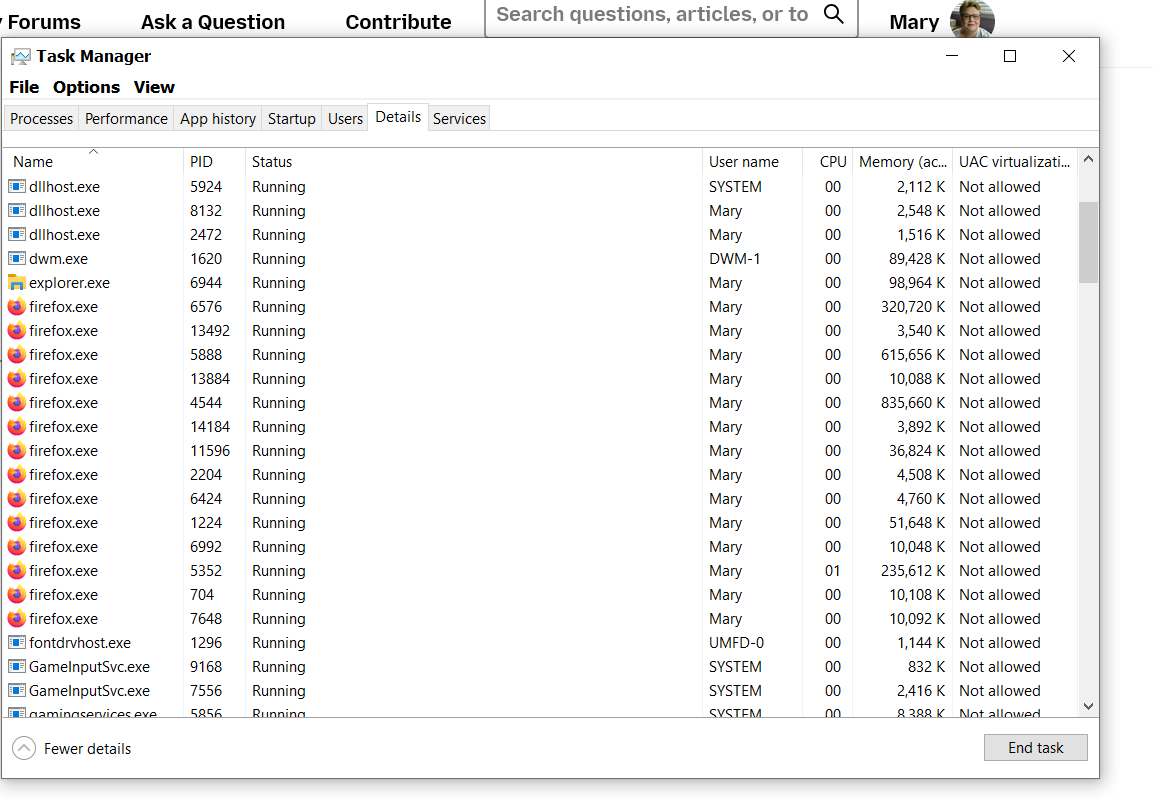
and here as welloh yes open shell because i like it better than the tiles of windows
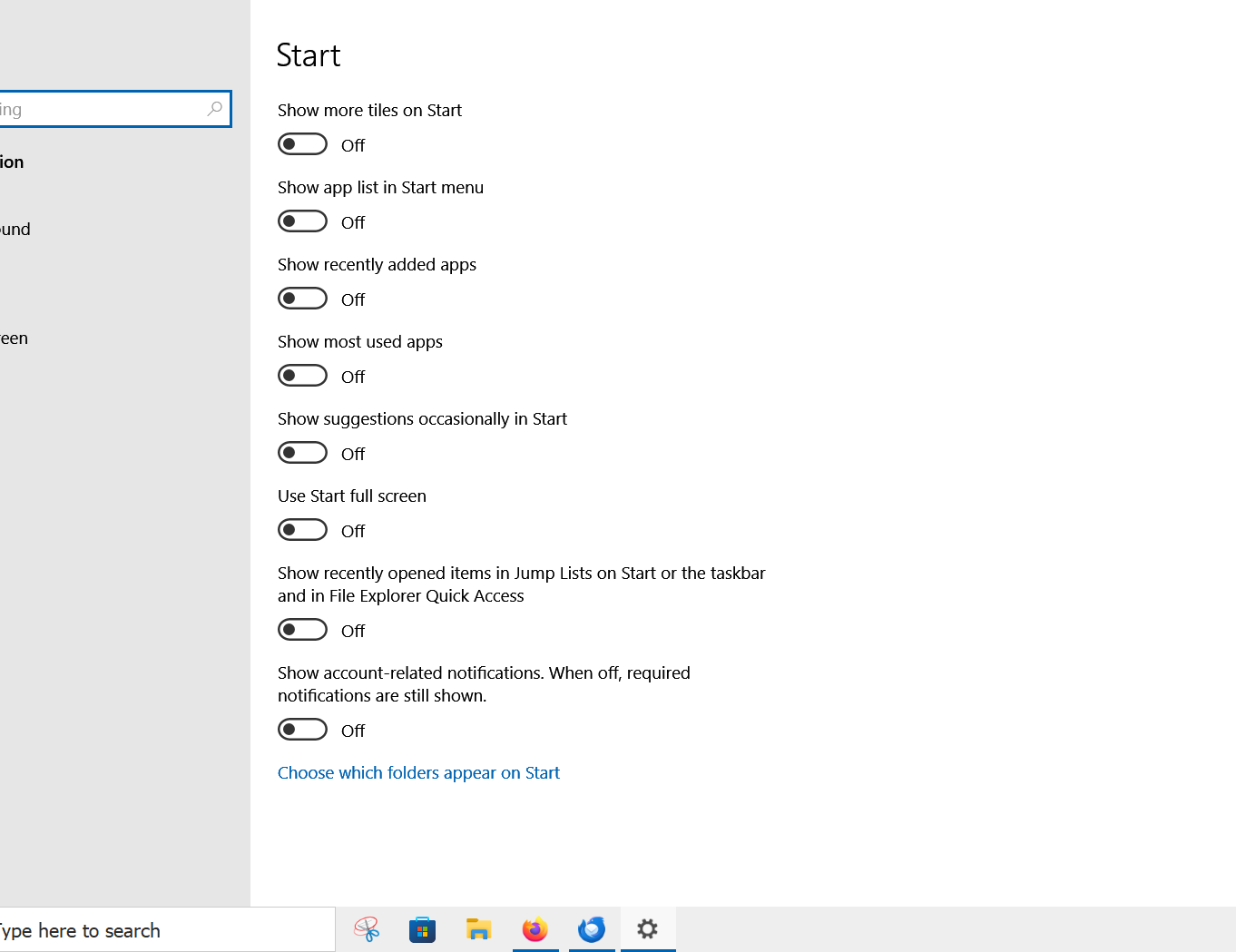
Ezalaki modifié na Mary
it only happens in Firefox and i do restart if i have troubles
does not llok like a lot of memory but i could be wrong but here is what i see
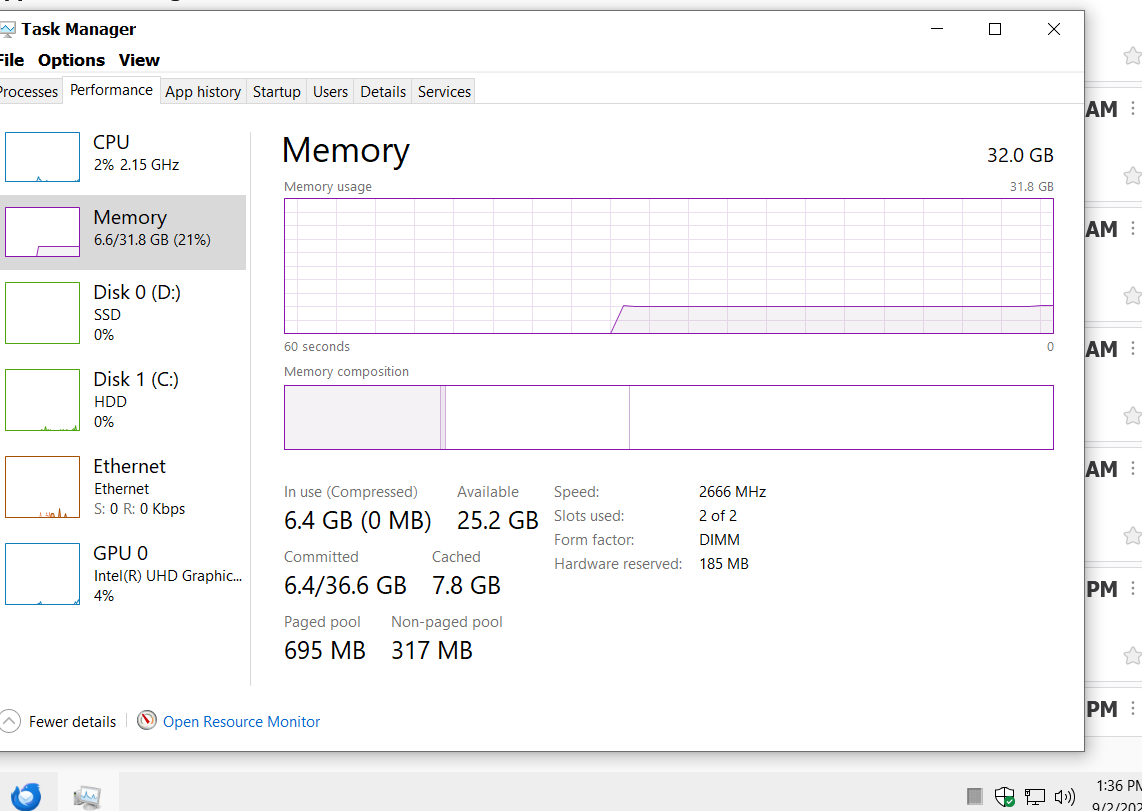
You're right, it seems as though your PC has plenty of capacity.
Back to the drawing board :(