


Bugzilla status
I submitted a bug last to Bugzilla last Sep. that seems not yet to be assigned to anyone, and a bug two days ago that wasn't acknowledged. Is the Bugzilla site working? Should I be doing something else to report the bug?
Solution eye oponami
I mean it's our bug in the Wayland environment. Could you test in version 151 that comes out tomorrow? It should be better.
All Replies (11)
Hi Tom,
Bug assignments depend on priorities, and many old bugs are not assigned yet. The "Unconfirmed" status, from my observations, does not make any real difference compared to "New".
Out of curiosity, could you share a link to the bug?
Thanks. Regarding your new bug, note that it needs to be triaged first (because there's most likely something specific triggering it for you), moved to the right component, and only then, depending on the severity of the actual issue, may be assigned.
Meanwhile, if you have time and inspiration, you can:
- Try running Firefox in Troubleshoot Mode and see if the issue persists.
- Check the Browser Console for related error messages when the bug reproduces.
I restarted Firefox and opened the browser console. It showed what is in the attached figure. About 90 min later I tried cut and paste, and clicking on the Settings icon, and they didn't work. Nothing changed in the browser console. I will try running in Troubleshoot Mode next.
I don't see the image I added. I'll try again.
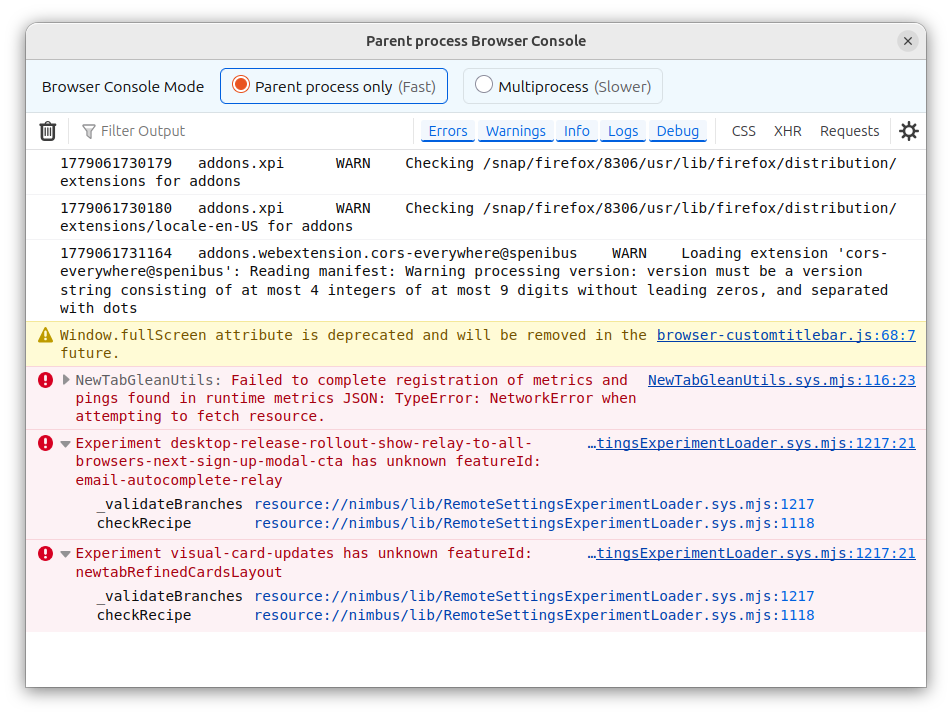
Hmm, the error messages doesn't seem to be directly related... Curious to see if the Troubleshoot Mode helps
It didn't. This morning I had the same problem. The browser console had the messages in the upper half of the attached image. The rest were generated when I clicked on your message to respond to it.
I just noticed that in this mode the upper toolbar seems to be missing so I can't click on Help for more information.
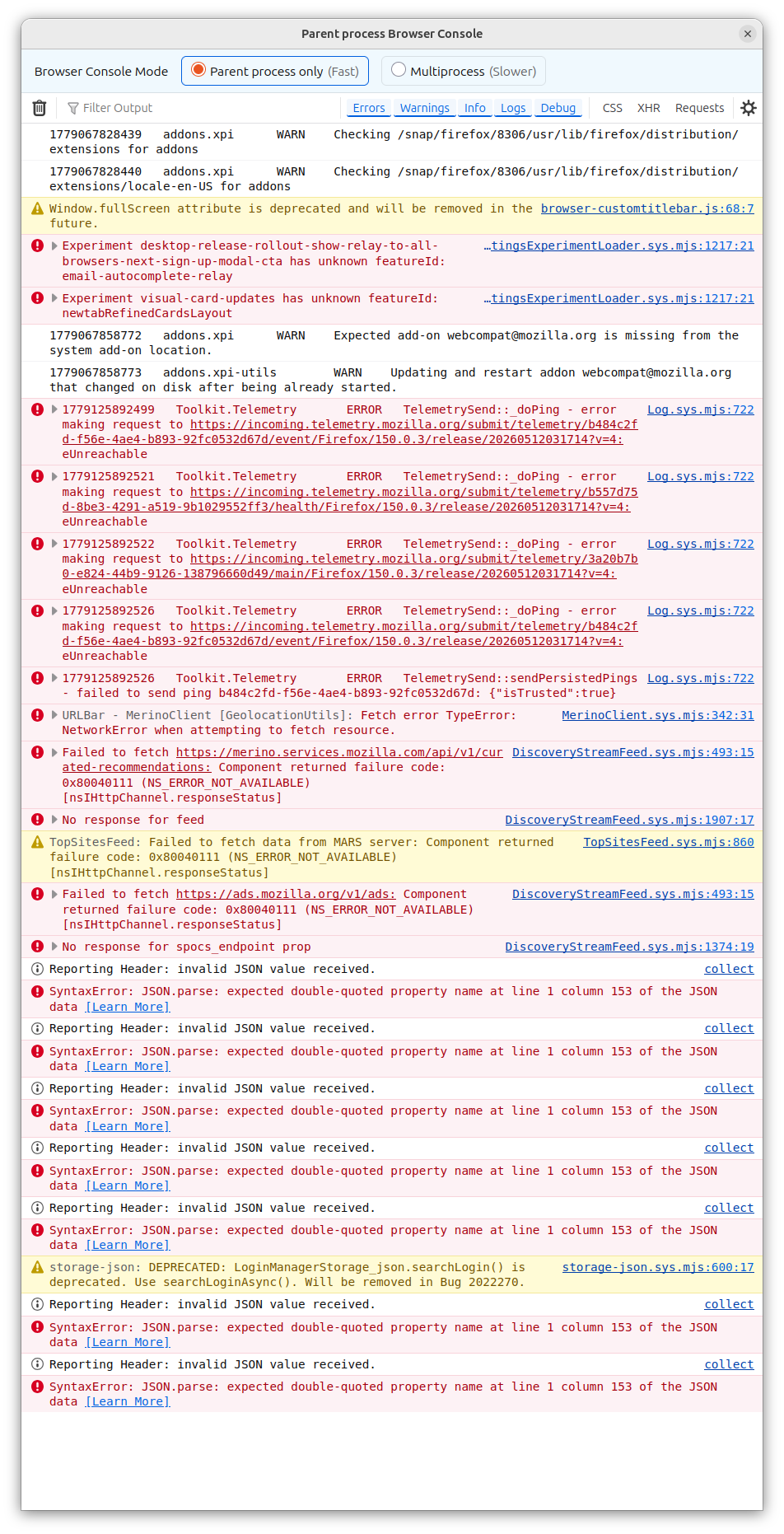
I'd say it's a Wayland issue, similar to https://bugzilla.mozilla.org/show_bug.cgi?id=2038866
Highlight and copy with right click still works in the windows of other apps.
Solution eye oponami
I mean it's our bug in the Wayland environment. Could you test in version 151 that comes out tomorrow? It should be better.
My version did not update until yesterday but since then, almost 24 hrs, Firefox has not shown the problem again.