Mulongo oyo etiyamaki na archive.
Tuna motuna mosusu soki osengeli na lisalisi

Solved
Eza archivé
Scroll wheel stopped function
I just installed the new 115 Supernova version of Thunderbird and my scroll wheel no longer functions in any of the frames. I use the X-Mouse v2.19.2 app and have never had a problem before. The down and up arrows work so I set a button in X-mouse to down arrow but it did not work. Am I missing a setting somewhere?
I just installed the new 115 Supernova version of Thunderbird and my scroll wheel no longer functions in any of the frames. I use the X-Mouse v2.19.2 app and have never had a problem before. The down and up arrows work so I set a button in X-mouse to down arrow but it did not work. Am I missing a setting somewhere?
All Replies (3)
Solution eye oponami
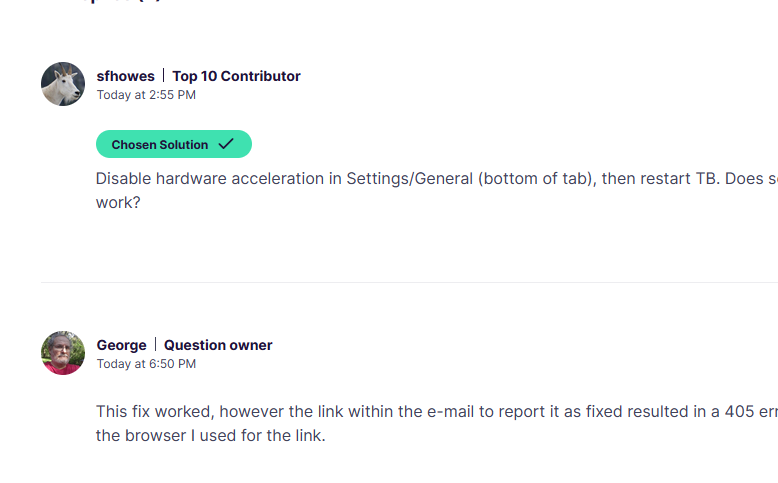
Disable hardware acceleration in Settings/General (bottom of tab), then restart TB. Does scrolling now work?
This fix worked, however the link within the e-mail to report it as fixed resulted in a 405 error regardless of the browser I used for the link.
Glad to hear that. Looks like it got marked as solved somehow (see picture).