


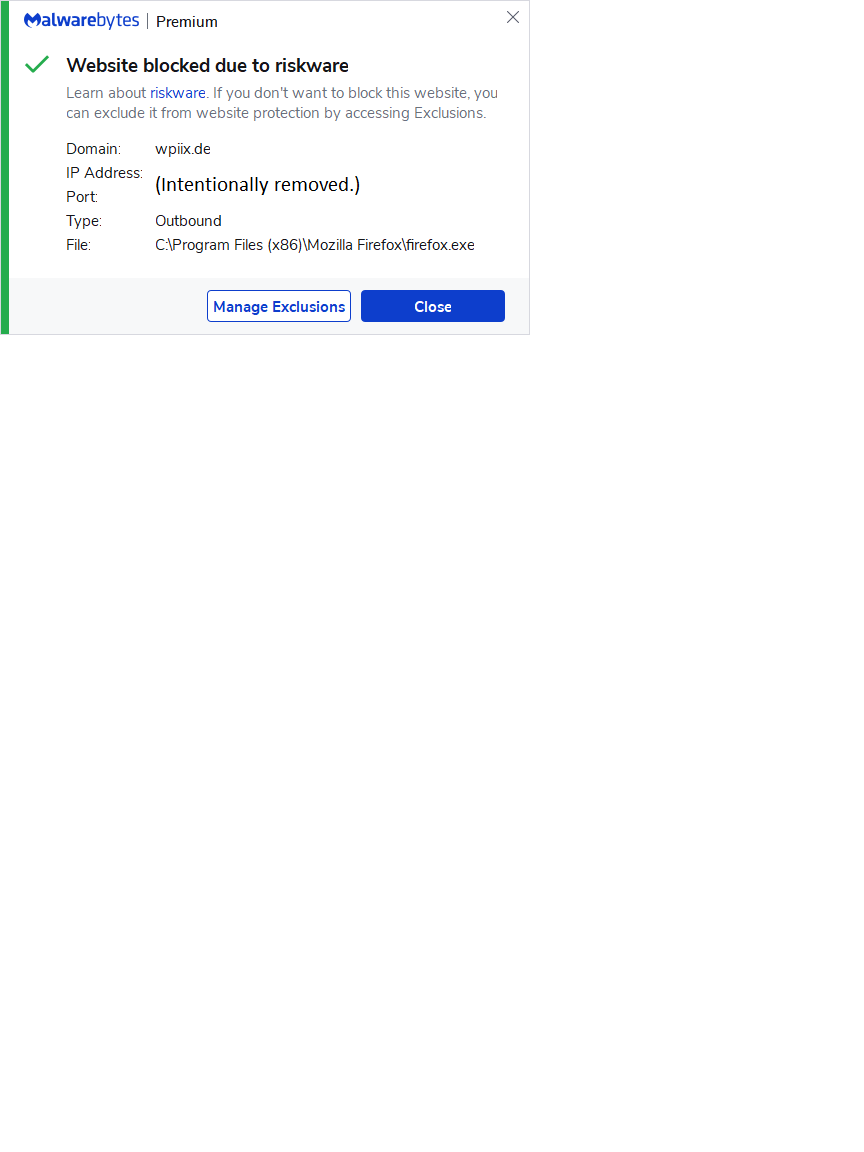
I'm getting this report from malwarebytes when I click on a google search result.

Hello,
Perhaps a weed ago or so I started getting this message whenever I click on a google search result link. Malwarebytes catches the activity and reports it. What is it and how do I get rid of it. Thank for your attention.
All Replies (3)
Hey there :)
If Malwarebytes detects something fishy it will of course block it, if you have the protection enabled, that's not caused by Firefox.
You can disable the Malwarebytes Web Protection in the Protection Tab "Start malicious website blocking when protection module starts" or add exclusions in your exclusion Tab, I suggest checking out the Malwarebytes Help Center though as they probably have more detailed solutions.
My post is out of concern of what is in firefox that is triggering the warning message. Malwarebytes is reporting riskware that appears to be embedded in firefox. I have no concern with malwarebytes.

I think the web address is misspelled. Note the ' ii '