


Updated Gmail password and now TB wont download/work. Authentication error

I had to update my Gmail password. Tried to update TB password, did all the things mentioned in other forms/threads and nothing is working. Even tried to delete the account and start all over again and it still will not work. I get the same error, "account already exists" or authentication error. I have restarted TB several times and nothing is working. Very frustrated
All Replies (8)
What's the authentication method, normal password or OAuth2? It should be OAuth2.
account sign in and password all correct, attached printscreen of credentials set on
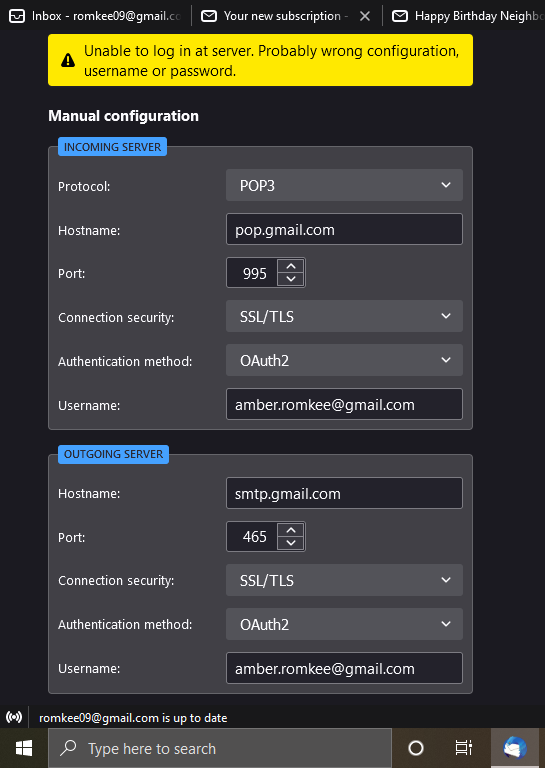
This continues to pop up everytime I try to set up the account in TB. I enter my email and it never advances to the next screen just keeps asking for the email. I tried "find my account" and that led me to starting/opening a new account. See attached picture
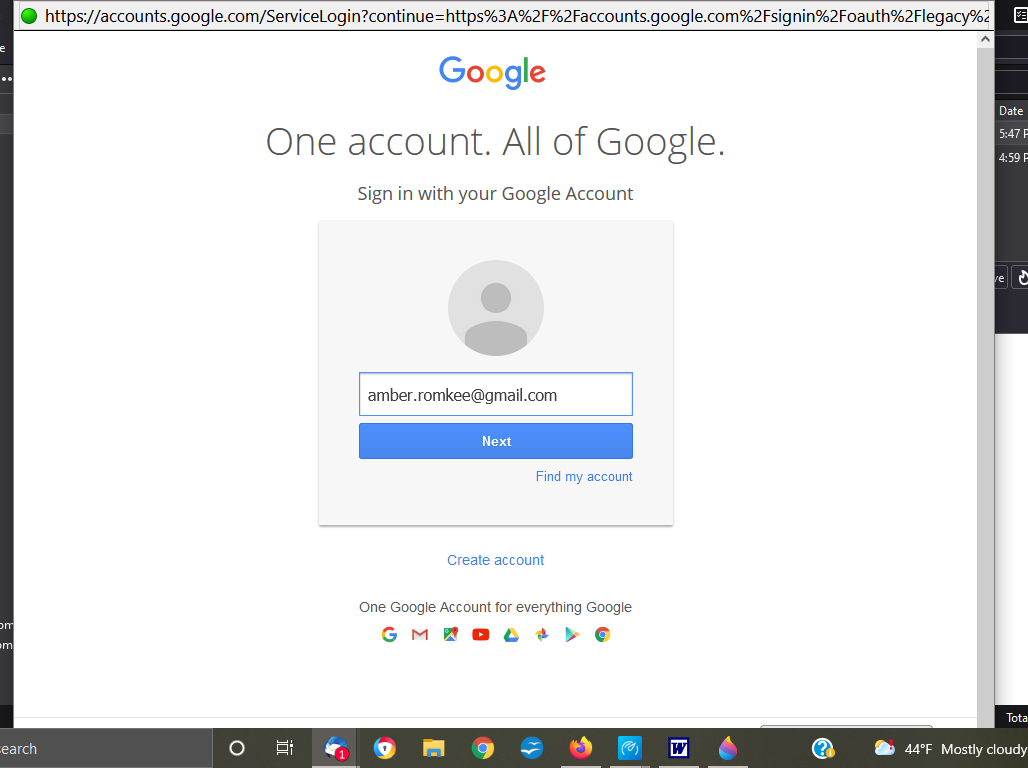
When the OAuth process doesn't complete, it's usually because cookies aren't accepted in Preferences/Privacy & Security. A VPN or antivirus can also block the connection.
I turned on all cookies, and turned off all VPN/ Antivirus and still the same thing. This is beyond frustrating.
If it's not working, there's clearly something beyond TB interfering. Try running Windows in safe mode with networking.
continue to get this error, disabled all my Antivirus and enabled ALL cookies.
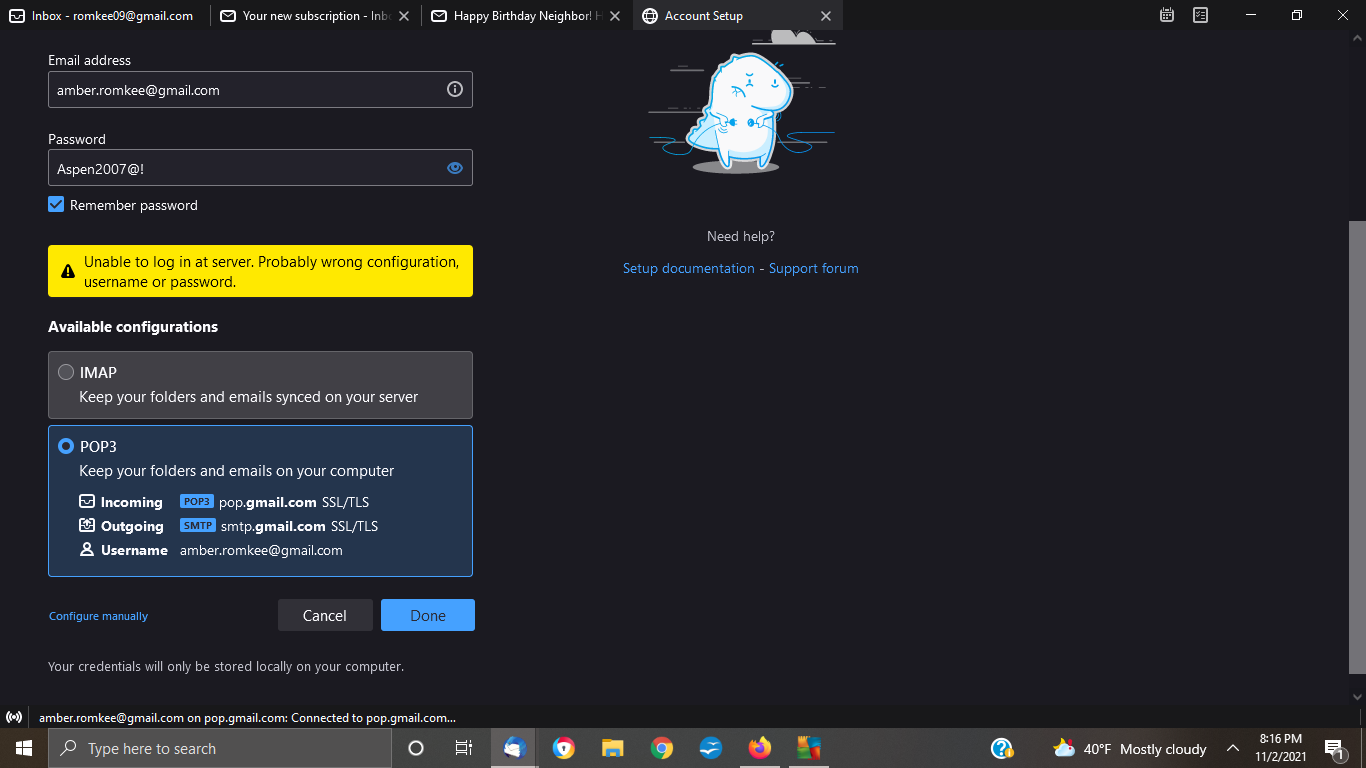
Please don't post pictures with your email address and password.
Is two-step verification set for the account in Google settings?
Check for old passwords in Saved Passwords in Preferences/Privacy & Security, and remove them, then restart TB.