이 쓰레드는 보존되었습니다.
만약 도움이 필요하시면 새로운 질문을 올려주세요.

해결됨
보존
How do I change Firefox NOT to be my default browser??

How I do I do this if firefox is already installed? How do I uninstall it?
How I do I do this if firefox is already installed? How do I uninstall it?
모든 댓글 (1)
선택된 해결법
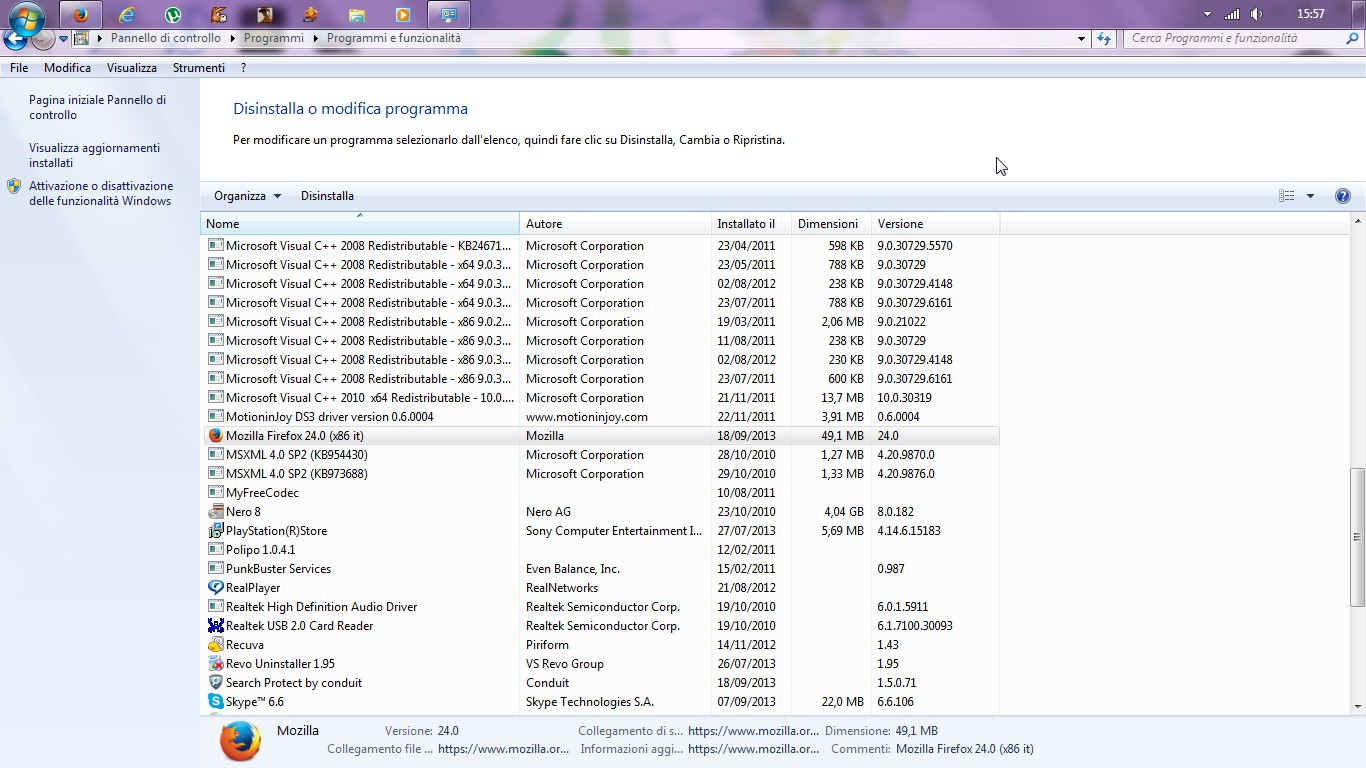
You have to go in the installations and applications on your computer. Follow the steps: 1. Click Start and then go to the control panel 2.Choose installations and applications 3. look for Mozilla Firefox in the list and then click on the uninstall button Get it?