Moving Bookmarks toolbar to very top in Firefox 4

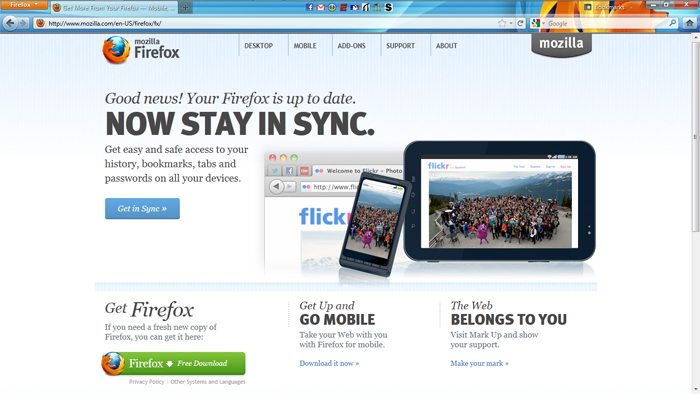
I want to move the bookmarks toolbar to the very top of the browser window.
For instance, when the Menu Toolbar is enabled, I would like this result: http://i55.tinypic.com/309ua0m.jpg

When the Menu Toolbar is dis-abled, I would like this result: http://i52.tinypic.com/k2obpj.jpg

I have not been able to find anything that accomplishes this. The current way is a waste of real estate.
모든 댓글 (3)
선택된 해결법
Try using this extension. Anything you place on the Menu bar will appear in the Titlebar bar when you hide the Menu bar and show the orange Firefox button.
https://addons.mozilla.org/en-US/firefox/addon/personal-titlebar/
Thanks. For everyone who wants to see this implemented into the Core of Firefox, Vote Up on this Bug: bug#583959
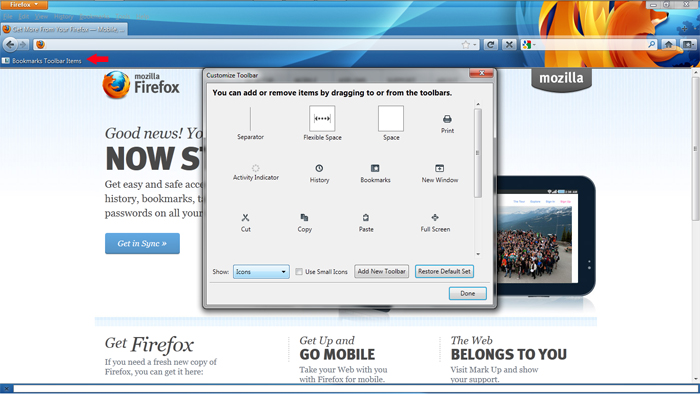
- Right click on your title bar and select Customize...
- Your Bookmarks Toolbar should appear. Left click and drag Bookmarks Toolbar Items either to the left or to the right of your tabs bar.
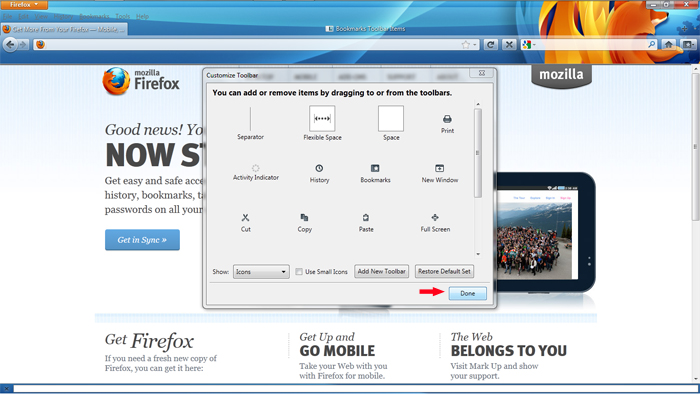
- Select Done
- Notes:
You may have to adjust your icons such as New Tab as it may be be moved to a different spot if not placed properly. You can adjust them back to where they were by default or wherever you want them by going back to Customize...