


Firefox keep saving image as webp instead jpg/png

Hello there, here is a quick explanation Firefox just keep saving image from X/Twitter as webp instead jpg/png, i dont have problem with other site I need jpg/png to work on any editing app with original quality But in different browser it can save as jpg/png, so i may assume this Firefox's problem instead website's
Any recommended extension that already existing posted on similar forum didnt work to me 1. "Dont accept webp" Didnt work, the extension still webp 2. "Save webp as PNG or JPEG (Converter)" Didnt give me original resolution, its just converting webp to jpg with 1200p resolution while the actual original file could reach 4096p in X/Twitter 3. Any forum that discussing "about:config" already outdated with current version, i dint find the specific element i looking for
I keep manually rewrite the extension, this is just uncomfortable, it should be resolved from internally instead, i just want this as easy as i right click and save image as jpg/png without using any extension that may or may not will be disfunctioned due to browser newer version
Still in this time December 2026 the problem that should be resolved years ago hit me that supposedly should not exist as other people complaining the same
모든 댓글 (5)

Hi there,
Could you help us with a link? Where does this happen? In my browsers, I always get webp files (in Firefox, in Edge and in Chromium) by default, as that's what X.com serves.
Regards, Balázs
Balázs Meskó said
Hi there, Could you help us with a link? Where does this happen? In my browsers, I always get webp files (in Firefox, in Edge and in Chromium) by default, as that's what X.com serves. Regards, Balázs
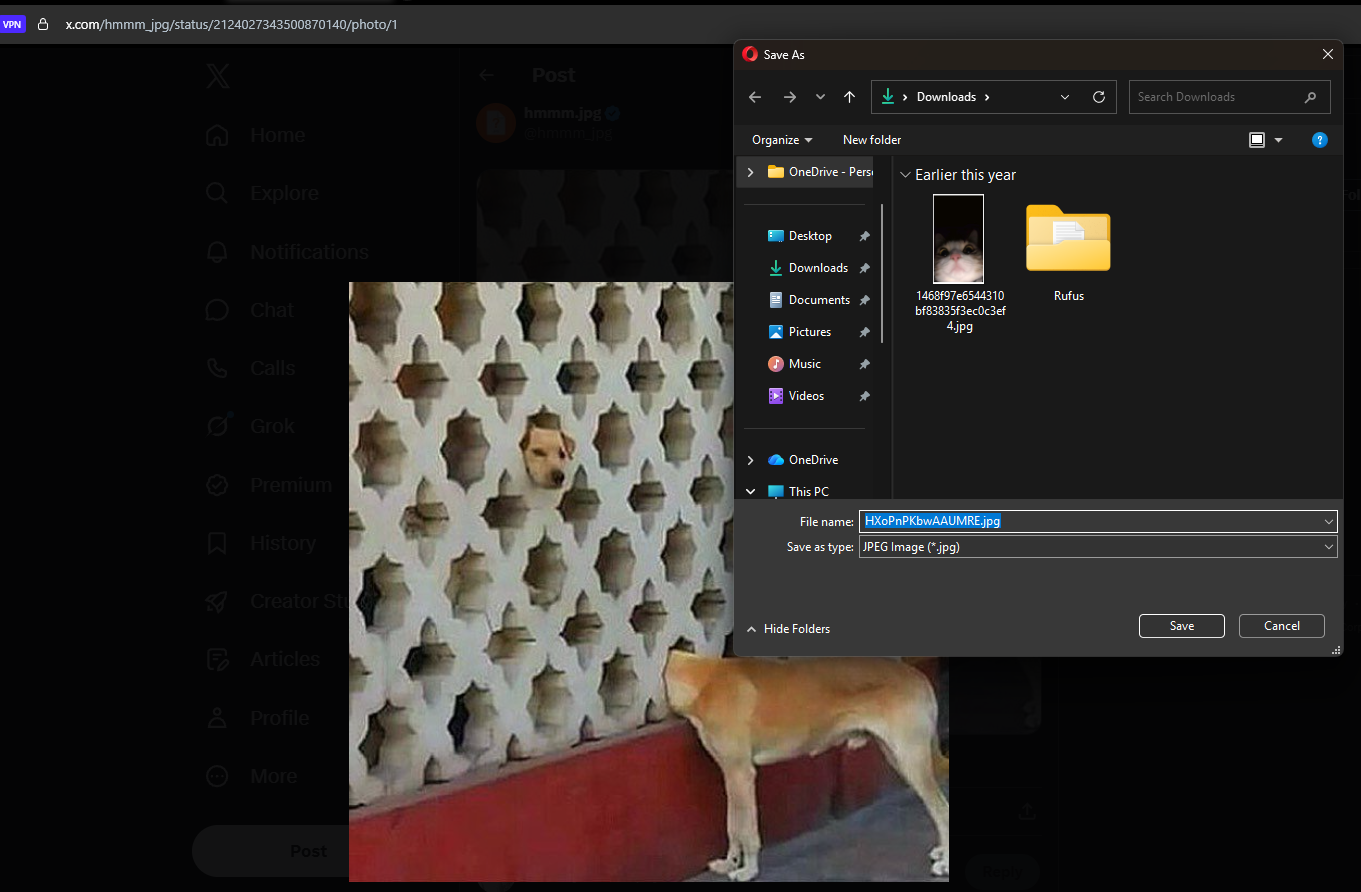
Oh i forgot to mention the other browser, it is Opera, this browser still saving jpg/png by default currently as well the url extension still using jpg Any opened Twitter post in Opera still using jpg/png instead webp
if there is a way to make this happen in firefox making jpg/png as default image format to download, i would be appreciate much thank you

Since you haven't provided a link yet, I've tried downloading some random images from X in Firefox and they were JPEG.
Firefox does not convert images on download, it downloads whatever website serves. However, if we identify a page that serves different images in Firefox vs other browser(s), that may be a web compatibility issue with X.
Denys said
Since you haven't provided a link yet, I've tried downloading some random images from X in Firefox and they were JPEG. Firefox does not convert images on download, it downloads whatever website serves. However, if we identify a page that serves different images in Firefox vs other browser(s), that may be a web compatibility issue with X.
Previously the firefox i use on device im currently using it, always download jpeg/png whenever i download random images on Twitter/X, but this week i encountered auto-webp download, tried to find any resolving pages but didnt work, thank you

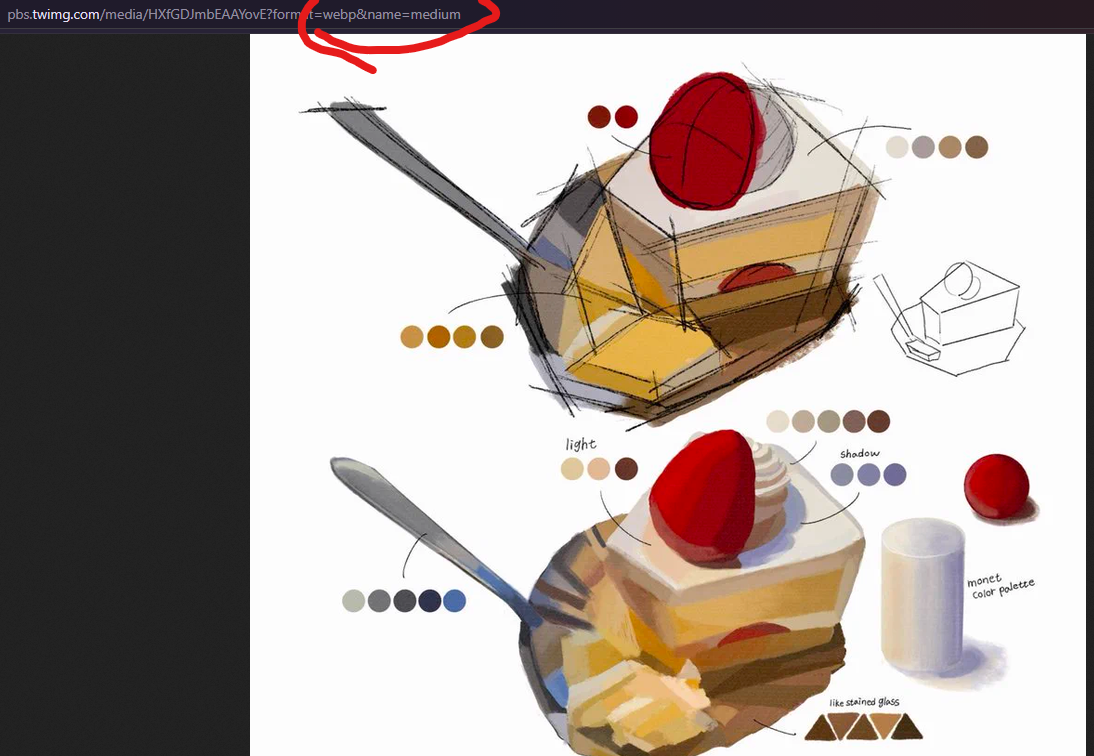
I ran into the same thing with images from X, and in my case the file really was being served as WebP, so Firefox was just saving what X sent it. What worked for me was opening the image on its own and changing the format part of its address to jpg before saving, since X serves whatever format is asked for there. That got me the original JPG file instead of a renamed WebP, which my editing apps would not open properly.