


Firefox won't open after latest windows update. Nothing restores functionality.
Everything was working fine. I ran windows update on 10/31/26. Afterwards I couldn't open Firefox or Brave browsers. I've tried uninstalling and reinstalling the updates. I've uninstalled and reinstalled Firefox. I've reinstalled windows 11 three different times. There are approx. 4 programs that won't open or function at all. Nothing changes when I boot up in safe mode, or when I disable my anti virus. I've tried system restoring 4 times but it fails every time. Ironically enough, Microsoft's Edge browser operates perfectly. For some reason, if I go thru the microsoft store and choose the firefox app it downloads and works but not like it did when I downloaded it directly from mozilla. I can't make it my default browser, I can't pin it to the taskbar, and the shortcut target is the My PC folder. I've spend hours chatting with microsoft tech support. I'm at my wits end and don't know what else I can try. Any advice would be greatly appreciated.
I'm running Win.11 25h2 on an Inspiron 15-3511
모든 댓글 (4)
I'd generally recommend using the store install if that works, and look into how to achieve the shortcuts and defaults using that install (potentially manually?)
Everything was working fine. I ran windows update on 10/31/26. Afterwards I couldn't open Firefox
How does that exhibit? Any errors? Entries in Task Manager? Or just… nothing, no reaction, no error?
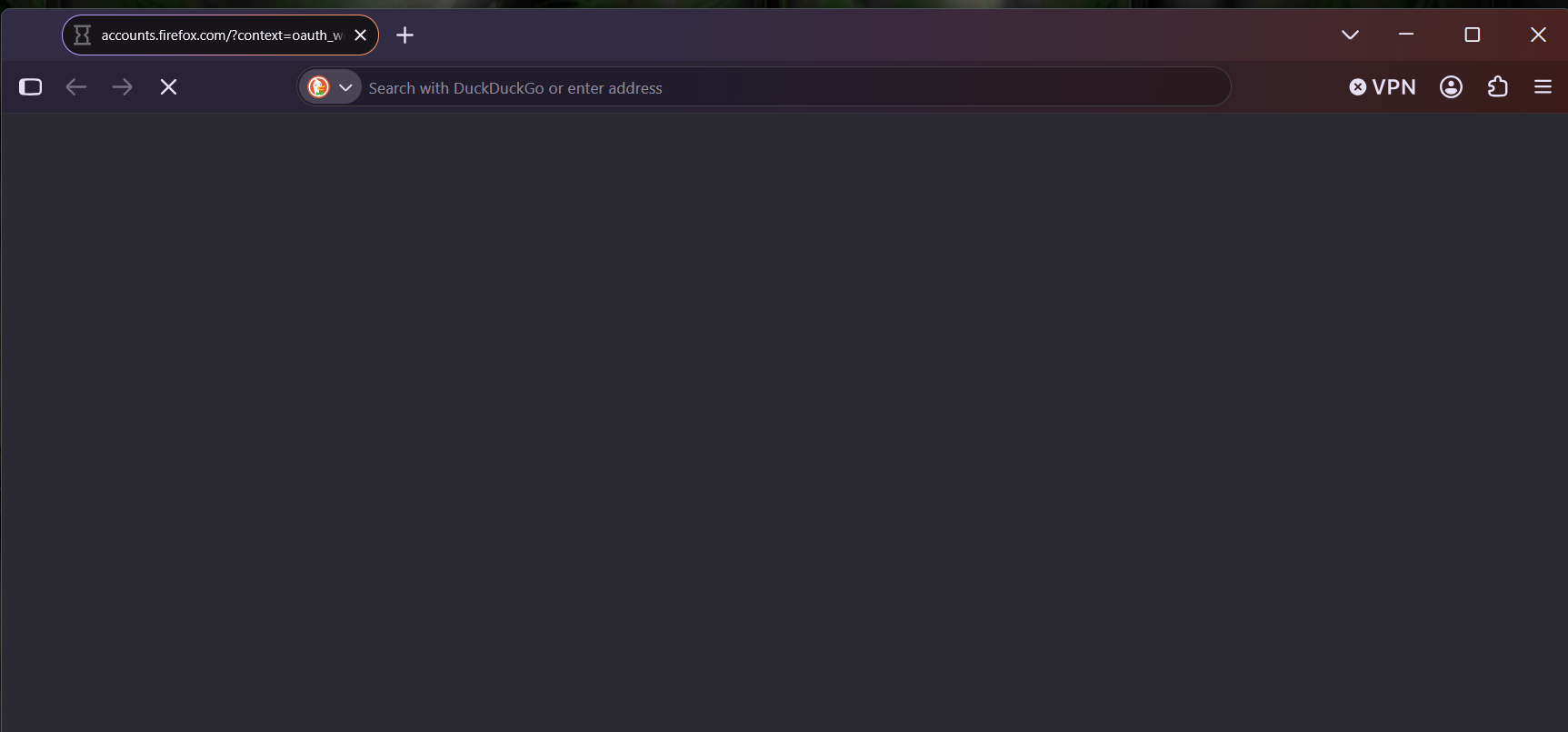
No, nothing. No error messages, no activity in task manager, just an hourglass for a split second and nothing. If I choose "run as administrator" It opens the home screen but that's as far as it goes. I can't sign in or navigate to any websites. I can't get to settings or make any changes.
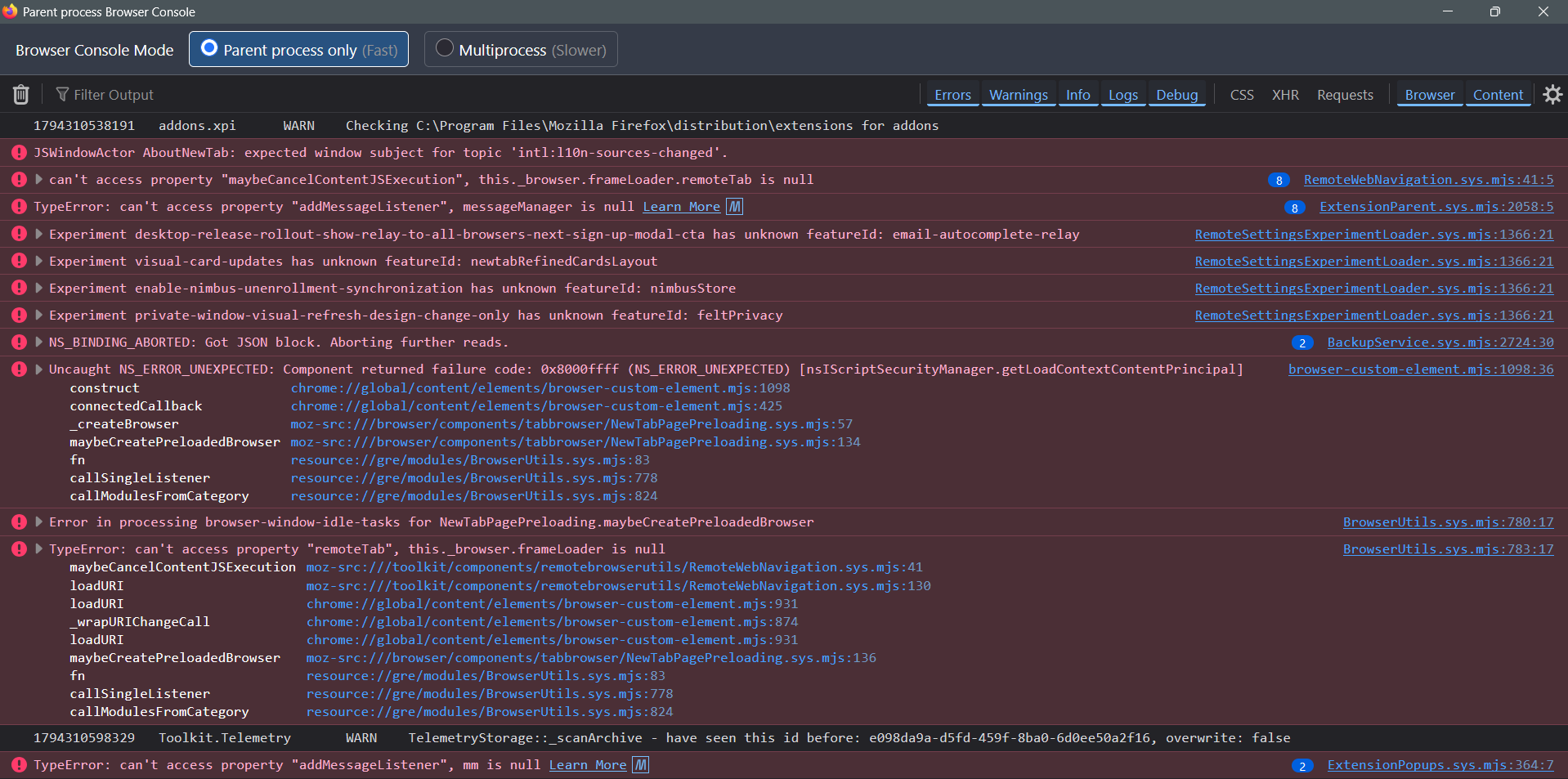
Here's a screenshot of the browser console.
Sounds similar to support.mozilla.org/questions/1616332 — so that might be something like last year again — try asking around Windows support communities if there are any known workarounds. (There were some content filters shenanigans last year before MS managed to "unbreak" their update…)