


backing up thunderbird file manually. Odd message at end of copy/paste

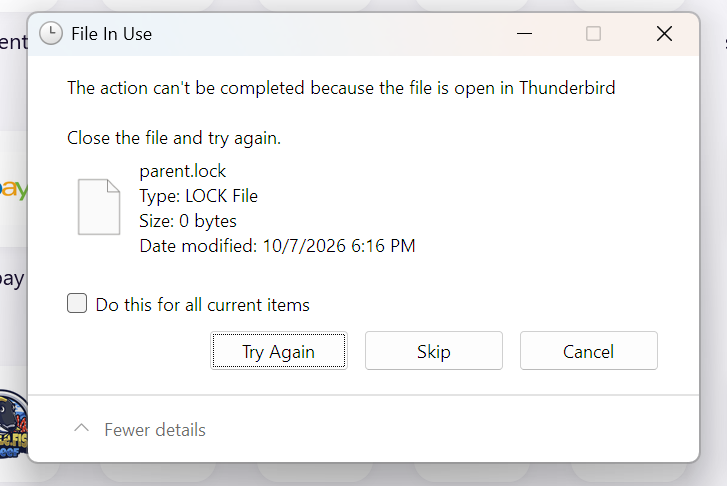
My mail filesa re huge like 26GB. So I do the copy/paste type transfer for backup. I've done it for years. Today I get this (see attachment) at the end of the "paste" into a backup folder. I hit "skip" Is this an issue? Earlier I did accidentally hit the auto export (zip) b4 reverting to manual
So by skipping this is this going to break my backup so it isn't useable?
Thanks, Jeff K.
모든 댓글 (4)
My guess is that message appeared because you were copying while thunderbird was still running. If so, I wouldn't trust it
Thanks, yea that solved the message thing. Oddly according to Thunderbird the file is "deleted on closing" except it isn't. C/p doesn't create the message but the lock file is still there. I also tried to import on an old tablet
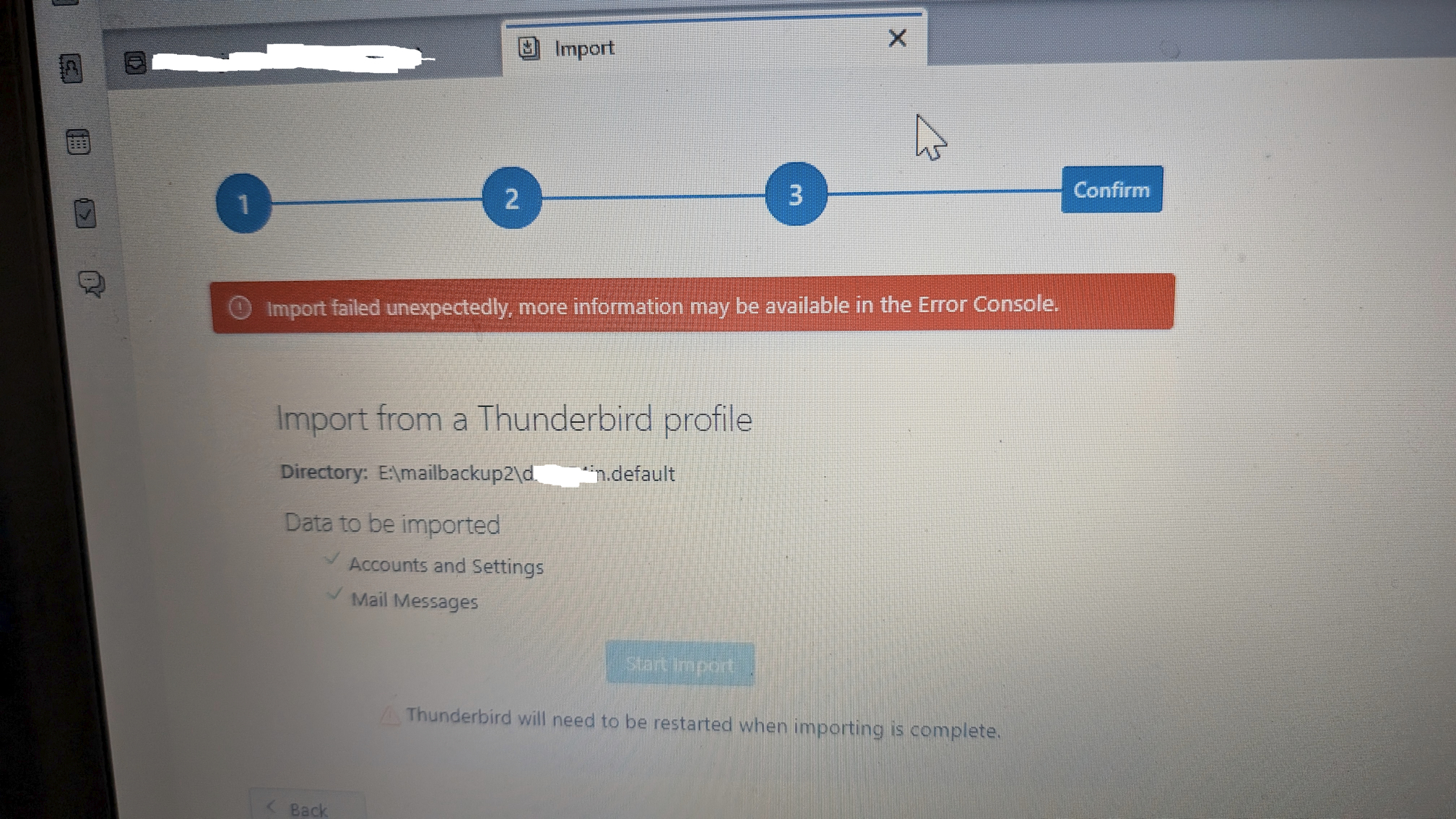
More info is needed. The thunderbird import works from a zip file. If you would post a screenshot of what the folder looks like, I think we can work through it. Also, what specific steps did you use to create the backup? If that info is shared, fixing this may go more quickly. Thanks.
TIP: If the PC is still available, and if the majority of your storage is IMAP folders, you can exit thunderbird, delete the IMAP message folders (e.g., inbox,inbox.msf, sent,sent.msf) prior to doing the backup.
BACKUP
- ensure thunderbird is not running
- enter %appdata% in search window on task bar and press Enter key
- this should open windows file explorer in Appdata\roaming folder
- highlight the Thunderbird folder and copy to external media
RESTORE
- ensure thunderbird is installed, run once, and NOT running
- enter %appdata% in search window on task bar and press Enter key
- delete the thunderbird folder
- you should be in Appdata\roaming folder , copy&paste the exported Thunderbird folder there.
- start thunderbird and all should be there