


Using a high contrast color scheme in Windows disables browser themes even with website contrast turned off in accessibility settings.

I always run a high contrast setting in Windows 10. Since about a year ago, themes no longer work in Firefox when Windows has a high contrast setting enabled. The website contrast override colors settings in the accessibility settings of Firefox do nothing to change the menu bar at the top of the window. Is this a known issue? Will my browser be ugly forever?
모든 댓글 (3)
Website settings only apply to websites. If your browser UI is in HCM, that comes from your system settings. What you describe sounds as the intended result — if you don't want HCM colors, then don't use HCM? Or am I not understanding the issue? Can you explain a bit more, and add some screenshots?
These are e.g. the colors as defined in the OS accessibility preferences:
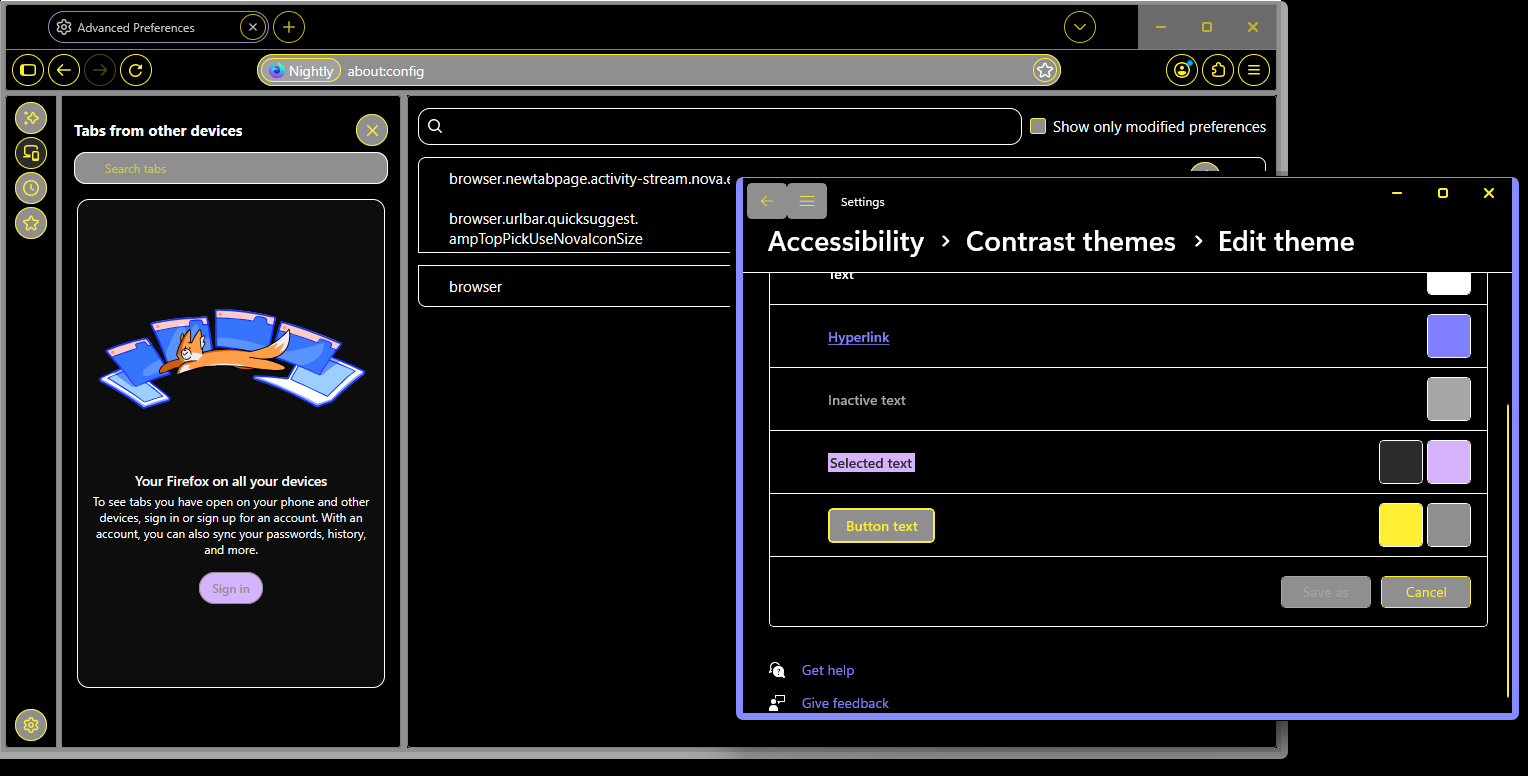
My issue is that I want to continue to use high contrast settings on my OS but also see themes in Firefox. If this is no longer possible, I would like to submit a feature request to add an option to overwrite the OS settings. Again, over a year ago themes worked fine while Windows high contrast settings were enabled. One of the big Firefox updates changed this behavior.
I'm not sure if that's a bug, or a feature. Some source docs claim a non–default theme should not have forced colors from system applied, but it might have changed and it's just a documentation bug now.
Either way you can file it e.g. in this component: https://bugzilla.mozilla.org/enter_bug.cgi?product=Firefox&component=Theme and if there was a deliberate change impacting custom themes, somebody triaging it might point you to the relevant changeset, if that was expected.