


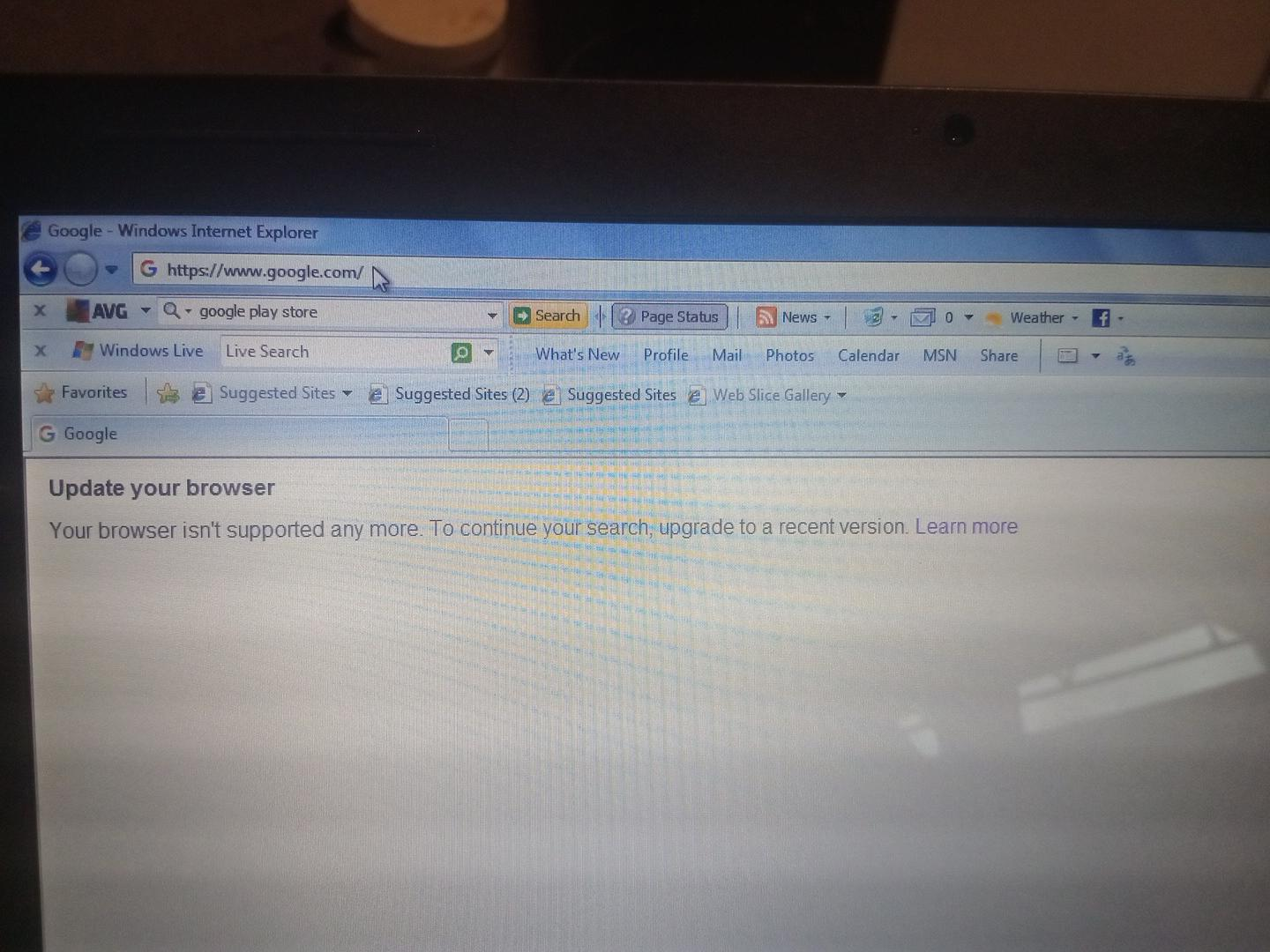
My internet explorer cannot display now i want to use this

My internet explorer is old
모든 댓글 (3)
My internet explorer cannot display it is old I want to use fire fox
If you can open www.firefox.com directly you'll get a download link for your platform from there. If you can't, or the download doesn't work (which if this is IE8 probably won't work), you can still get any version from https://archive.mozilla.org/ which opens and works even on IE8. So depending on what version, architecture and localization you need, you can get the .exe or .msi installer directly from e.g. https://archive.mozilla.org/pub/firefox/releases/115.40.0esr/win32/en-US/ (if you don't want to type that in the old browser, just start at the root and look for the folders named like the path segments above and follow the links…)
Otherwise there are some tips in support.mozilla.org/questions/1597296 using e.g. a phone to transfer the installer.
Bonsoir
À propos Firefox
This discussion thread https://connect.mozilla.org/t5/firefox-labs/webseite-sein-monaten-nicht-erreichbar/td-p/136998