


When refreshing / reloading a website, it reurns to the top, not when it was on the page

Hi, a while ago something changed in my Firefox where when browsing and refreshing a page it now returns to the top of the page. It always use to refresh to the same place on the page so i didn't need to scroll to get back to where i was. Does anyone know how to fix this? Any help greatly appreciated. Thanks
모든 댓글 (4)
Hi Paul, if this happens only on a certain site, it's possible they changed the underlying technology and no longer serve the page as a whole on load. It should still work as expected in general — I just tried on a random wikipedia page and the scroll position seems to be preserved on refresh. Can you confirm refreshing wikipedia articles or any of these mozilla sites also exhibits the same for you?
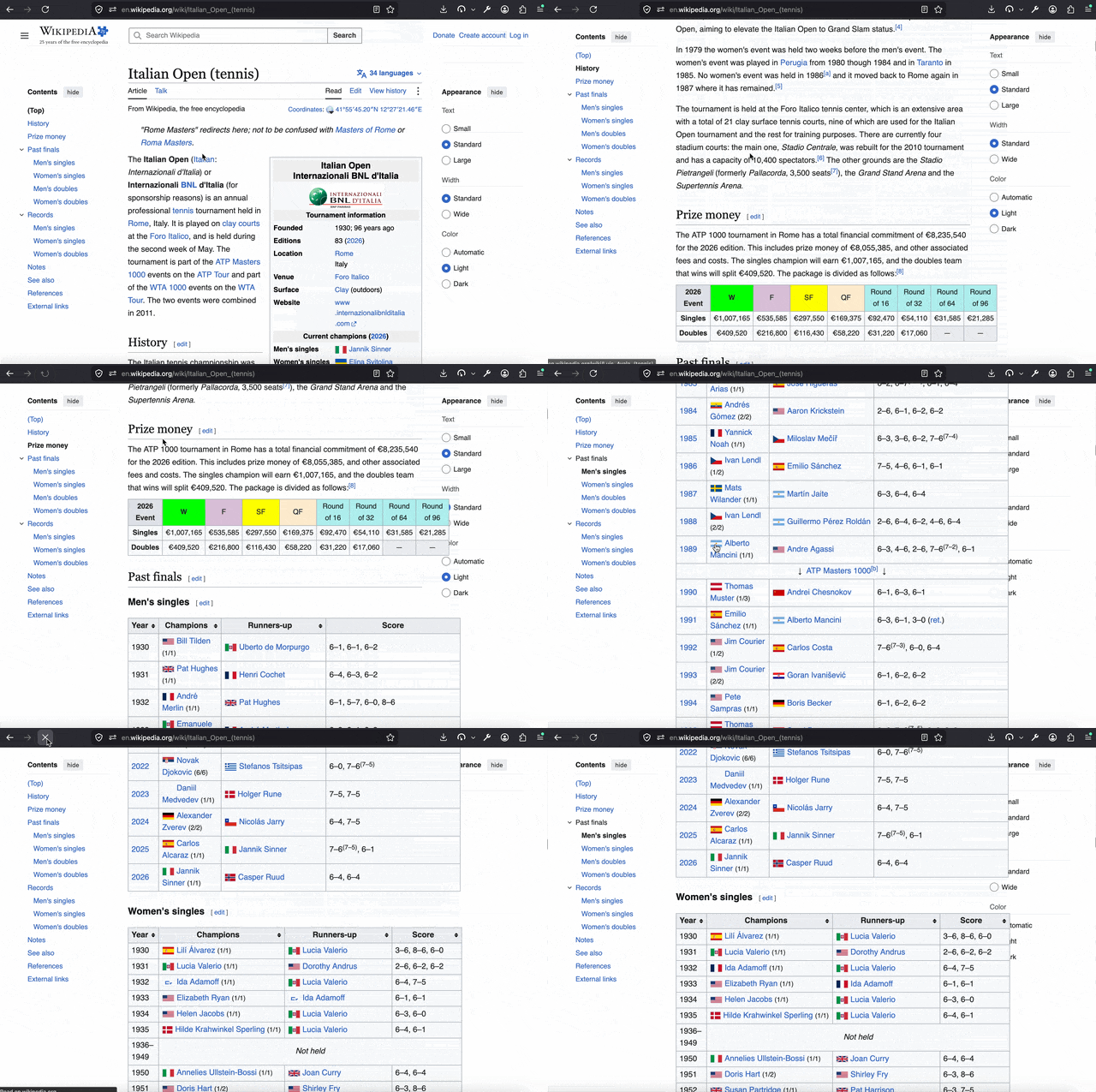
Hi jbr, it does seem to be only the website in question. It is a golf booking site! brsgolf.com. Does that mean it isn't possible fix for this site? Appreciate your help.
Unfortunately they don't provide a publicly accessible demo so I can't check how they render the pages — so can only guess they're reloading to a truncated page length and you'd end up in the beginning initially — and only then with a delay emit the rest so the coordinates are lost (or load any content only asynchronously in chunks over time with no initial content, or progressively with scrolling further), so what might have changed in past is the responses are slower now, so the timing of things make this issue more pronounced.
If you're a customer of theirs, you might be more successful reaching out to them and describing the issue you have, as this might need changes to their software.
Thanks JBR!