


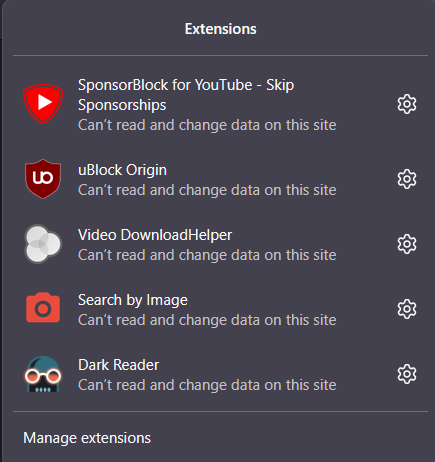
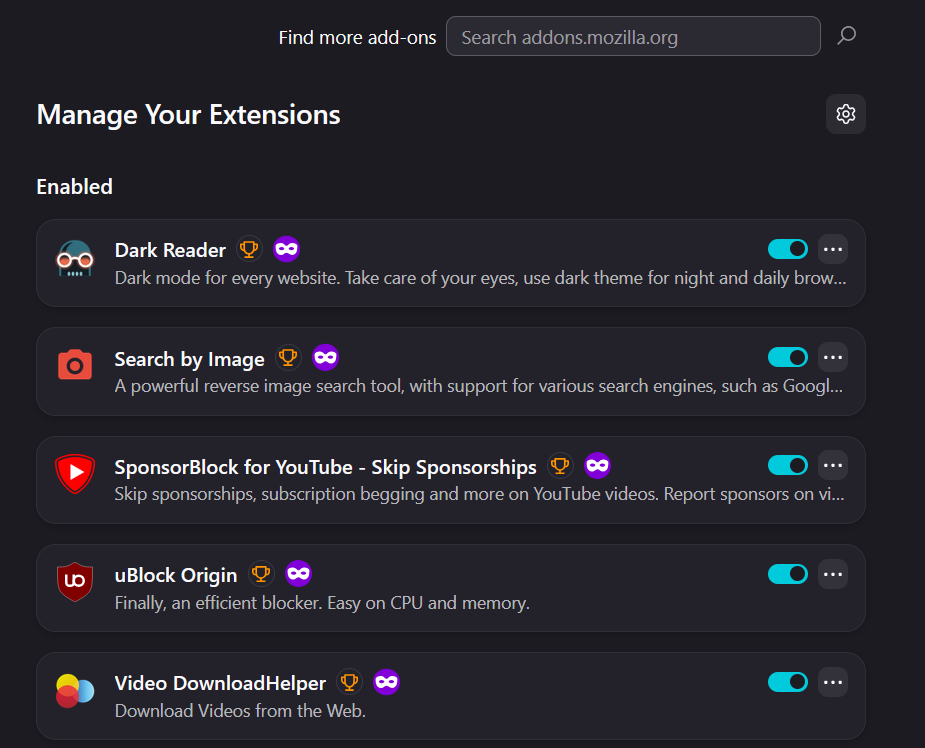
After installing the English (US) dictionary extensions from AMO, they are reported as installed with a ‘Remove’ option, yet do not appear in the about:addons extensions

I installed the English (US) dictionary add-ons from Mozilla Add-ons (English-US Dictionary and US English Dictionary). Firefox confirms they are installed and shows a “Remove” option, but they do not appear in about:addons under Dictionaries or Extensions. Additionally, the dictionary features are not working on webpages—there is no “define” option on text selection, and no dictionary/lookup functionality appears even after double-clicking words or using context menu options. The add-ons only appear as installed on their web pages.
Expected behavior: Installed dictionaries should be visible in about:addons and provide word lookup/definition functionality in the browser. Actual behavior: Add-ons are not listed in about:addons and provide no visible or usable dictionary features on webpages.


모든 댓글 (1)
I do believe the current dictionary functionality is only tied to spellchecking: How do I use the Firefox spell checker? — so if you were on en–US locale before, it just updated the existing builtin version, but it will only offer it in text inputs like this in the context menu "Languages" as shown in the help article.
These spelling dictionaries do not come with definitions or meanings for the words, you can basically learn more e.g. here https://github.com/en-wl/wordlist#english-speller-database-esdb for the source of data.