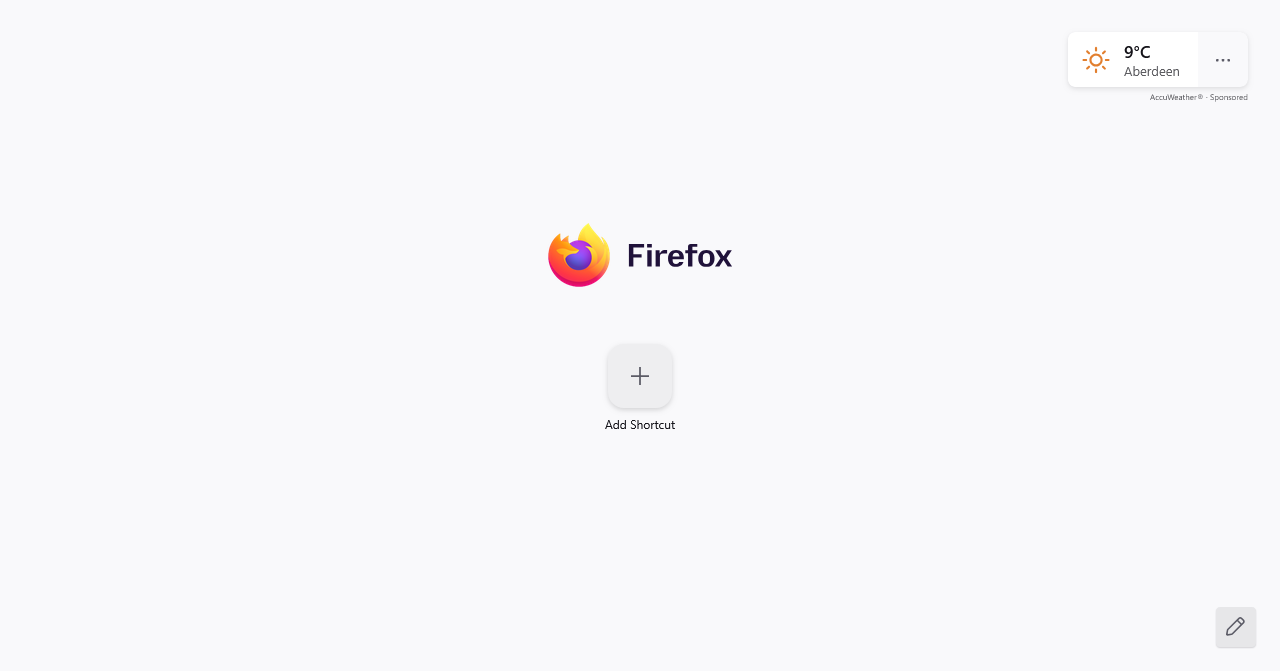
why when i open a new tab are the shortcuts I added not there and it won't let me add any?
On new tab, all my added short cuts are gone and it doesn't let me add any. For example I want to have a shortcut to say... Amazon, but when I type or paste in the url, it still doesn't add it and the add button goes blue, not white. I have the shortcut feature turned on
선택된 해결법
Yeah, like beml said, you may have to do a refresh.
문맥에 따라 이 답변을 읽어주세요 👍 0모든 댓글 (3)
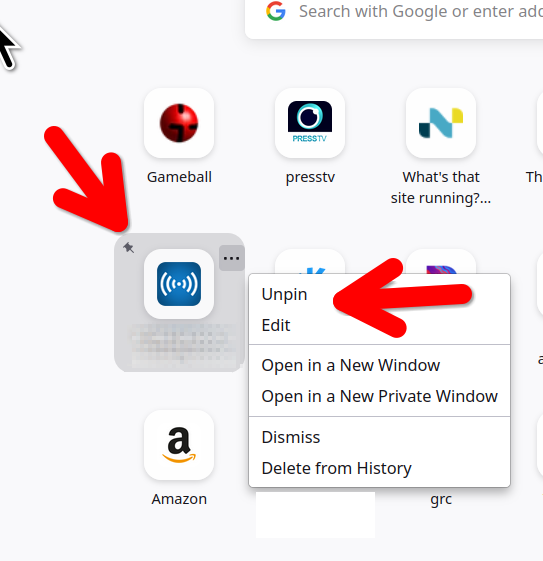

If shortcuts cannot be added then they cannot be pinned as there is nothng to pin. So the questions are - what is preventing users from adding shortcuts? What can users do to make sure that they can add shortcuts.
For some reason all shortcuts disappeared from my Firefox pages/tabs and I have the same problem. My shortcuts were originally pinned but nonetheless they have gone. Not only that I have tried to add shortcuts and this does not work.
I had to refresh Firefox to get the big add sign back onto the new pages/tabs and I have tried disabling Norton Safe Web in case it was the culprit. Still no joy.
Can you provide clear instructions so that I can get the shortcuts back otherwise I am going to end up reapeatedly typing URLs into the search bar. Thank you.
Regards Ben Mellor