


on the shortcuts, is there a way to stop you system from adding a shortcut everytime I visit a site?
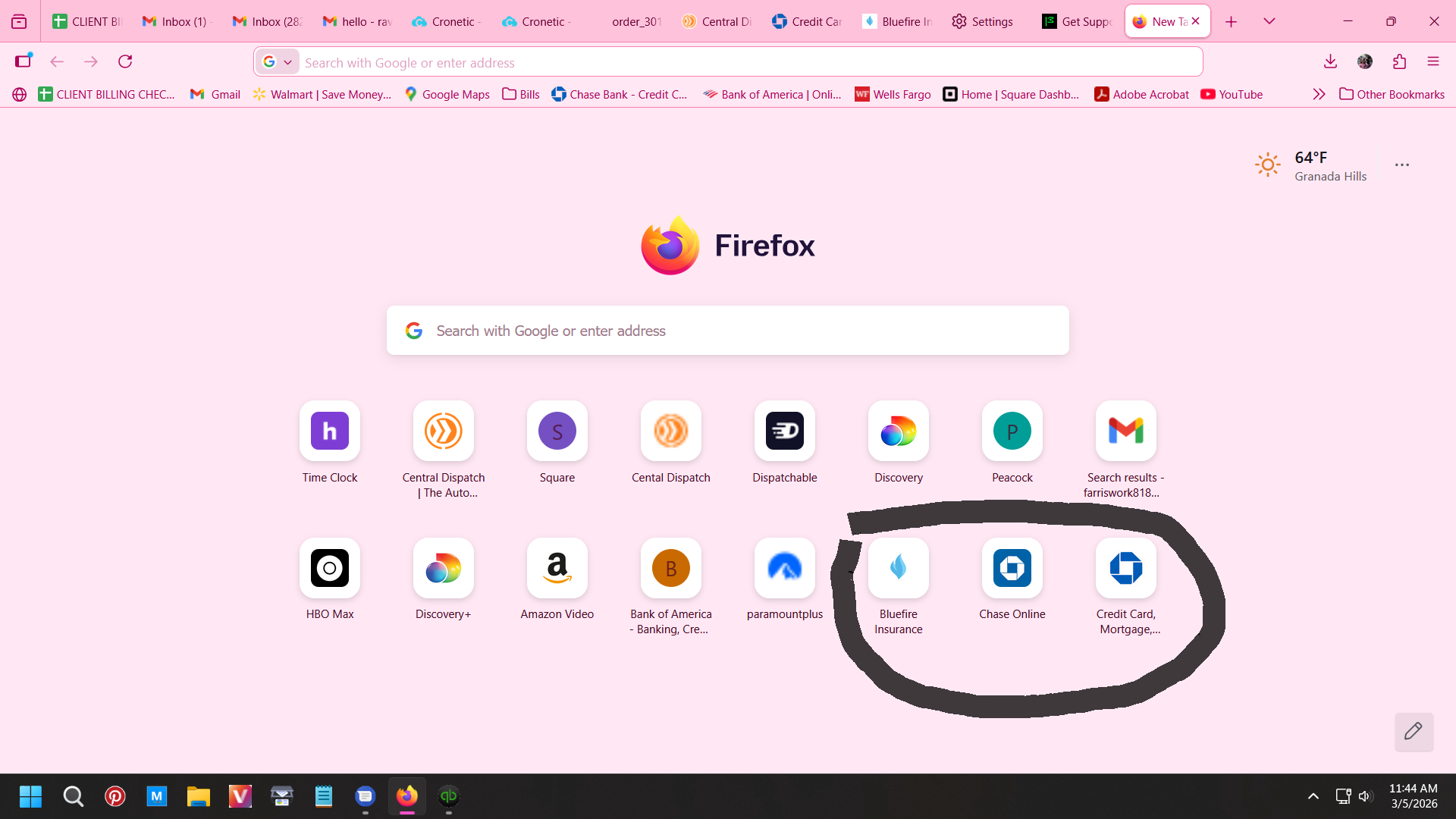
Is there anyway in the setting to stop a shortcut from being added every time I visit a site? I only want sortcuts that I use. I have attached a screenshot circling the ones that keep popping up as an example.
Respectfully, Rhonda
Is there anyway in the setting to stop a shortcut from being added every time I visit a site? I only want sortcuts that I use. I have attached a screenshot circling the ones that keep popping up as an example.
Respectfully,
Rhonda
모든 댓글 (2)

version 148 and there is no option that says anything about this so I guess firefox just keeps adding shortcuts every time you visit a website whether you want it or not. How sad.
Rhonda