Translation option missing
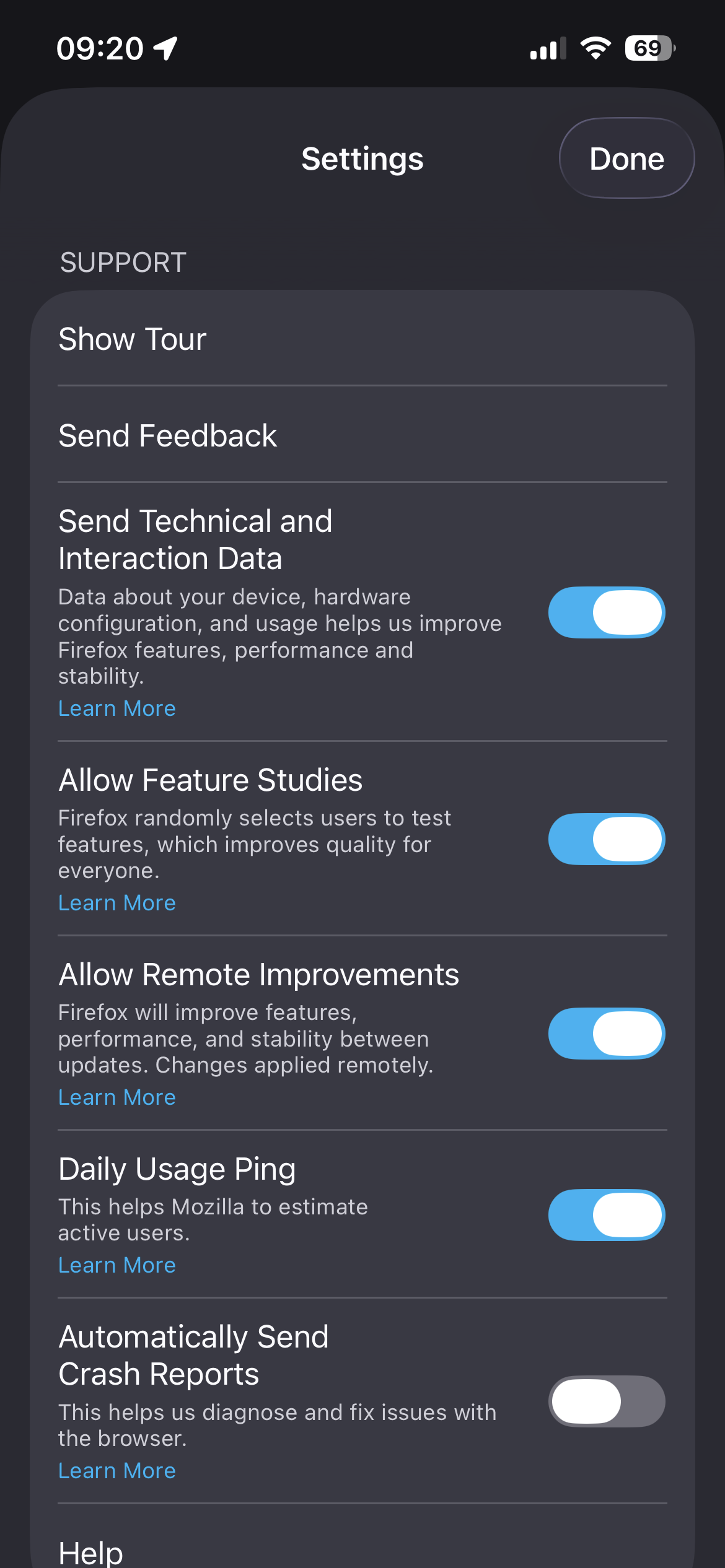
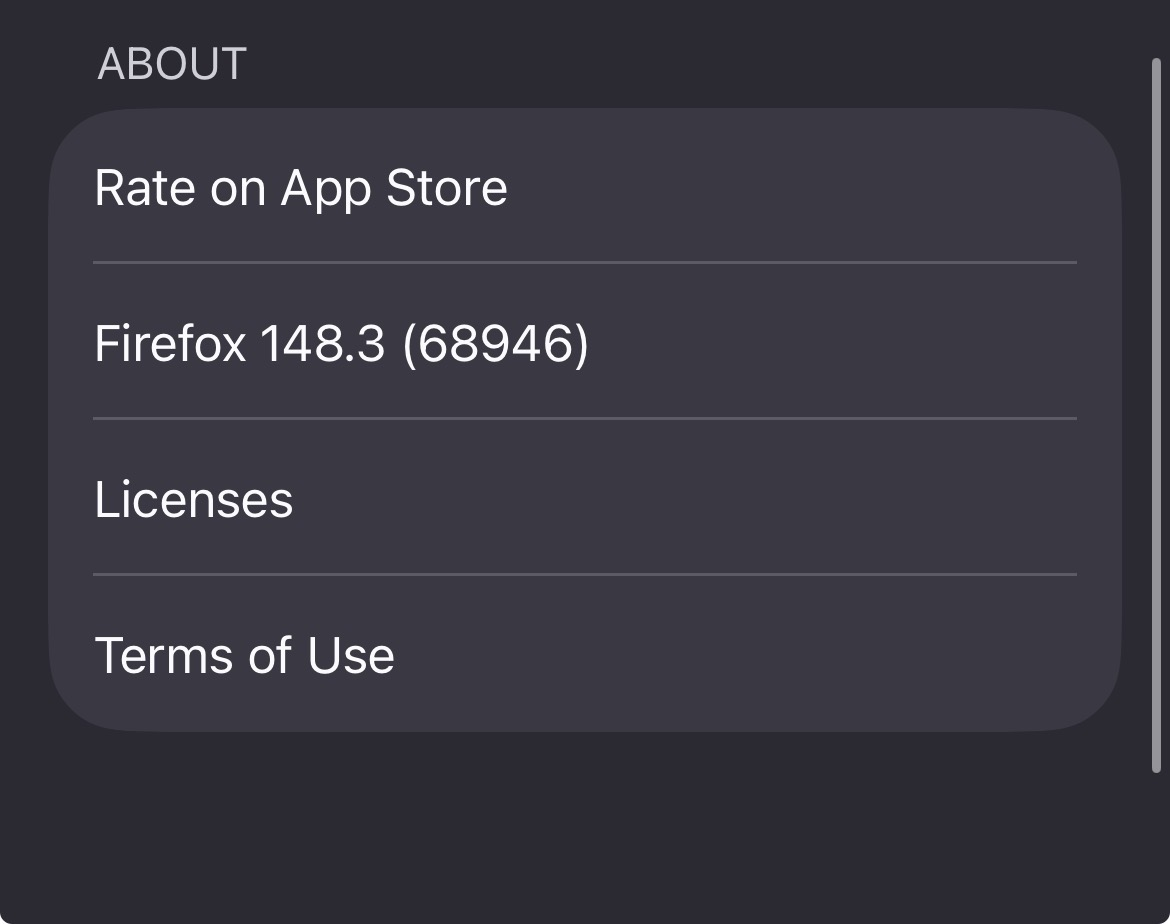
I don’t see the translation option in the menu. I am running latest Firefox (148) on iOS Translation used to work yesterday
This is supposed to be available according to this https://support.mozilla.org/en-US/kb/translate-firefox-ios
글쓴이 NoahSUMO 수정일시
선택된 해결법
Not sure what happened but it works now 🤷
문맥에 따라 이 답변을 읽어주세요 👍 0모든 댓글 (9)
gradual rollout might be the reason: https://support.mozilla.org/en-US/questions/1564417
It was briefly working yesterday, so that's why I got confused :D Marking the feature as still not GA in the documentation would help I guess
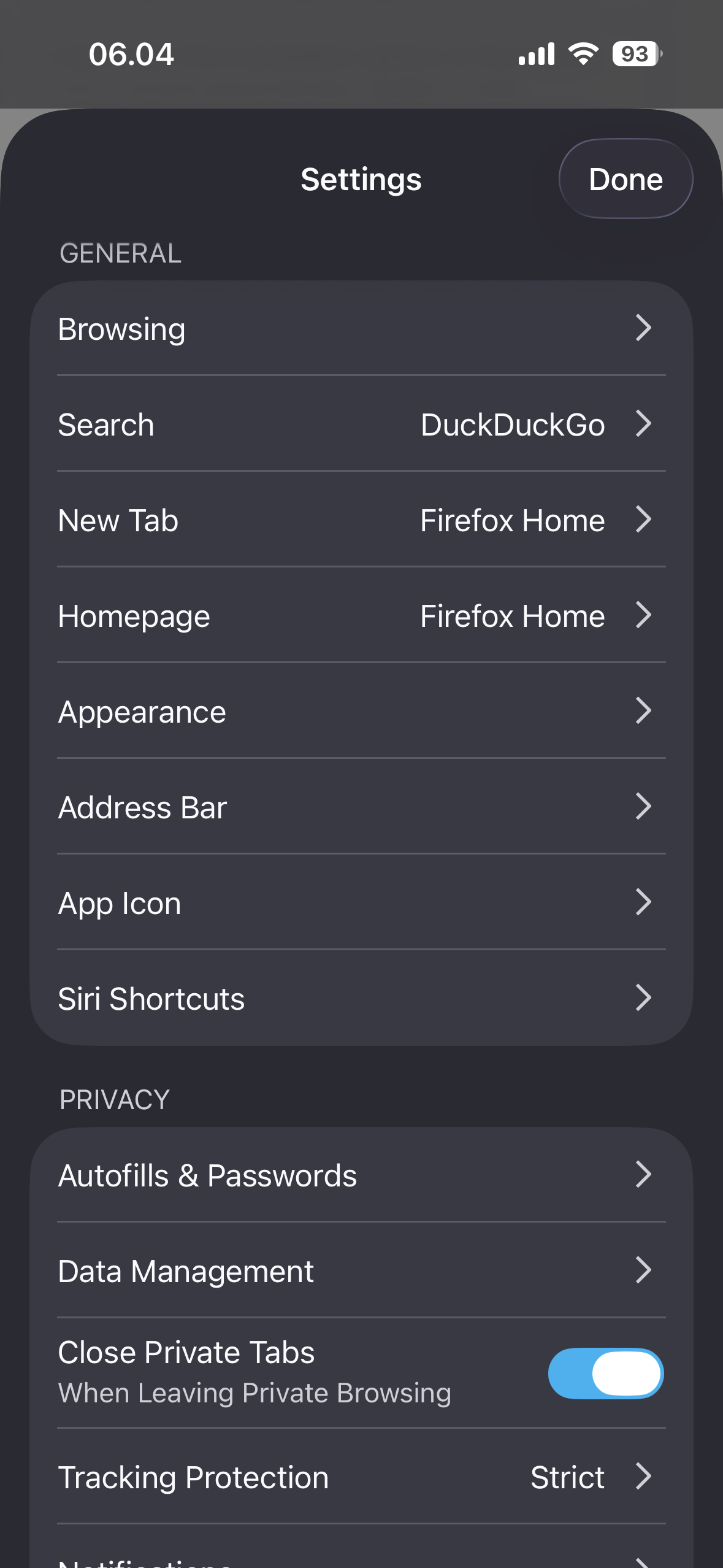
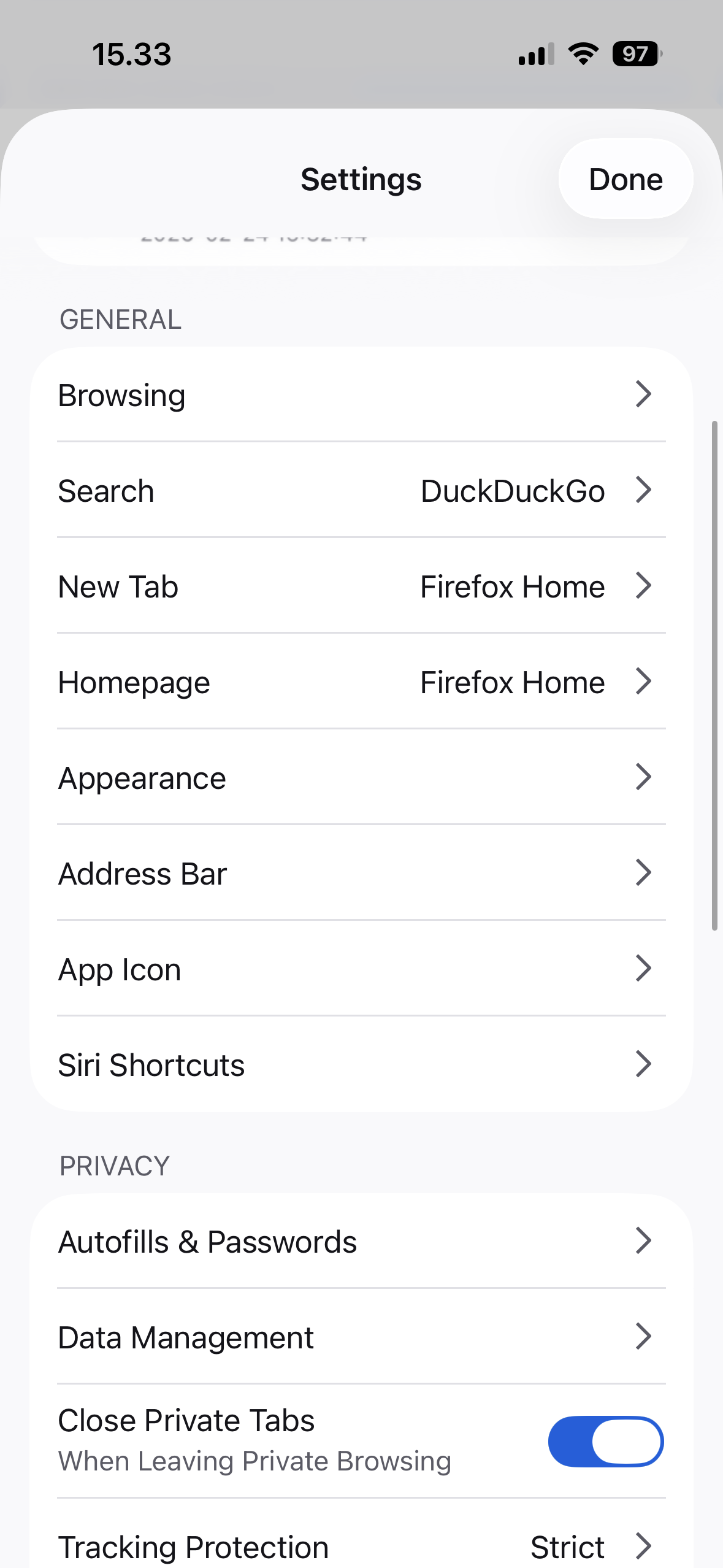
The feature should be available to everyone that has "Allow Feature Studies" turned on in settings. You should then see "Translations" in your settings as well.
So far we support English, French, Spanish, Japanese, German and Portuguese in iOS.
Please report back if this is your case.
I do have it enabled it seems. But translation doesn’t appear

글쓴이 Vincenzo Vicaretti 수정일시

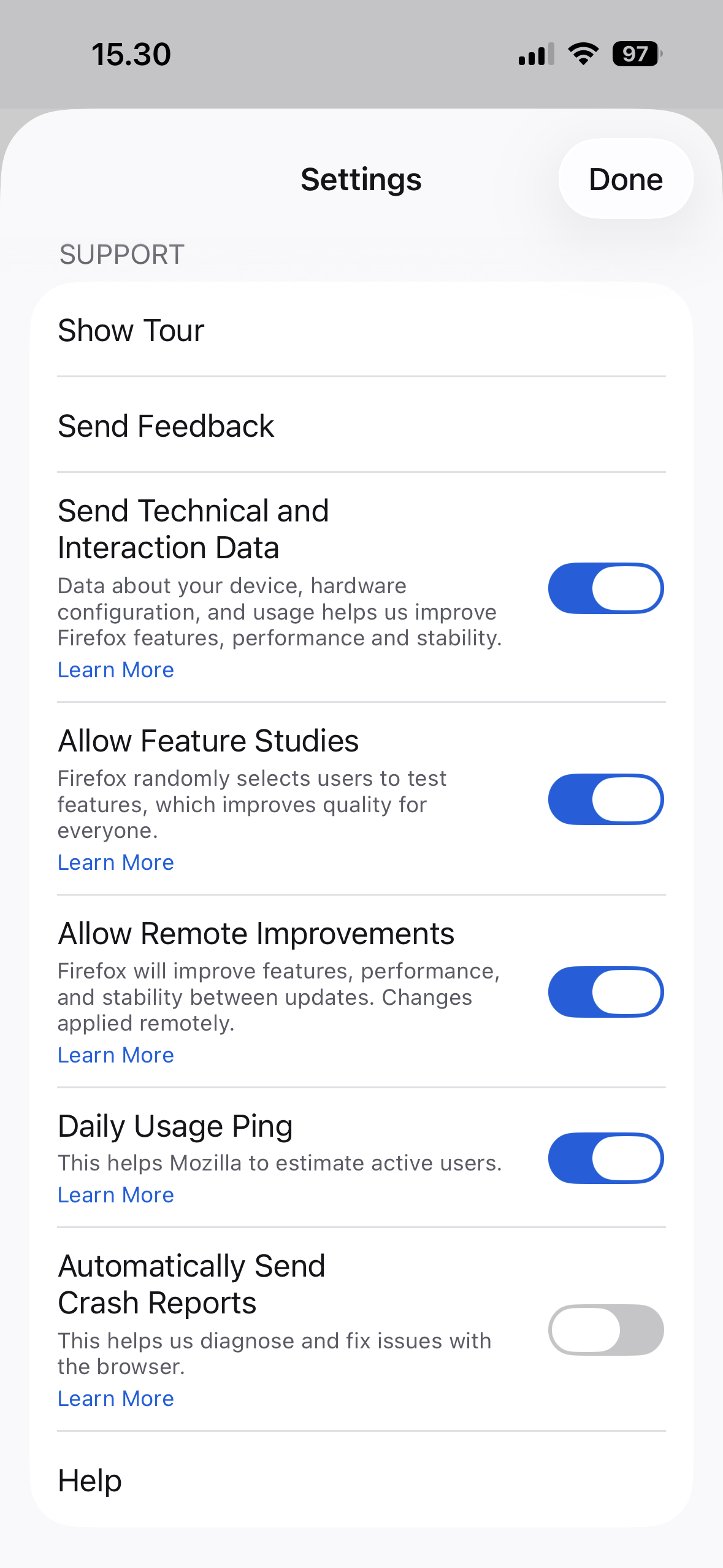
Same here with firefox v148 on iPadOS 26.3. Feature studies is enabled, but translate does not show, neither in settings nor in url bar thanks for any support.
Hi, I'm using firefox v148.3 and my device language is English (UK). Feature studies is enabled, but translate does not show, neither in settings nor in url bar.
Thanks.