


Why is about:config network.lna.blocking false by default?

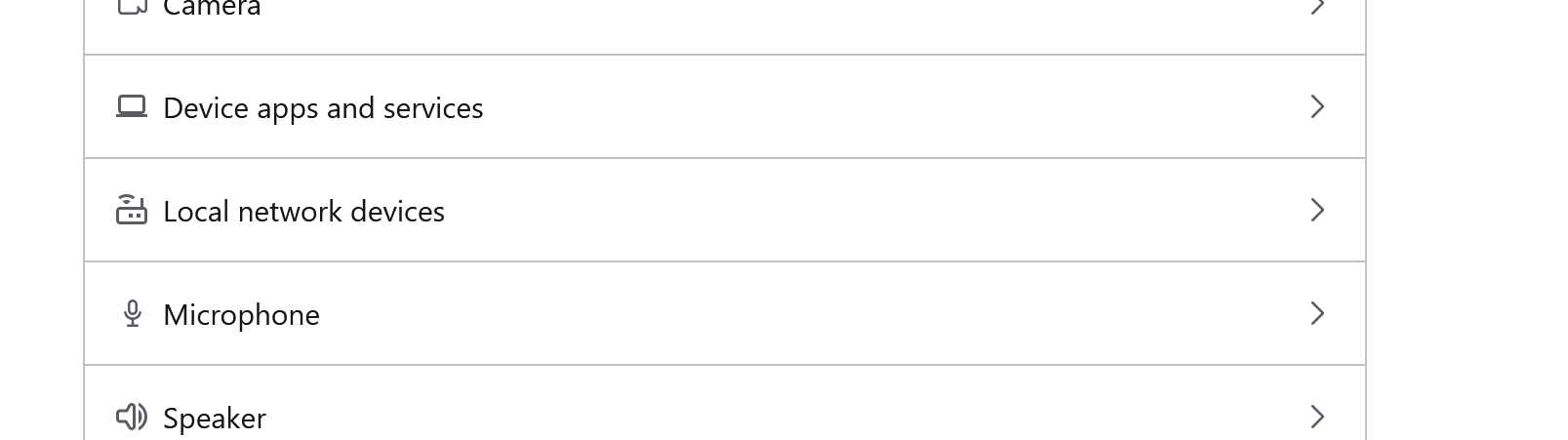
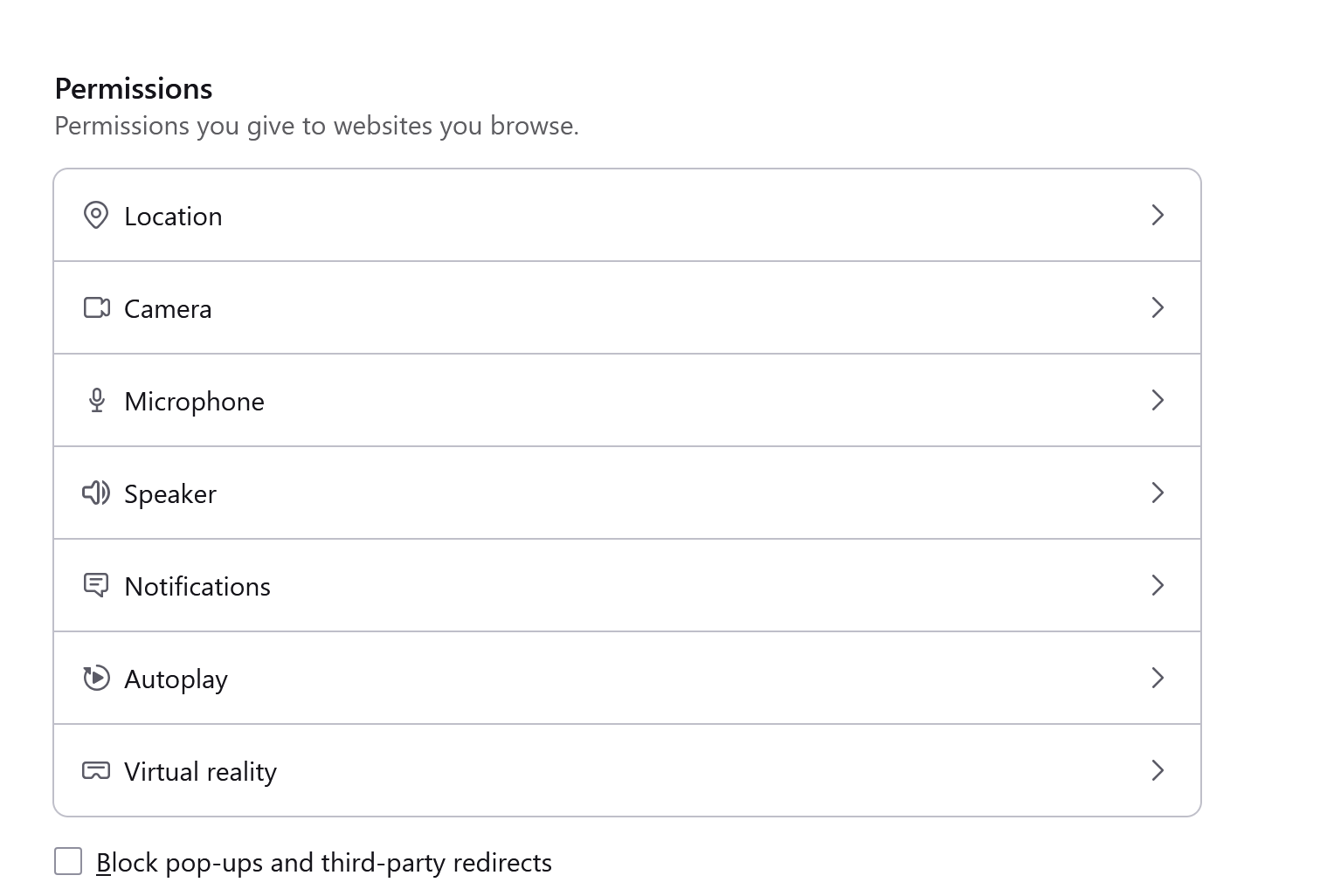
Per [https://support.mozilla.org/en-US/kb/control-personal-device-local-networ...] I was looking for Settings > Permissions > "Local network devices" but the option was not present.
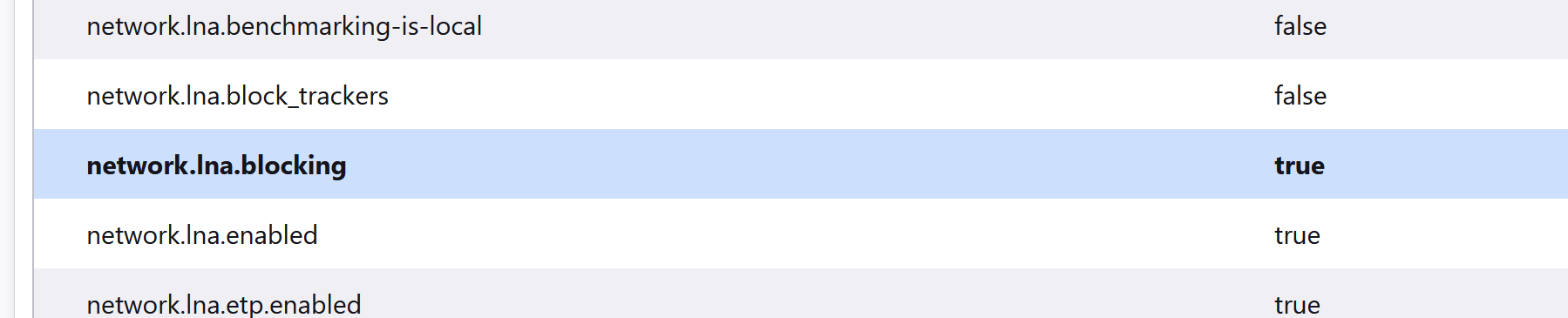
Looking at about:config network.lna.blocking I found it set to "false" by default. Only after I changed this to "true" did the UI shows the "Local network devices" configuration option.
Why is this disabled by default? Isn't this a security risk? It seems like users should be notified by default and have the option to block these requests.

모든 댓글 (4)
Hello
Firefox 147.0 https://www.firefox.com/en-US/firefox/147.0/releasenotes
Users with Enhanced Tracking Protection (ETP) set to Strict will have local network access restrictions enabled by default. Firefox will now require users to explicitly allow public websites to access local network resources.
About Studies https://support.mozilla.org/en-US/kb/shield
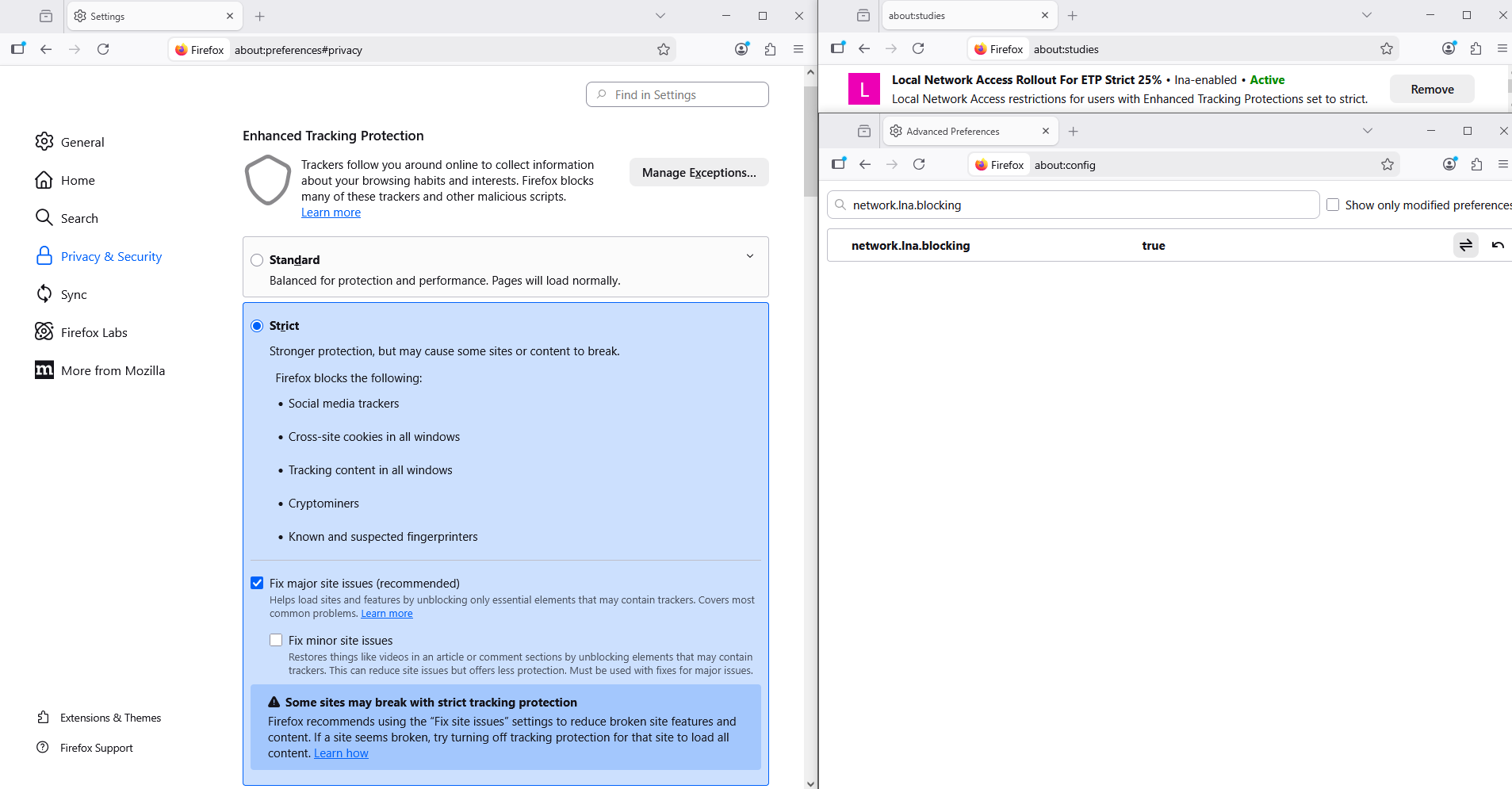
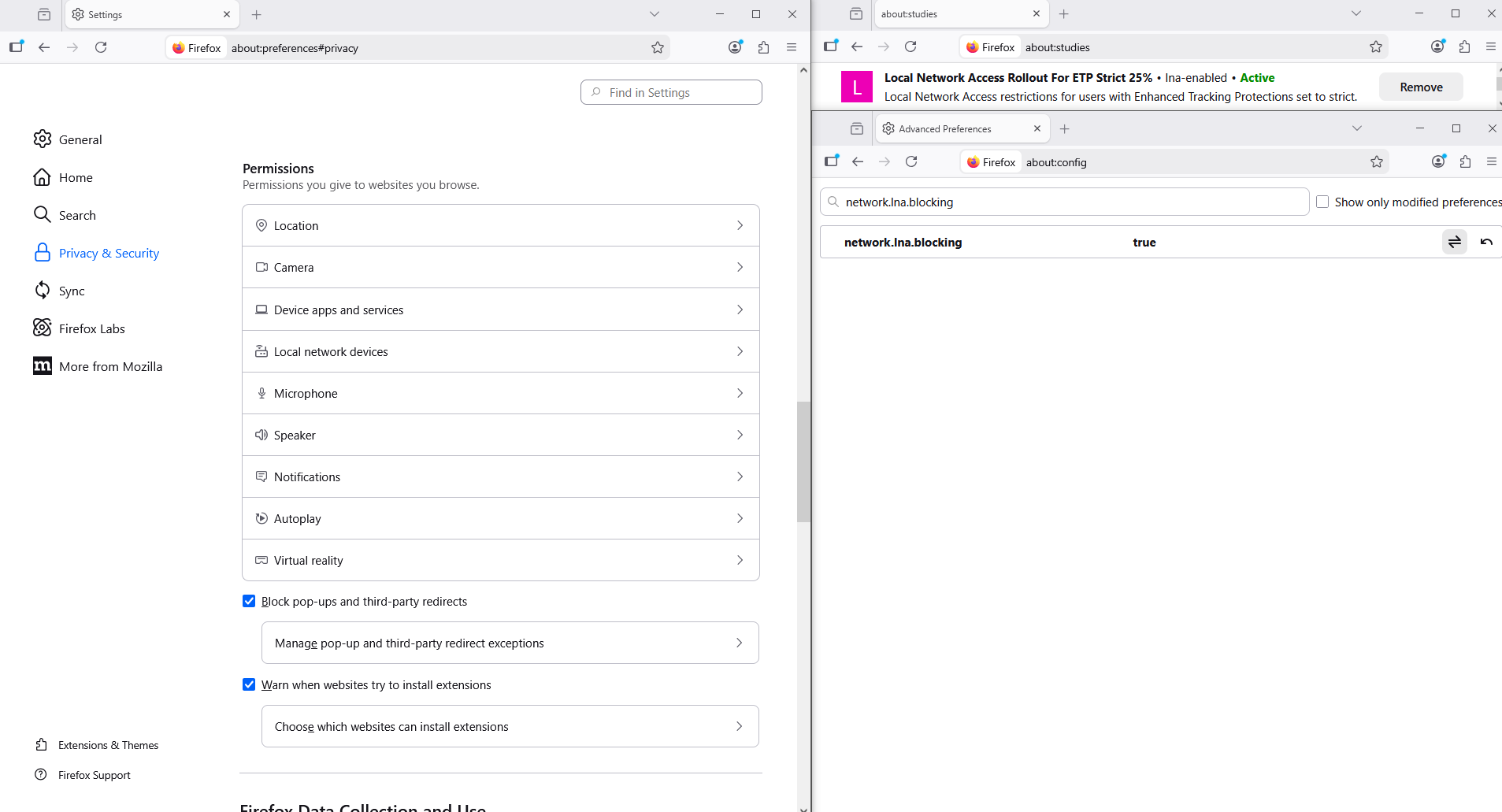
MyFirefox version is 147.0.2 and "Enhanced Tracking Protection" is set to "standard". So according to the release notes network.lna.blocking should have been "true" by default but it was not. So the default settings are not correct? Or the settings is being applied?
The language of these settings is very confusing.
Please appreciate that the knowledge base article that you linked to refers to an experimental feature currently in the Beta and Nightly builds of Firefox.
Hello
By default, network.lna.blocking, set to false.
My screenshots is under standard Firefox release 147.0.2.
This feature is available in Beta and Nightly pre-release versions of Firefox. In standard Firefox releases, only users with Enhanced Tracking Protection (ETP) set to Strict are included in the progressive rollout. Local network access restrictions will be enabled by default and Firefox will require you to explicitly allow public websites to access local network resources.
About Studies https://support.mozilla.org/en-US/kb/shield
Local Network Access Rollout For ETP Strict, the preference, network.lna.blocking set to true
Click the Remove button next to the study you want to opt out of.
To see, i removed, Local Network Access Rollout For ETP Strict
Result, network.lna.blocking set to false
글쓴이 Agent virtuel 수정일시