


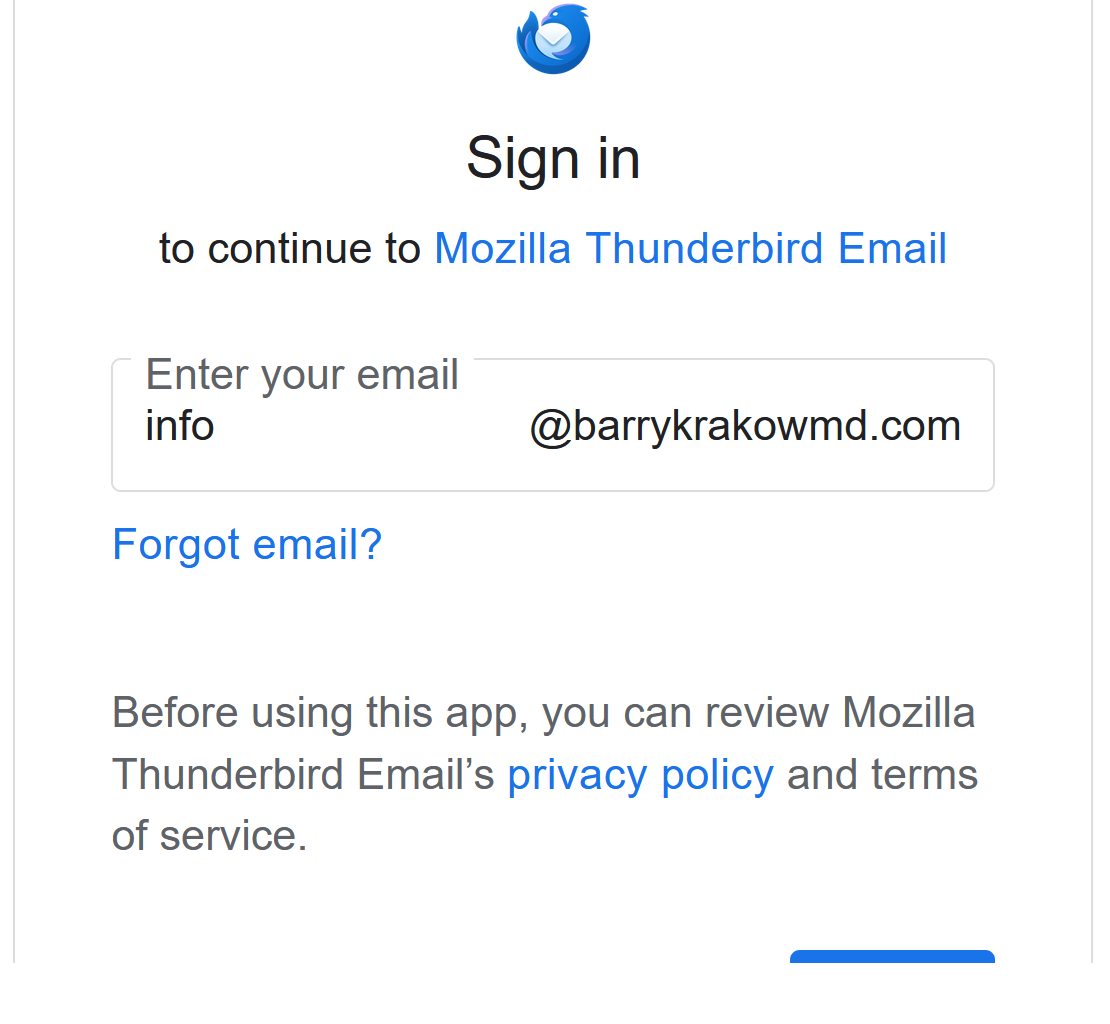
tried driving a gmail acct, i.e. forwarding into a TB acct and now have the recurrently page coming

backstory. tryied working with ai to forward a gmail acct into TB and this is the problem that's arisen
모든 댓글 (2)
It looks like part of an oauth login screen from google. Tell us more.
i presume so. not very tech savvy. ai seemed to be sending me down a rabbit hole when asked to complete this task: "forward my gmail acct into a TB acct." in fact this particular gmail acct had been forwarded into a TB acct successfully for 5 or 6 years, but when recently migrating a website (that uses the email in question to correspond with clients/shoppers), the email system broke when going from hostinger to godaddy.
With AI we were able to set up a new gmail acct transfer from hostinger to google, so i can see my emails thru gmail. but would prefer they forward to TB. When going thru instructions to complete the forwarding, the AI clearly misunderstood or did not know how to do as numerous steps failed, after which AI declared: "oh that explains everything," then gave new instructions, and again it failed, etc., eventually leading to this popup window appear repeatedly whenever my TB acct is open (open to be for another email [not the one in question], which i use more regularly for other personal and professional issues.