Feching mail
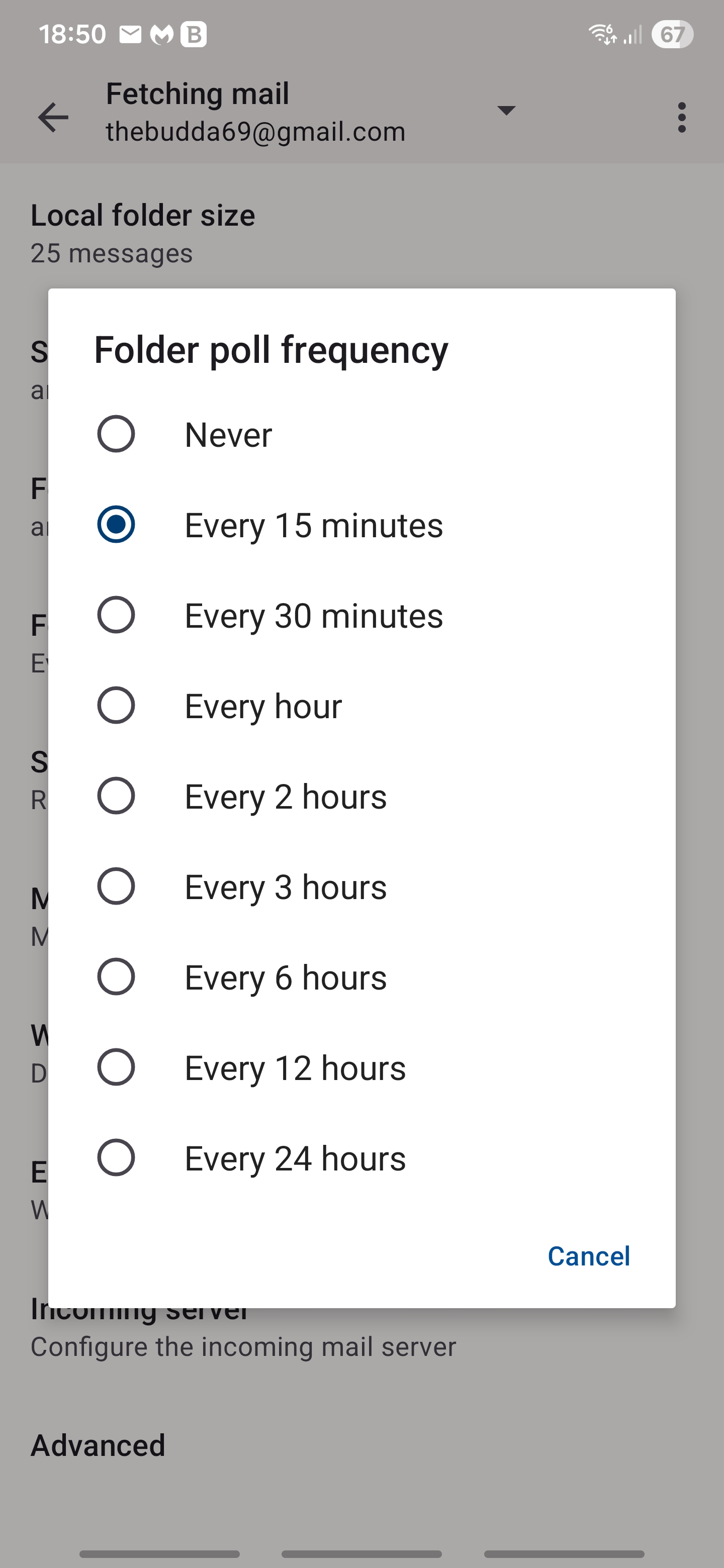
Why in Thunderbird desktop I can set checking for mail to every 1 minute but in Thunderbird Android I only have the option to fetch mail every 15 minutes?
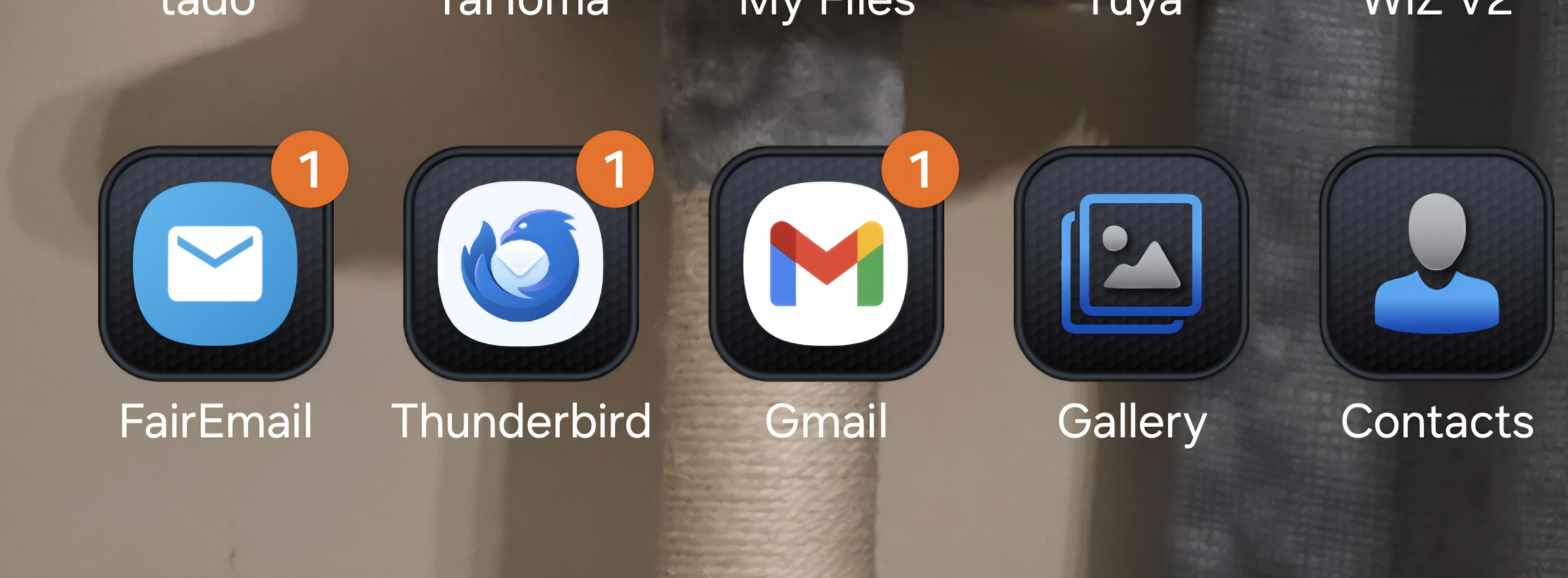
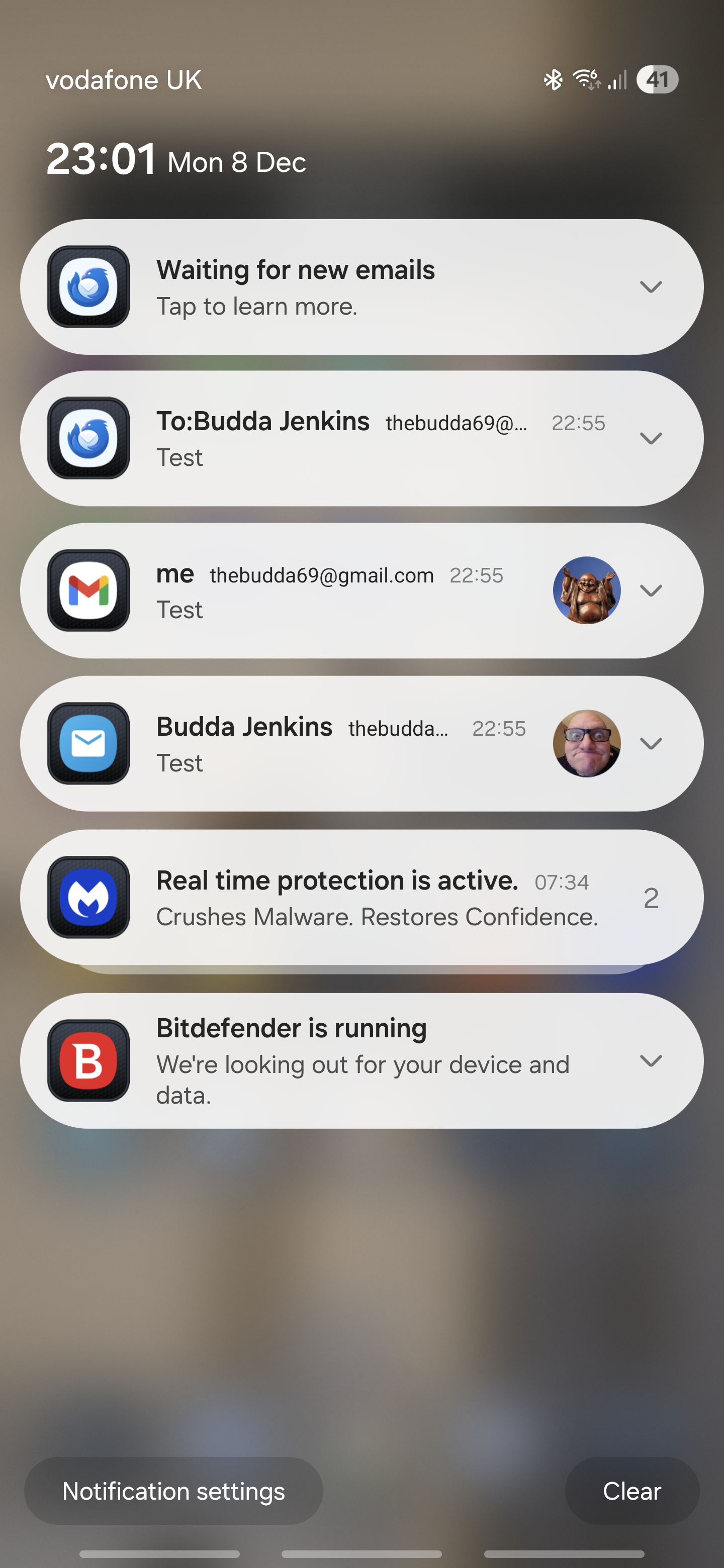
This needs to be changed ASAP! I need to make replies to urgent emails quickly! I shouldn't have to wait 15 minutes for Thunderbird to check for new emails or for me to keep pressing check for new emails. Gmail and FairEmail get my new emails straight away!! Thunderbird Android takes ages
Please change and fetch new emails ASAP! I love Thunderbird and have used Thunderbird since it was first released! But Gmail and FairEmail I use because of this issue! Look at my screenshot! 15 minutes is a joke!!
모든 댓글 (5)

If you need sync more frequently than 15 minutes, the recommended approach is to enable the push service which delivers new emails immediately.
See the link below which will guide you to set this up. https://support.mozilla.org/en-US/kb/configure-push-email-thunderbird-android
This option of push messages is very helpful, I appreciate your reply. But why can't users set their own timer so that we can fetch our emails like we can in Thunderbird desktop? Why the difference? This doesn't make sense in settings to me
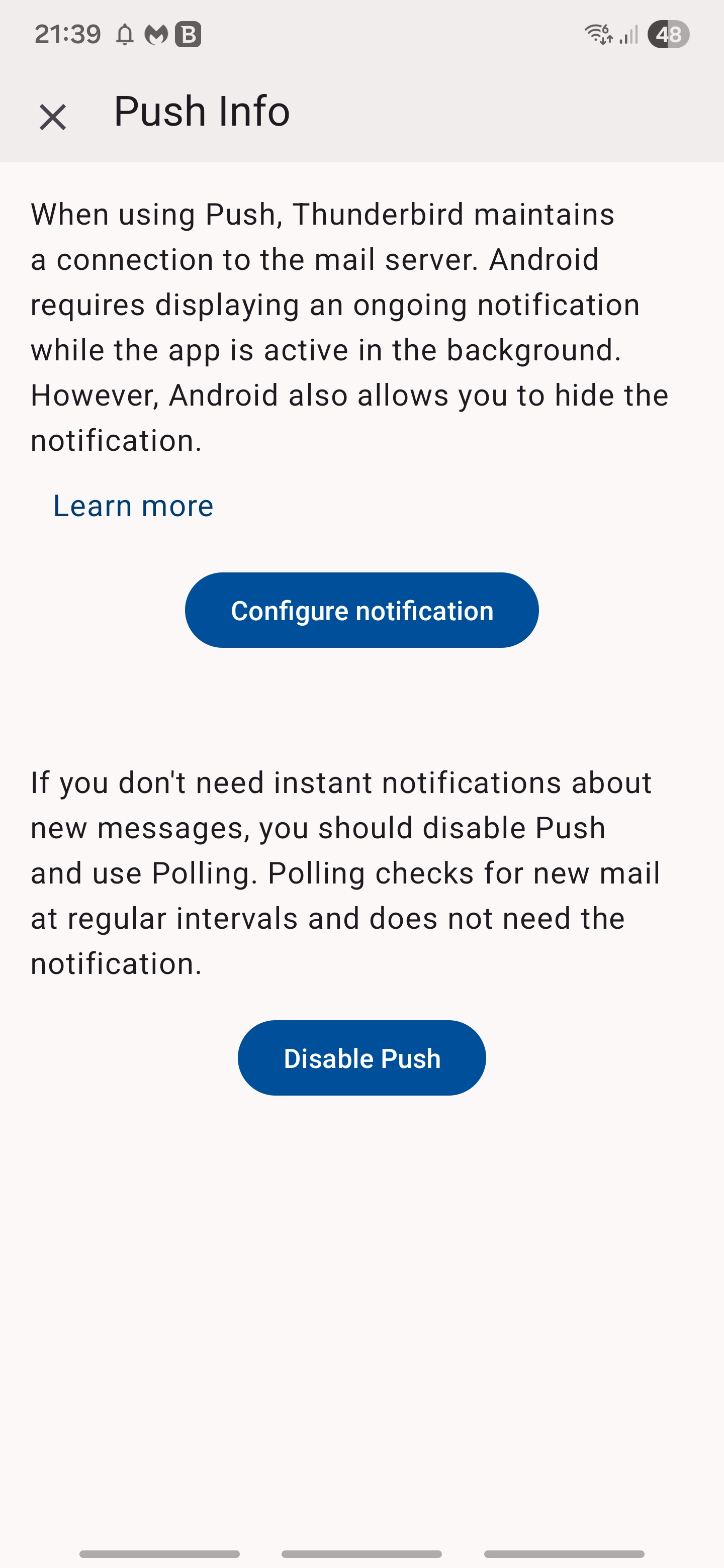
Also, look at the screenshots below now I have activated push notifications. Now I have a constant bell notification! When I click the bell I get the first screenshot! Why not just let users set their own time for fetching emails?
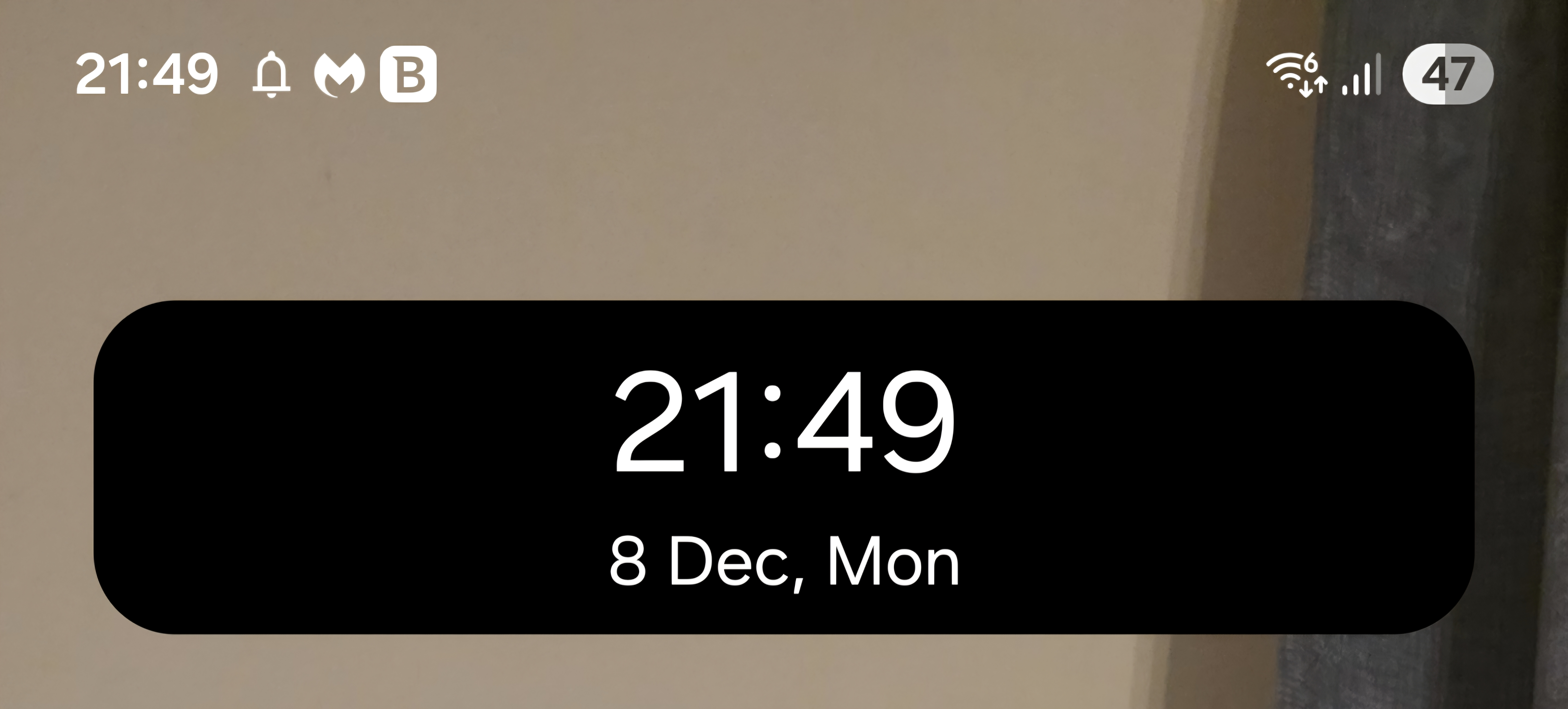
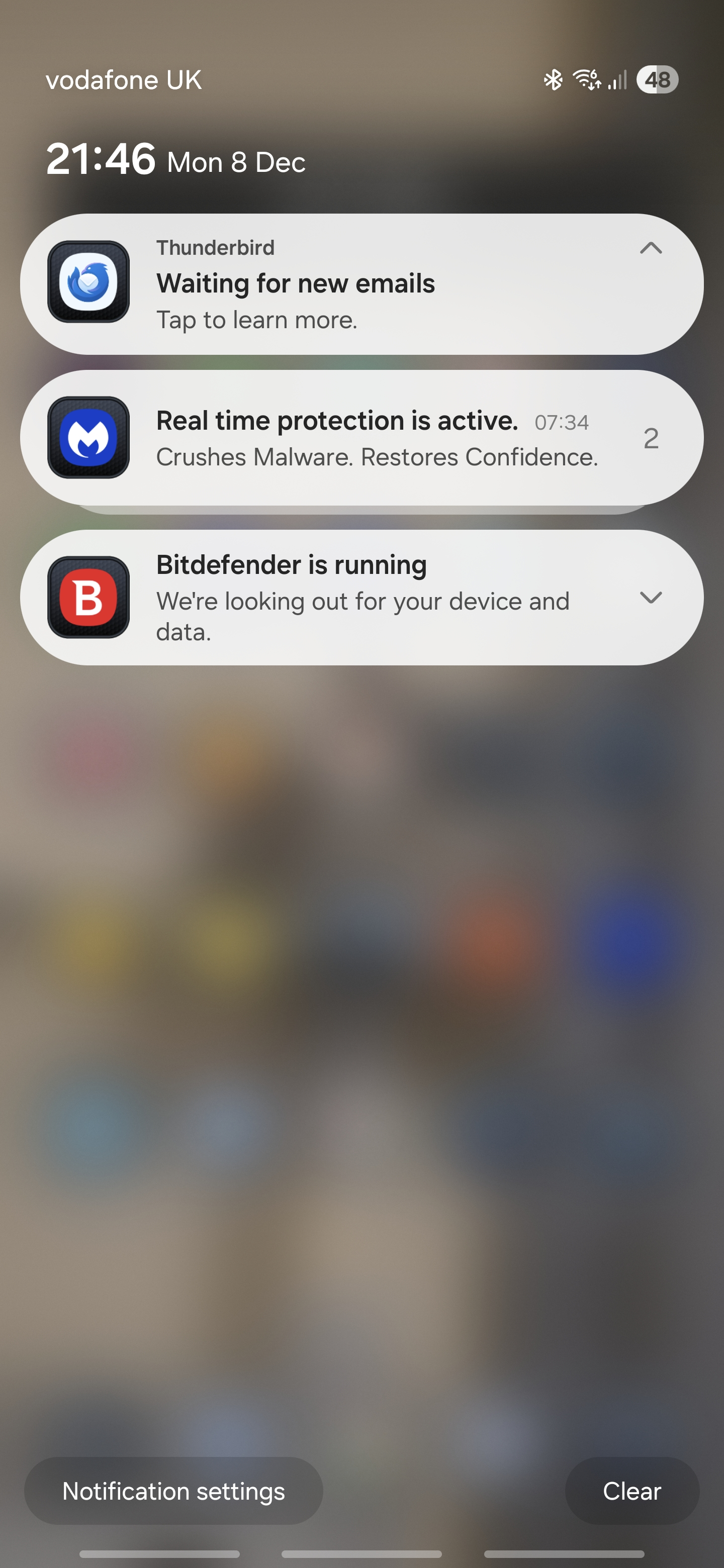
글쓴이 TheBudda 수정일시
As your first attachment states, you can hide the notification.
Reducing the interval below 15 minutes is an Android technical restriction. Android's WorkManager used for periodic sync allows a minimum interval of 15 minutes. See attached.
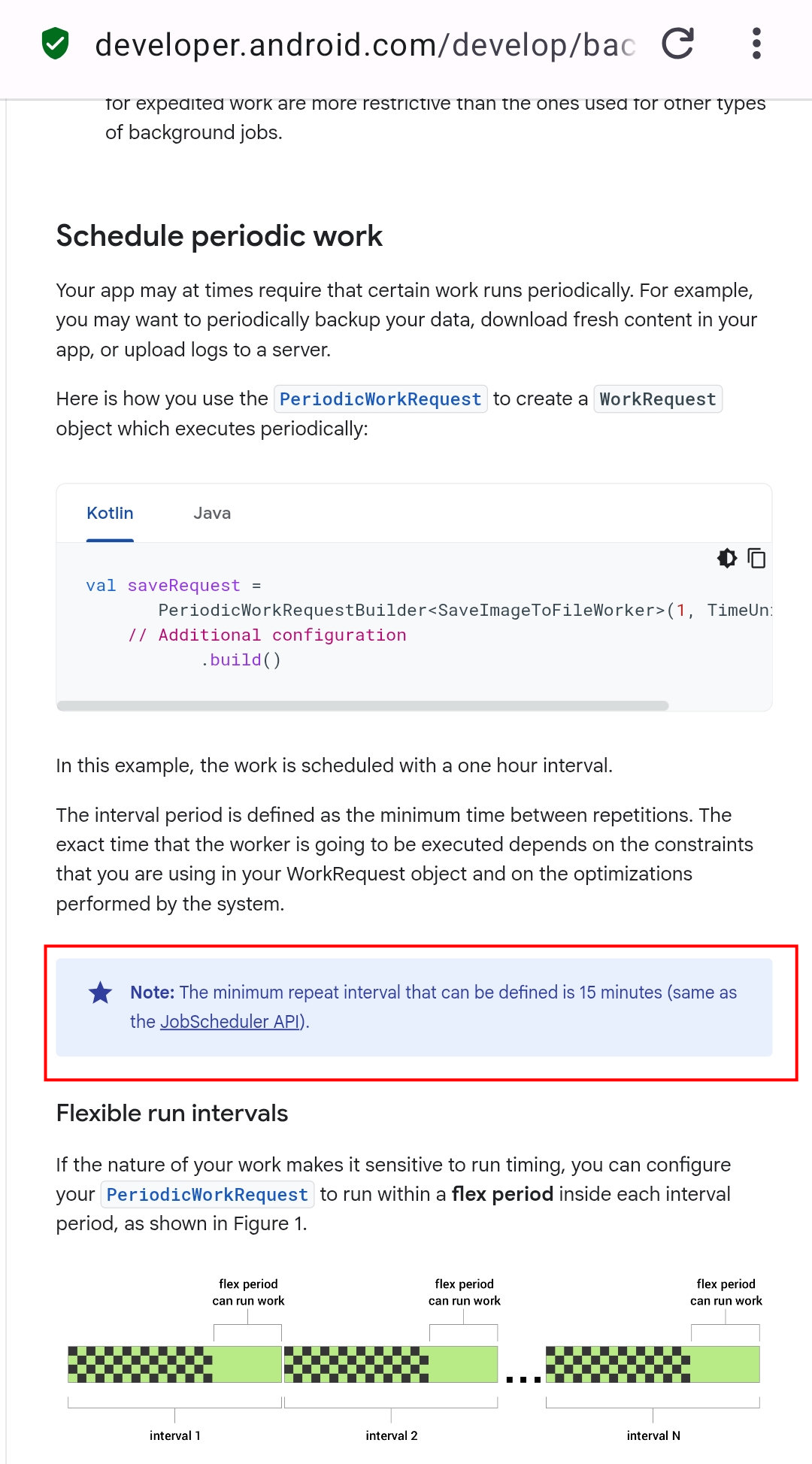
You can find further discussion around the topic on the Thunderbird github links below.
https://github.com/thunderbird/thunderbird-android/issues/5513#issuecomment-892102269 https://github.com/thunderbird/thunderbird-android/issues/4336#issuecomment-561506545
How can it be an Android technical restriction of 15 minutes? FairEmail and Gmail don't have any Android technical restrictions!!
But, I got good news! I just got it working at last, look at screenshots!
Thanks for your replies but I disagree with your reply to the Android technical restriction! Thunderbird was the last email client to inform me that I got a new email. FairEmail and Gmail notifications were given immediately
At least I'm getting notifications and sound notifications from Thunderbird now
Thank you for your replies, help and support! Oh, I'm a server system administrator now retired. I also code 😉