


Comments blocked by Firefox?

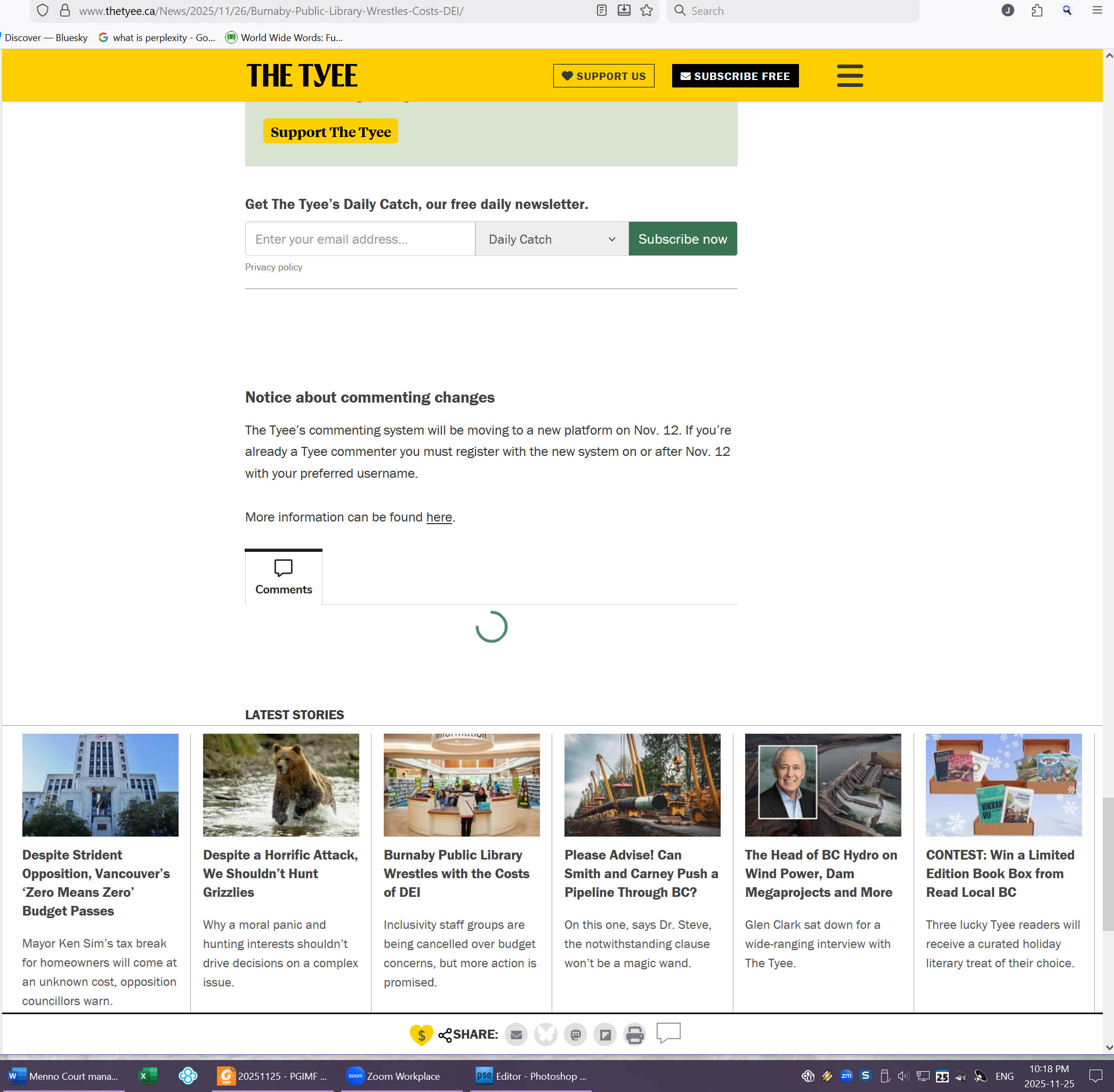
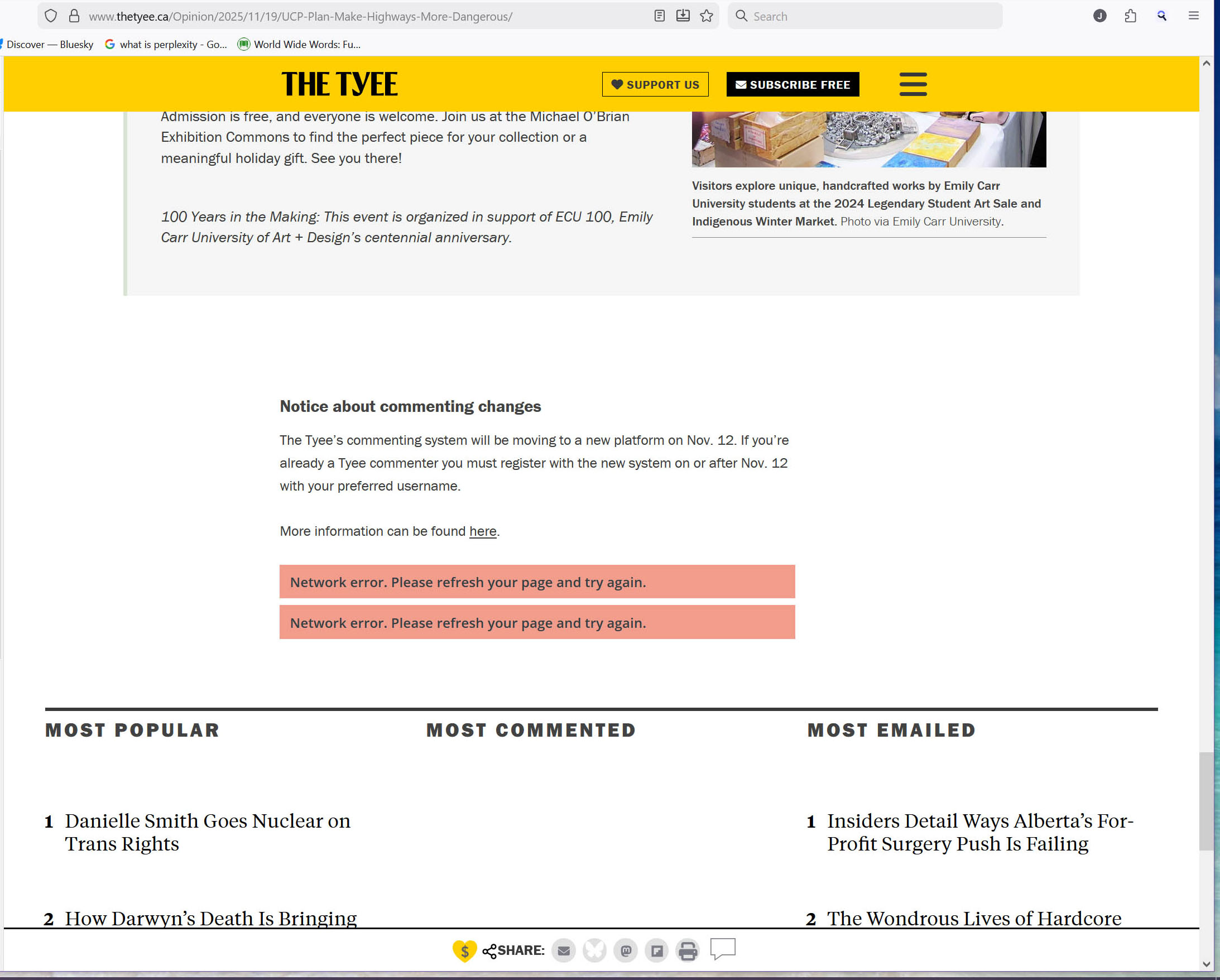
Since v.145, comments have been blocked on some forums for me. https://thetyee.ca is one I use regularly, and the comments are blocked. (This is a Coral Comment site.) The spinning wheel just spins (see image 2 below) and sometimes resolves as "blocked" (see image 1 below).
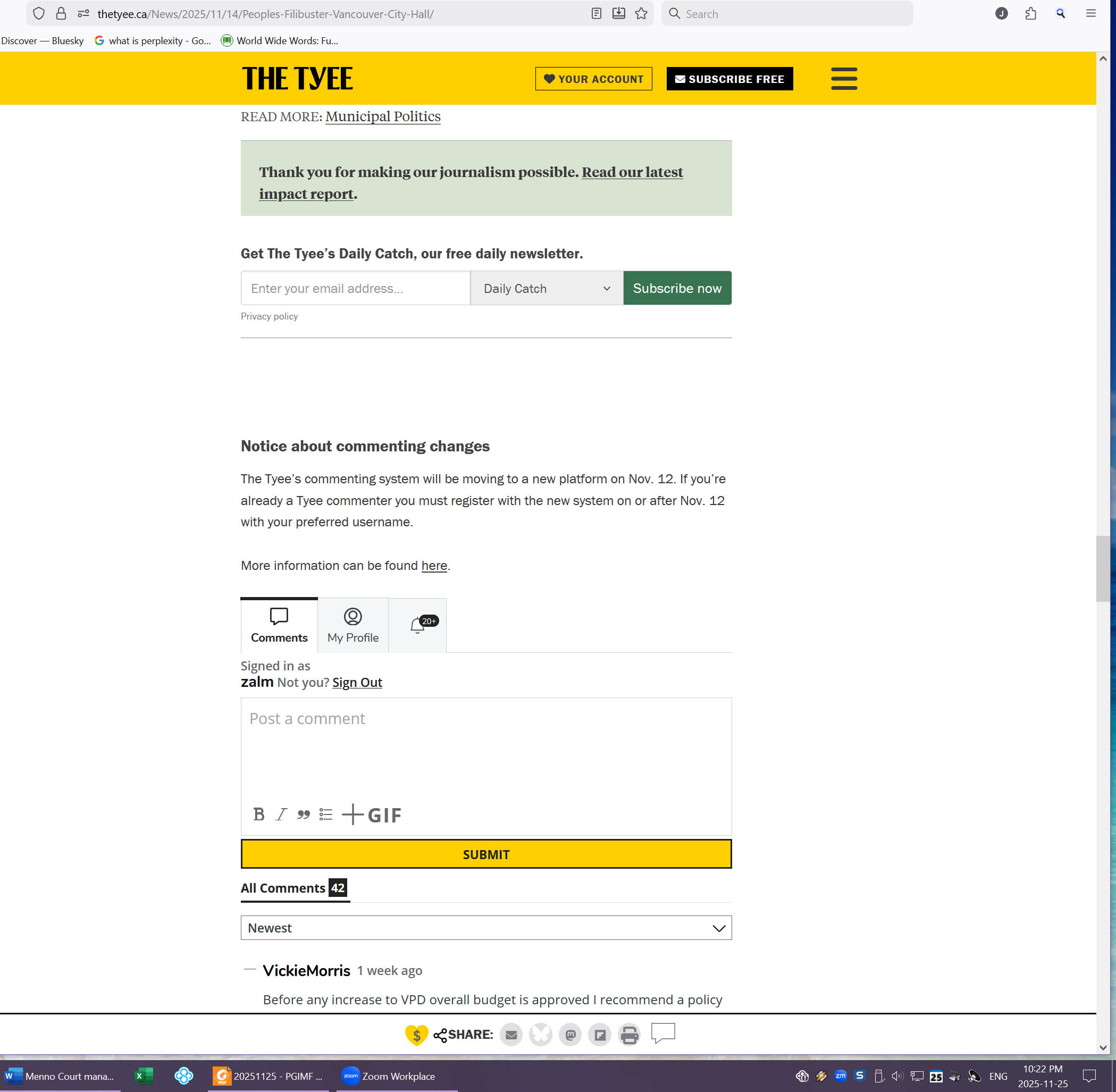
On rare occasions if I delete all cookies, restart the PC and the browser in a private window only, I can sometimes get comments to come up with a "login page" that successfully lets me login, and keeps the link open for a few pages for that session only, but when I open a new session, comments are blocked again. They just don't appear. when I am successful, it looks like image 3 below.
I never adjust settings, and only occasionally delete cookies, so I've looked into other help articles in the forum that have pointed out enhanced tracker protection might be a problem: I have whitelisted all the sites I use for ETP but only one or two now sometimes work properly (using disqus) while the others do not. Tyee support is unable to help - they say very few have made any complaints.
There are other sites that limit my access or functionality now because they say "You have an ad blocker installed". I don't have an adblocker installed. I've never installed an adblocker. But that's secondary. Perhaps if we get this issue solved (due to a setting?), that second issue will go away too. Or maybe not.
I see it's simply not possible to get rid of ETP. Do I have to get rid of Firefox?
모든 댓글 (4)

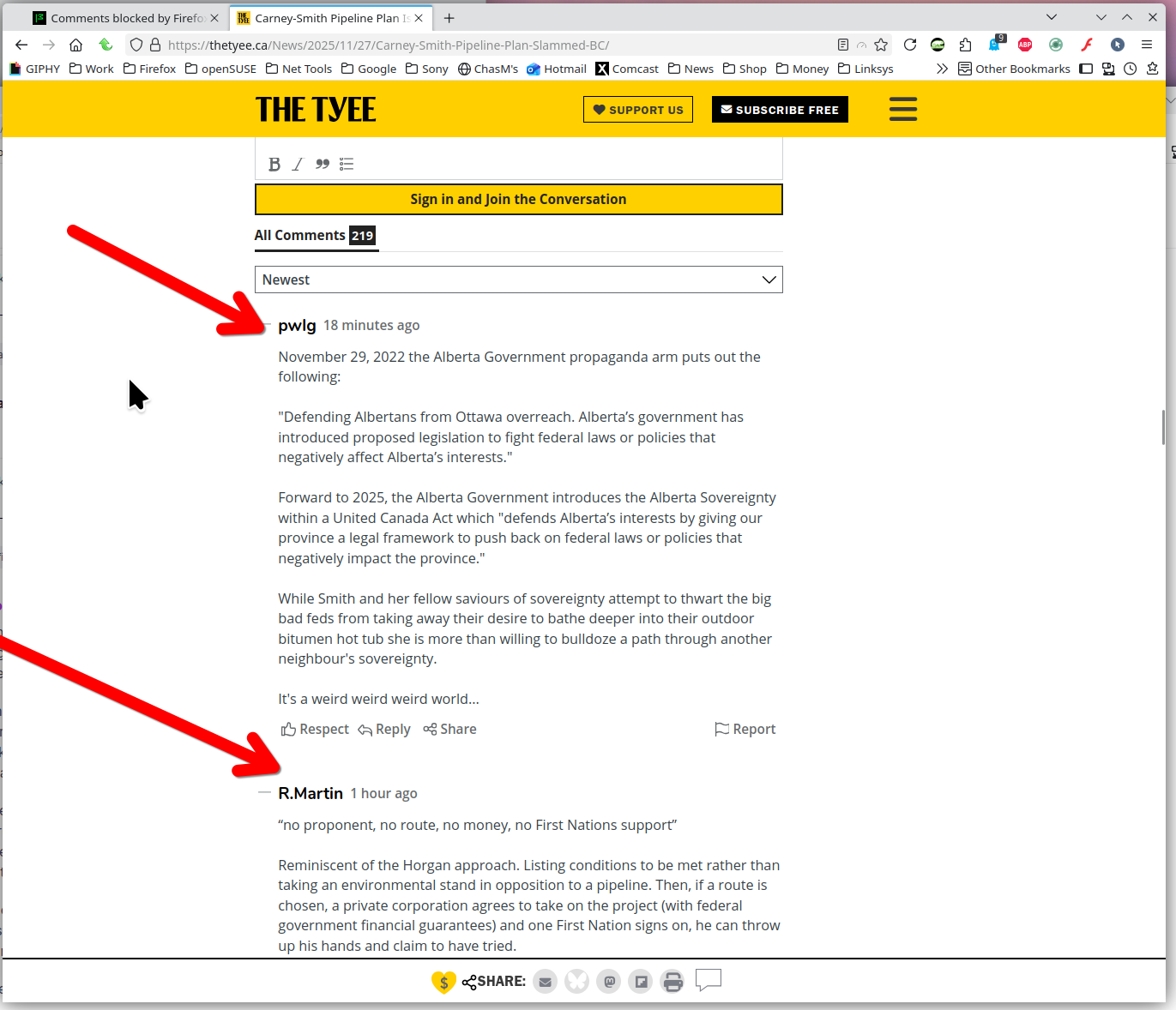
I see comments. see screenshot https://thetyee.ca/News/2025/11/27/Carney-Smith-Pipeline-Plan-Slammed-BC/
What security software besides MS Defender are you running? Windows home or pro?
Did you try with Firefox in Troubleshoot Mode? https://support.mozilla.org/en-US/kb/diagnose-firefox-issues-using-troubleshoot-mode#search
Are you running add-ons? I don't see anything on your toolbar.
Thanks for the reply
I'm glad you see comments - I'm aware this is a localized problem. I'm running Sophos Home on Win 10 Pro (64-bit), and I suppose Defender is running too - I have never bypassed it, although I'm from the old school where you did not set to antiviruses at each others' throats, but I think things are different now. I only have Google Translator Lite and Startpage for add-ons. I have only an Open H264 codec and Wildvine Decryption module for plug-ins.
I don't know how to try troubleshoot mode. I will follow your directions and see if I can figure something out.
The link is there for Troubleshoot mode. From the settings menu --> Help --> Troubleshoot Mode. see screenshot https://support.mozilla.org/en-US/kb/diagnose-firefox-issues-using-troubleshoot-mode#search
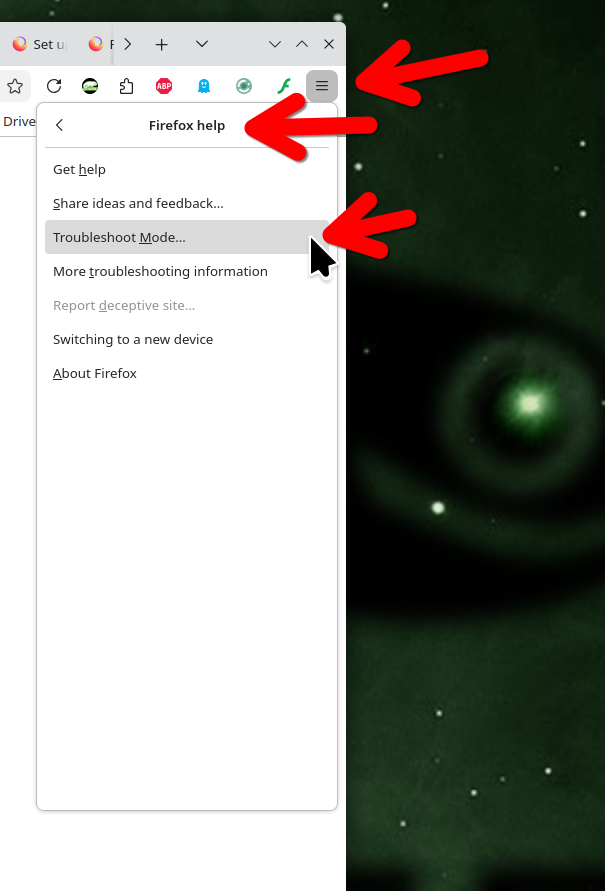
OK, I've run it in Troubleshoot mode and that website comments sign-in page did open to allow me to sign in. However this is not unusual. It has happened on occasion before when I've deleted cookies and rebooted completely - just not every time. I wonder what the nesxt step is?
I've listed all the plug-ins and add-ons I have turned on in the comment above. Is there a suggestion as to what I should try next?
I note that in Settings - Privacy & Security - Browser Privacy that Enhanced Tracking Protection is automatically enabled now, so I've switched from Standard protection to Custom protection and stopped blocking cookies and tracking content. When I first did this, I got to sign in once, so I thought "Good I've fixed it!" but then the blocking behaviour came back.
I do not remember browser history. I have frequently deleted most cookies as part of this troubleshooting process. I really don't know what to try next.