


Firefox and log in at Allstate Insurance

Not sure if this is the correct topic selection but nothing offered above really fits.
I tried to sign into my Allstate.com account today and kept getting error messages.
I called their tech department and they told me that Firefox has been notified a long time ago about this issue but has done nothing about it. I was told to use my email account instead of my user ID to get into my account via Firefox, but that if I do it that way, some functions still won't work on Firefox.
I was told that my Safari browser would work, and it does.
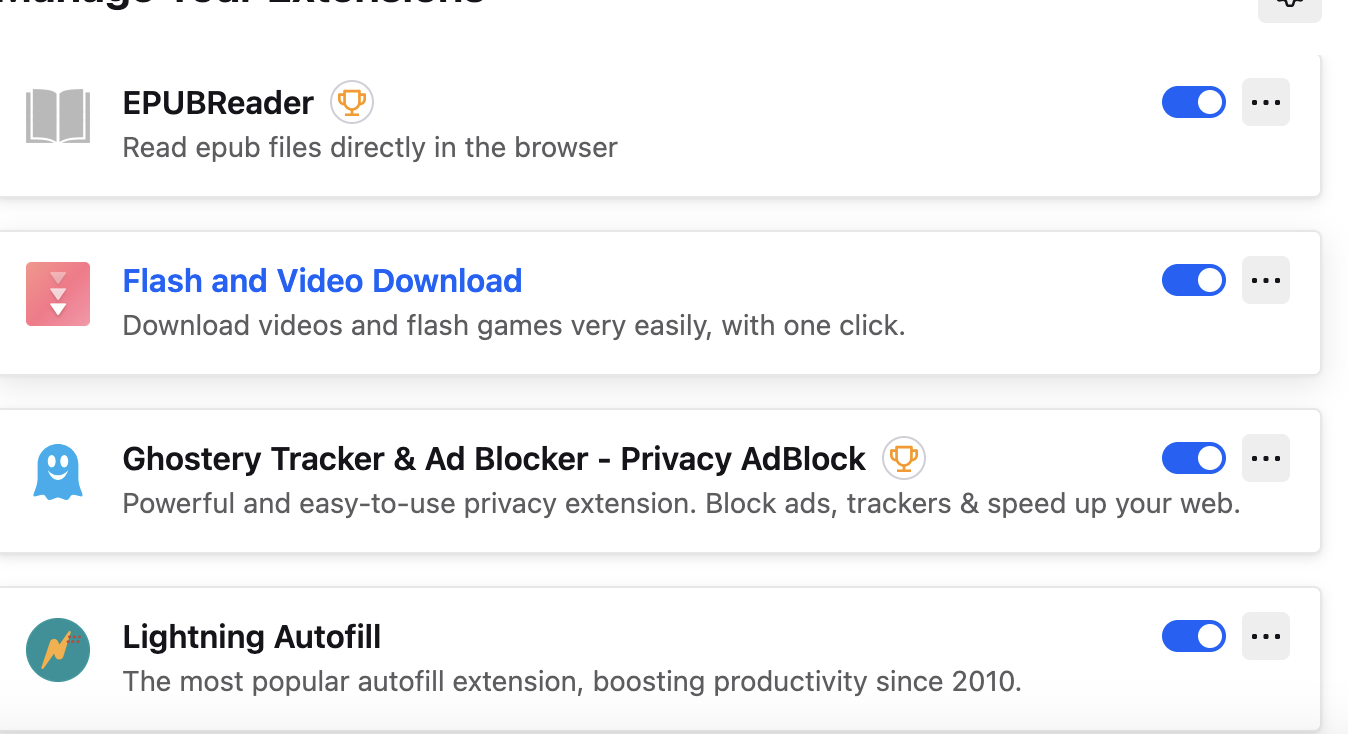
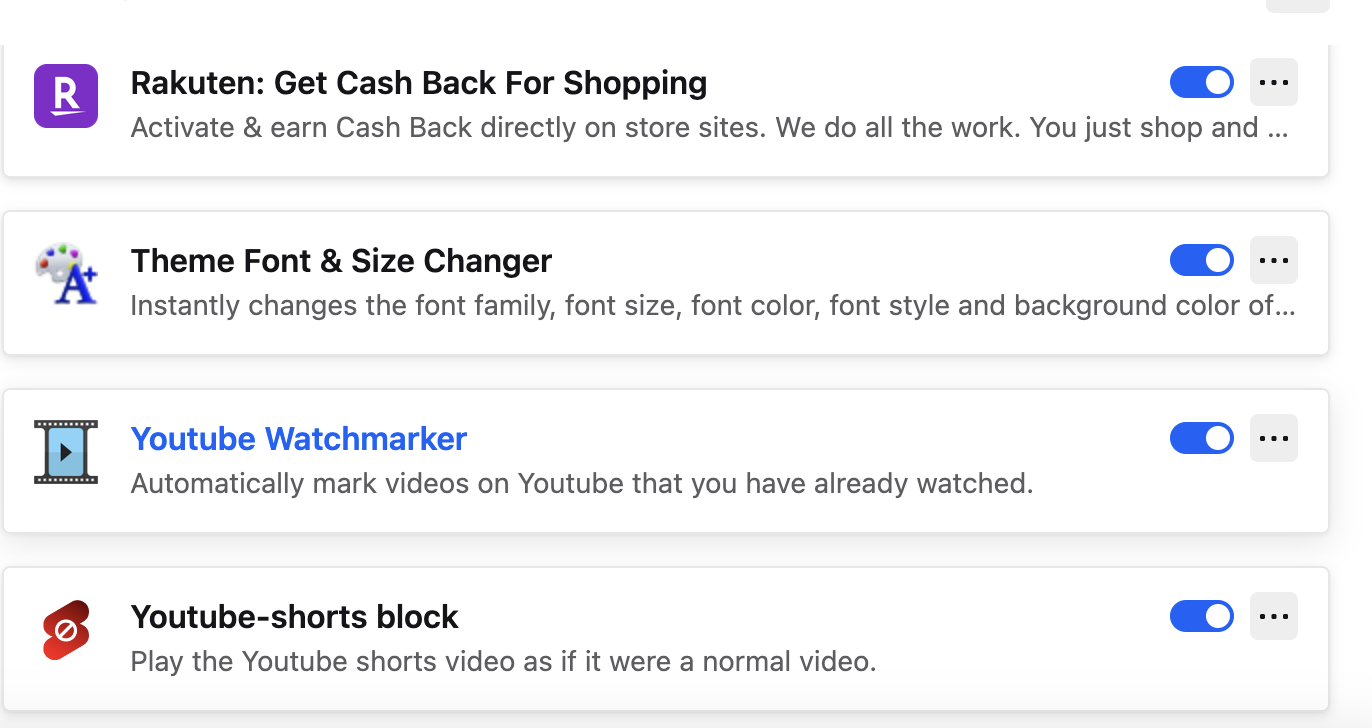
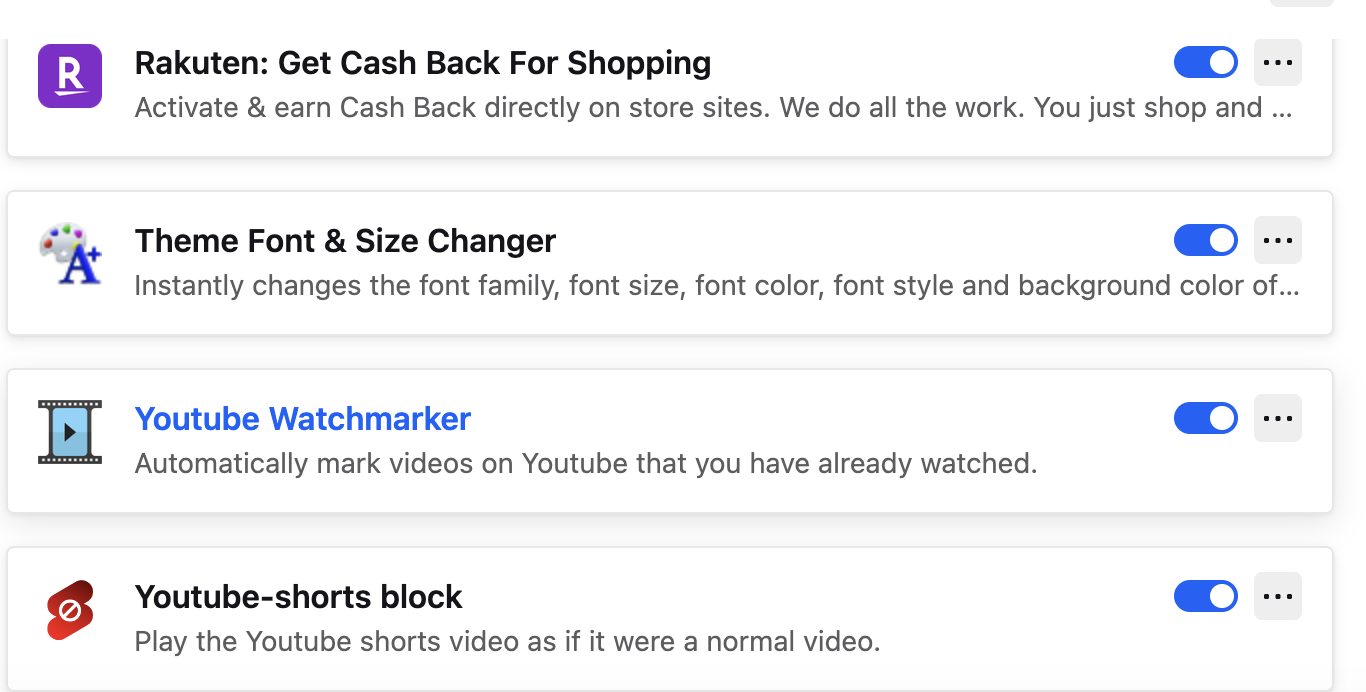
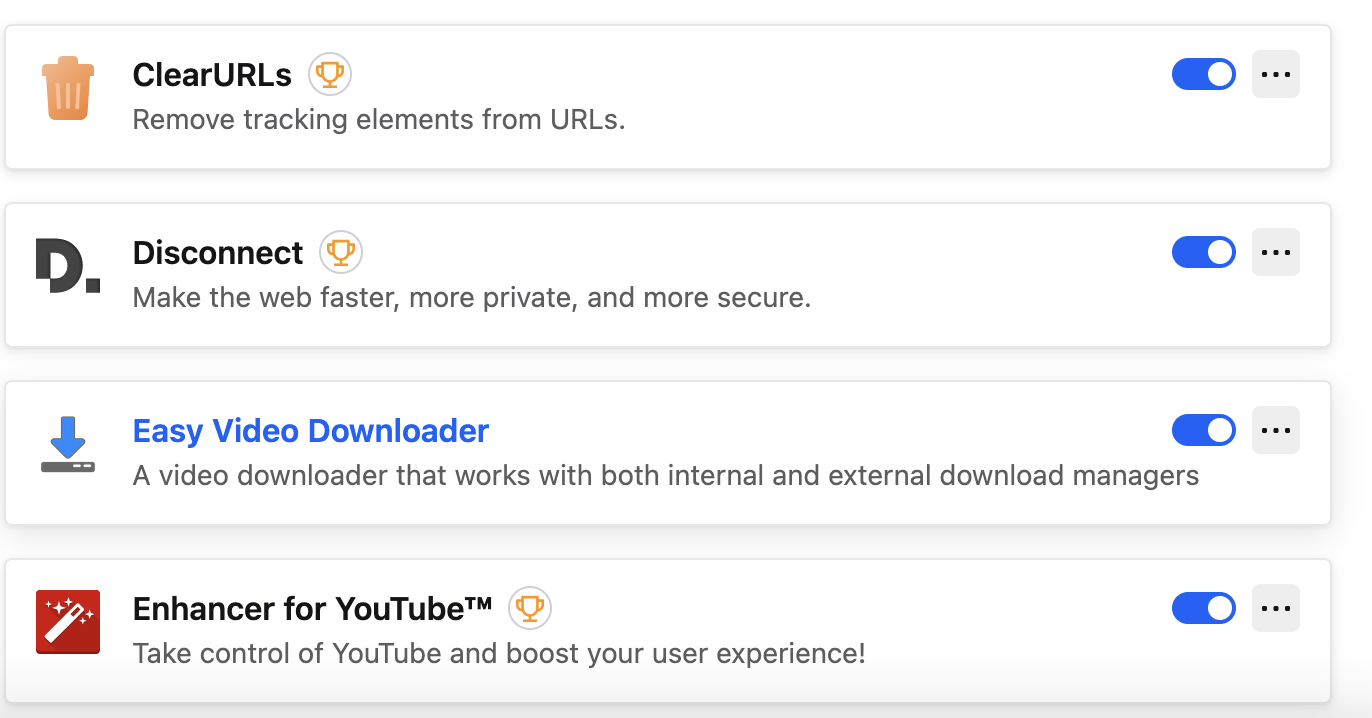
Not sure why Firefox refuses to fix this. This is crazy. I've also had problems signing in some other companies with Firefox recently where it used to work fine. It looks like they are just not keeping up with technology. I have the latest Firefox browser for my Macbook, but as companies update their sites, Firefox is staying behind. I prefer Firefox because of things like uBlock Origin, Enhancer for YouTube, and YouTube Watchmarker which I love, but I've had to use Safari more and more because of this issue.
Exactly how does one let Firefox tech know these things. They don't provide anyway to contact them which doesn't look good.
선택된 해결법
The error message is right there. see screenshot
문맥에 따라 이 답변을 읽어주세요 👍 0모든 댓글 (15)
Hi
What are the error messages that you are getting?
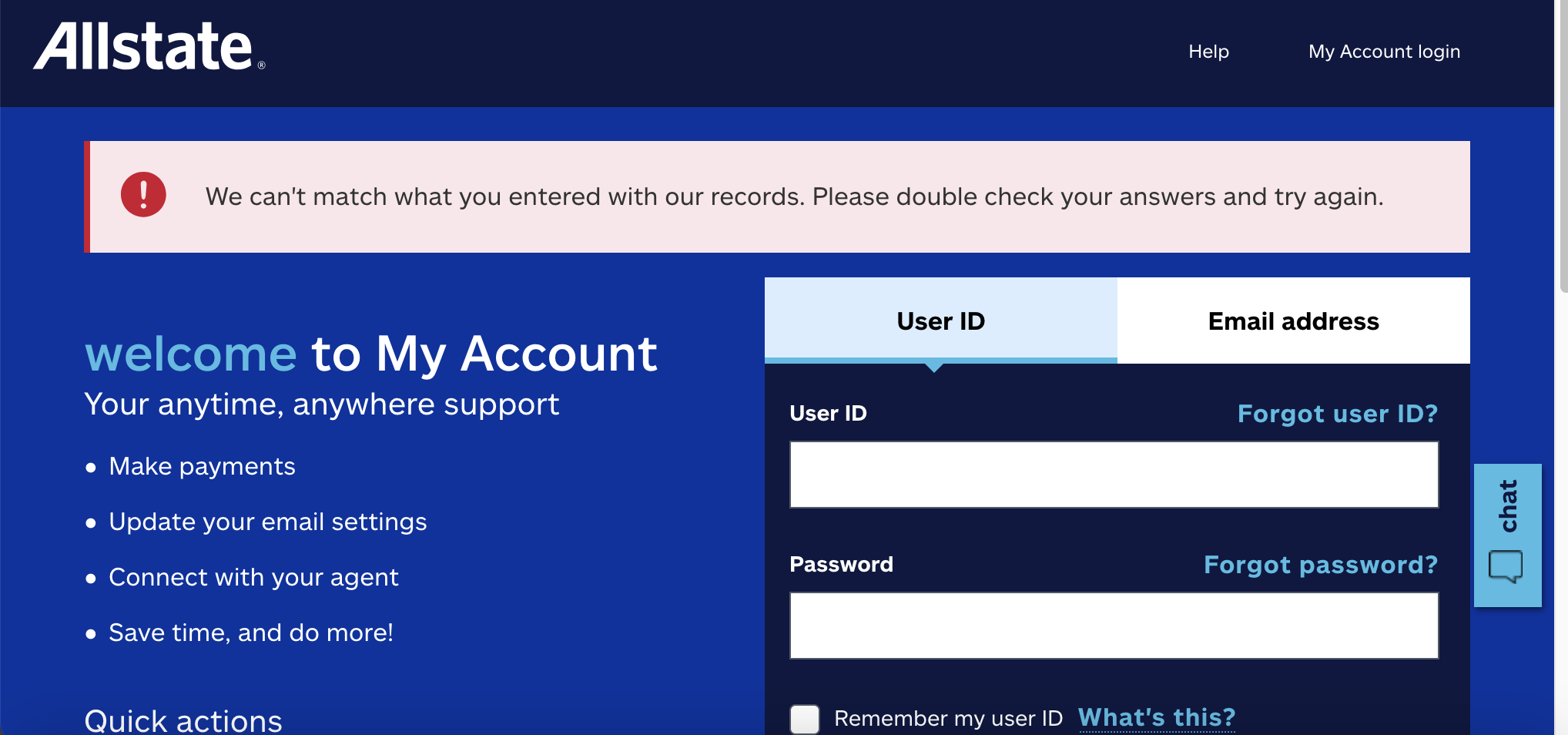
When I clicked on the link within an Allstate email asking me to review my insurance, it took me to a page to sign in. After I signed in it gave the message: We're sorry, but we were unable to process your request. Please try again later.
I went out and signed into the actual Allstate.com website on my Mac and after I signed in it said: We can't match what you entered with our records. Please double check your answers and try again.
So when I signed in on Safari none of that happened. I got right in, no problem.
Thanks for asking.
Do you have any add-ons installed in Firefox?
What level of Enhanced Tracking Protection d you have set?
I don't know that I have enhanced tracking. Not sure what that is. I do have add-ons that have never interfered before. The usual culprit is uBlock, but it was disabled when I tried to sign into Allstate.
English please.

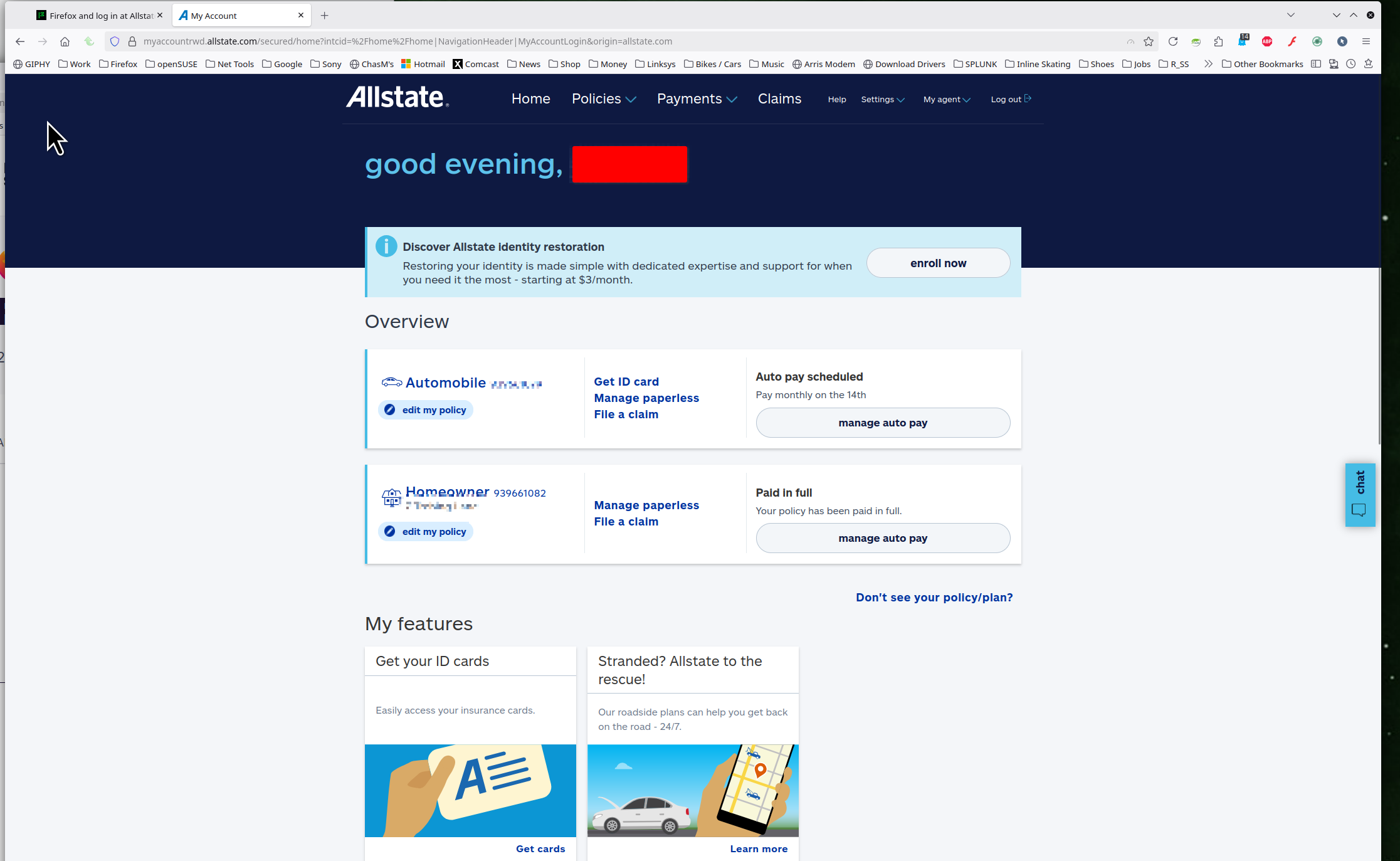
I'm also with Allstate and just checked my claim with no issues. see screenshot Do you have the same issue with Firefox in Troubleshoot Mode? https://support.mozilla.org/en-US/kb/diagnose-firefox-issues-using-troubleshoot-mode#w_how-to-start-firefox-in-4troubleshoot-modesf5safe-modesf
I don't even know what troubleshoot mode is. I guess that's something I need to learn about. All I know is that Allstate said a lot of their customers are complaining about it.
plantsower said
All I know is that Allstate said a lot of their customers are complaining about it.
Let me translate that for you... A lot users are not tech savy and need help. As you can see from my screenshot, it works and has worked for years.
Follow the link for troubleshoot mode and see if it works.
You're right not all of us are tech savvy but when it always worked, it just seemed strange. I will try to get to that tomorrow regarding trouble shooting. Thank you for the information. I'll try to remember to let you know how it goes.
I just tried Troubleshoot Mode and it made no difference so I know it's not my preferences. I don't believe I've changed anything recently in prefs either.
Show the issue by posting a full browser screenshot.
글쓴이 jonzn4SUSE 수정일시
Here is the top half. The bottom half is just links to find things within the website. No error messages or anything.
선택된 해결법
The error message is right there. see screenshot

I know. I wrote the error message above. It's not true. I can log in with that info on Safari but not on Firefox.
I'm not interested in changing auto insurance. As stated, I can get into Allstate fine with Safari.