


webcam, microphone not accessible

I have read all your tutorials. I was unable to have an important televisit with my doctor yesterday because nothing I tried worked. I am unable to use webcam for other sites until I resolve this problem. Previously I had no problem with my webcam but recently had to get new pc with windows 11 & needs to configure my pc to address this issue. I have another appt scheduled with another doctor & need to fix this problem asap Thanks

선택된 해결법
Mark it as resolved and have a good day.
모든 댓글 (9)
Did you try with Firefox in Troubleshoot Mode? Full browser screenshot showing the issue please.
No, it does not help.
Test on this site. https://webcammictest.com/
The webcam worked, I saw myself but microphone did not work. Not able to hit play, mute, unmute, pause buttons
While you work on this, have you tested Microsoft Edge as a backup for having your video visit?
Yes, for some reason even though connected to Mic my pc shows its not connected. May have nothing to do with browser but Webcam itself. Going to purchase new webcam & see if that solves the problem
Thanks for all the responses & support provided
mxereas said
The webcam worked, I saw myself but microphone did not work. Not able to hit play, mute, unmute, pause buttons
Show the issue. Post similar screenshots. see screenshots Did you check for new drivers in windows update or try to remove the devices via device manager?
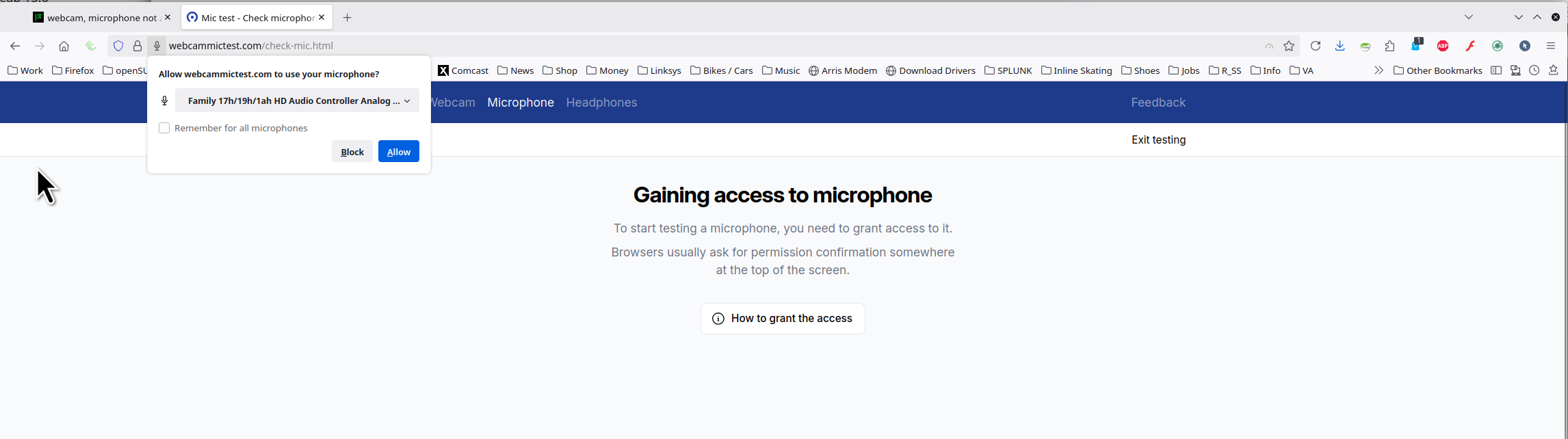
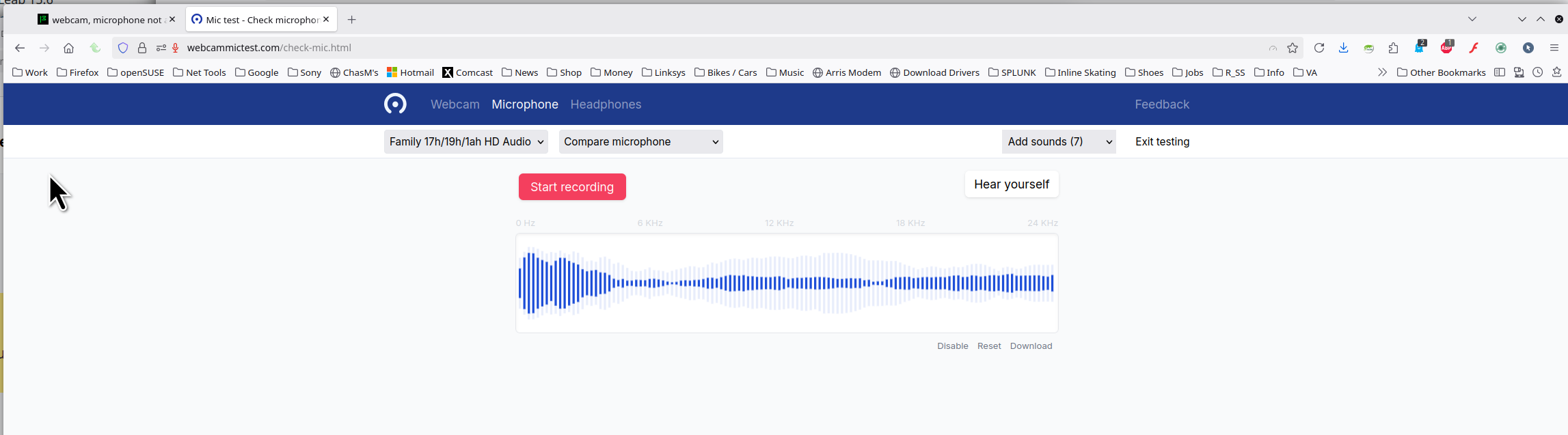
글쓴이 jonzn4SUSE 수정일시
Thanks for all the information. after trying all of the suggestions, I phone for technical support. They tested all the drivers, settings, etc. The webcam was working but not the mic. Despite all attempts continued to show that the mic was no connected. At this point technician felt only solution would be to order a new webcam or the pink mic slot is defective? No other answer. I ordered a new webcam & hoping this resolves the problem. Thanks to all the support I received
선택된 해결법
Mark it as resolved and have a good day.