


Bookmark Font Color Changed on V140.0

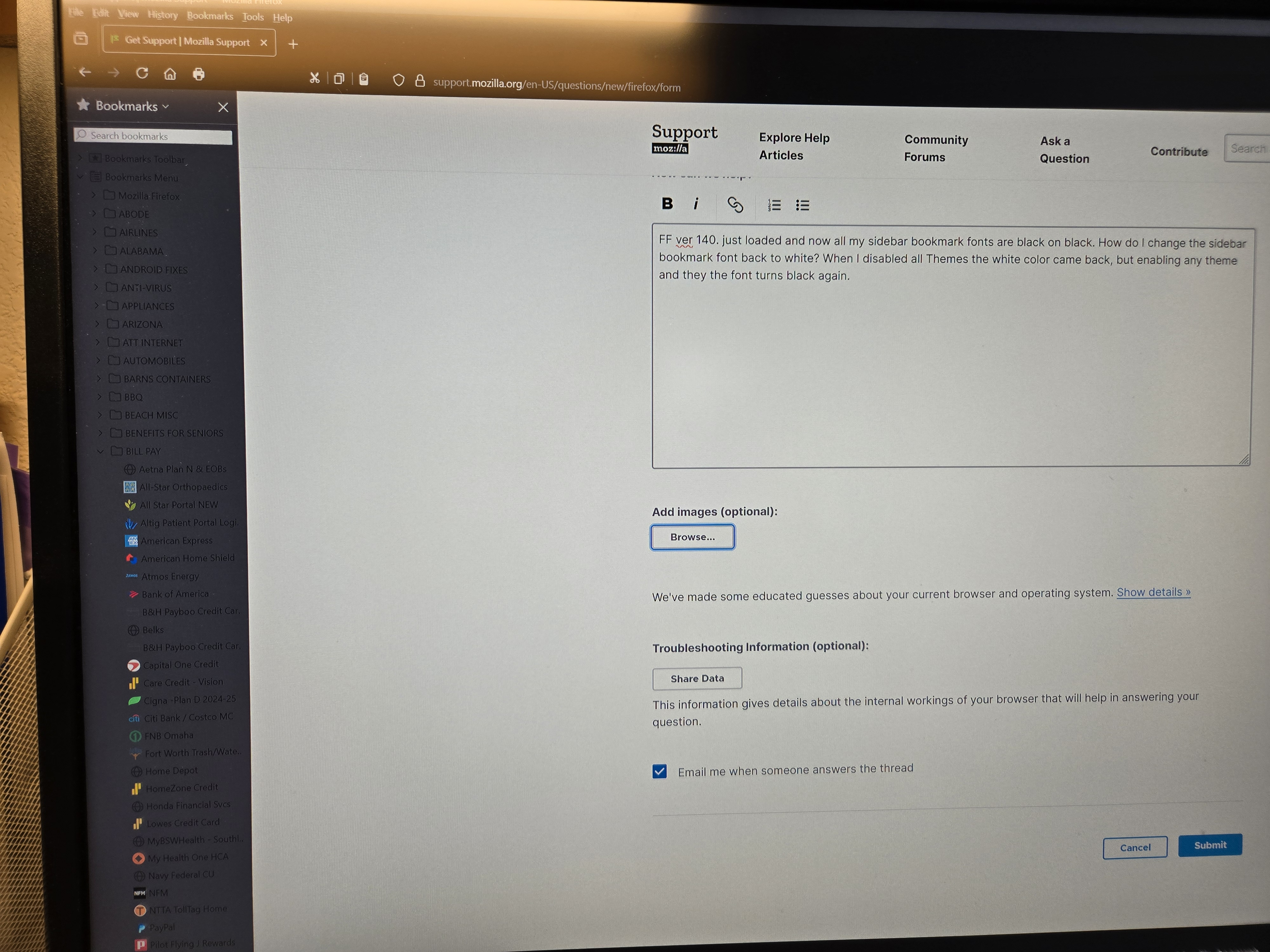
FF ver 140. just loaded and now all my sidebar bookmark fonts are black on black. How do I change the sidebar bookmark font back to white? When I disabled all Themes the white color came back, but enabling any theme and they the font turns black again.
선택된 해결법
Looks like V 140.0.1 has fixed my sidebar bookmark issue with font colors being Black. Thanks to all involved.
모든 댓글 (3)
Firefox 140 has a bug causing dark text on a dark background in the bookmarks sidebar with some add-on themes. Could you test whether the built-in Dark theme works?
With all theme's Off, the bookmark font is white whether in Dark Mode or Automatic. However when I turn any theme ON the font color turns black in Automatic or Dark Mode.
선택된 해결법
Looks like V 140.0.1 has fixed my sidebar bookmark issue with font colors being Black. Thanks to all involved.