


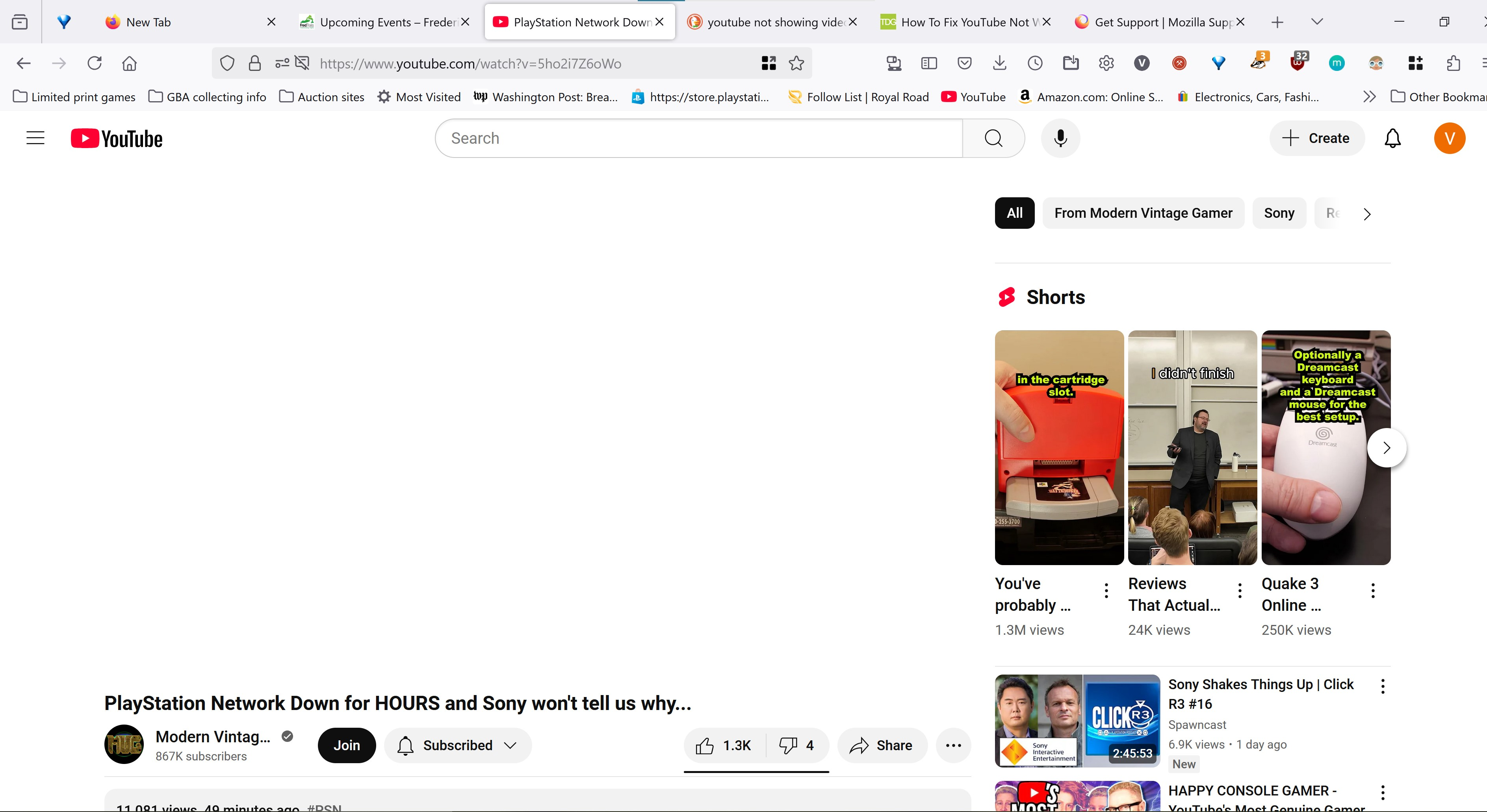
Youtube player does not appear, only showing white

When I navigate to youtube and try to watch a video, the player does not load. It just shows white in the space where the player should be. No video, no audio, no nothing. No matter what video I click, the same thing happens. The only workaround I have found is that if I go to a page with an embedded youtube video, and click the "watch on youtube" link that appears in it, it will load a youtube page that can play videos normally. I can use that page to navigate youtube and it will operate normally. However if I type in youtube.com or get to the site some other way, the issue happens where it is only white space. It is very frustrating.
모든 댓글 (2)
I see a lot of add-ons. Did you try with Firefox in Troubleshoot Mode?
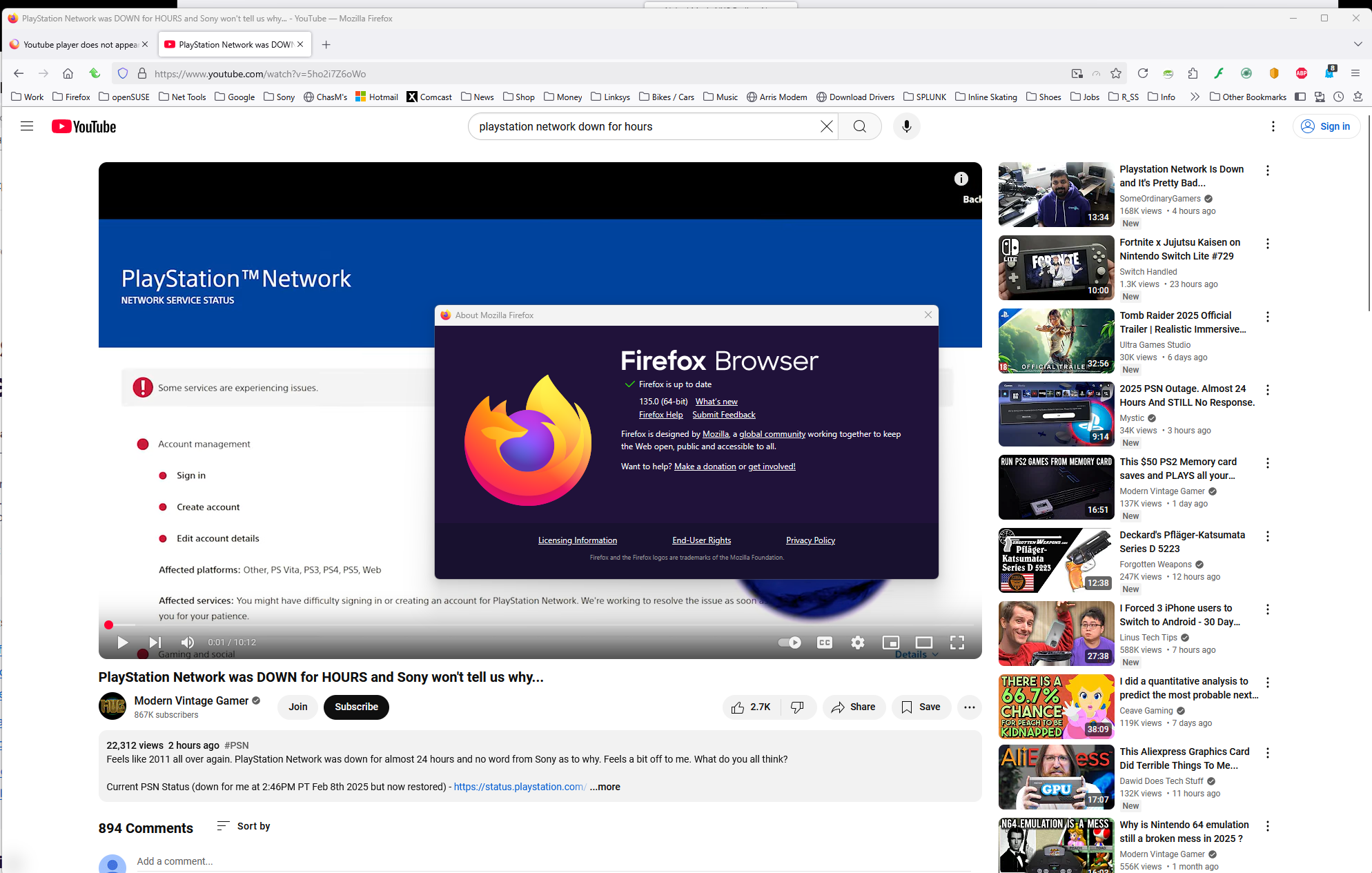
I have no issue with the same video. see screenshot https://www.youtube.com/watch?v=5ho2i7Z6oWo
글쓴이 jonzn4SUSE 수정일시
I did try troubleshoot mode. The same issue persists