


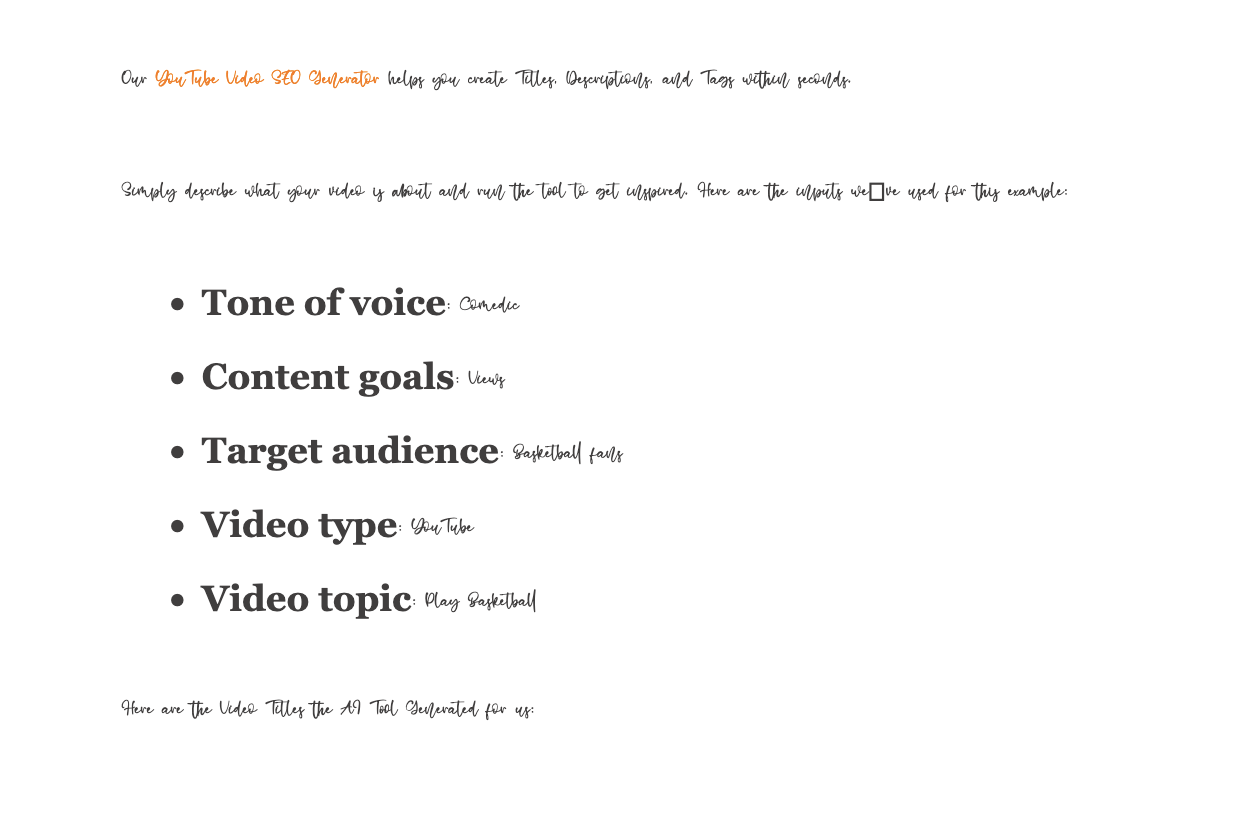
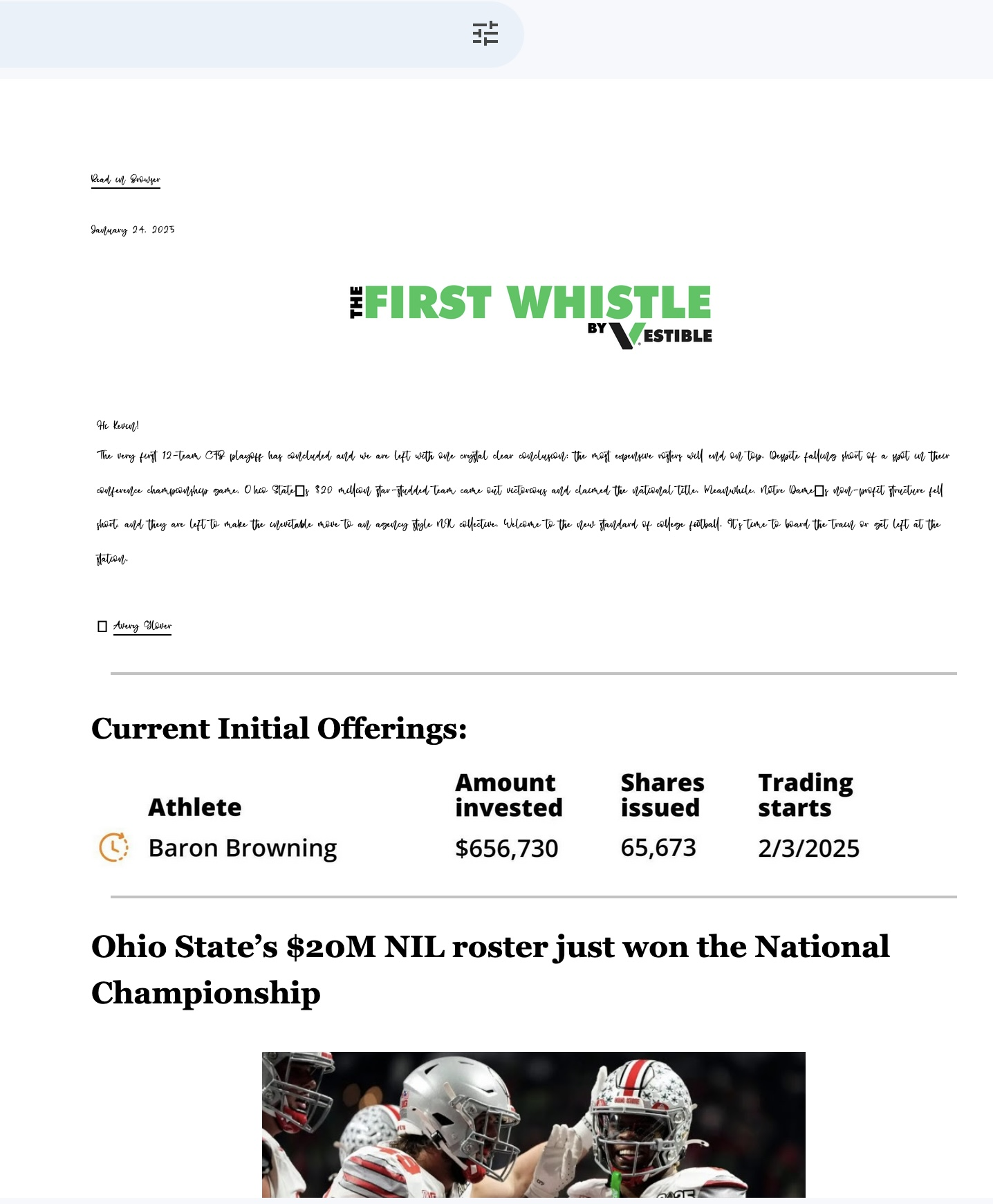
Websites randomly load in the wrong font.

See attached screenshot. It just randomly happens from time to time, and I can't figure out what's causing it. I've used both Chrome and Firefox with the same results. Help!
모든 댓글 (3)

If both browsers are doing the same issues it would stand to reason it's the site is the issue here.
Ah sorry, should have clarified further. It happens randomly on different browsers, like I'll open an email on Chrome and it'll happen, and then a week later if I'm using Firefox, it'll happen on a website.
You can right-click and select "Inspect" to open the built-in Inspector with this element selected.
- https://firefox-source-docs.mozilla.org/devtools-user/page_inspector/how_to/open_the_inspector/
- https://firefox-source-docs.mozilla.org/devtools-user/page_inspector/how_to/examine_and_edit_html/
You can check in the Rules tab in the right panel in the Inspector what font-family is used for selected text. You can check in the Fonts tab in the right panel in the Inspector what font is actually used because Firefox might be using a different font than specified by the website, if necessary expand "All fonts...". If the Fonts tab is hidden, click the Down arrow at the right end.