


How to change color of text

I can't seem to change the color of text within an email. I used to be able to do it easily, but now, following the same steps I have always used, the text remains black. I have read other posts on this problem and have tried this recommended by sfhowes:
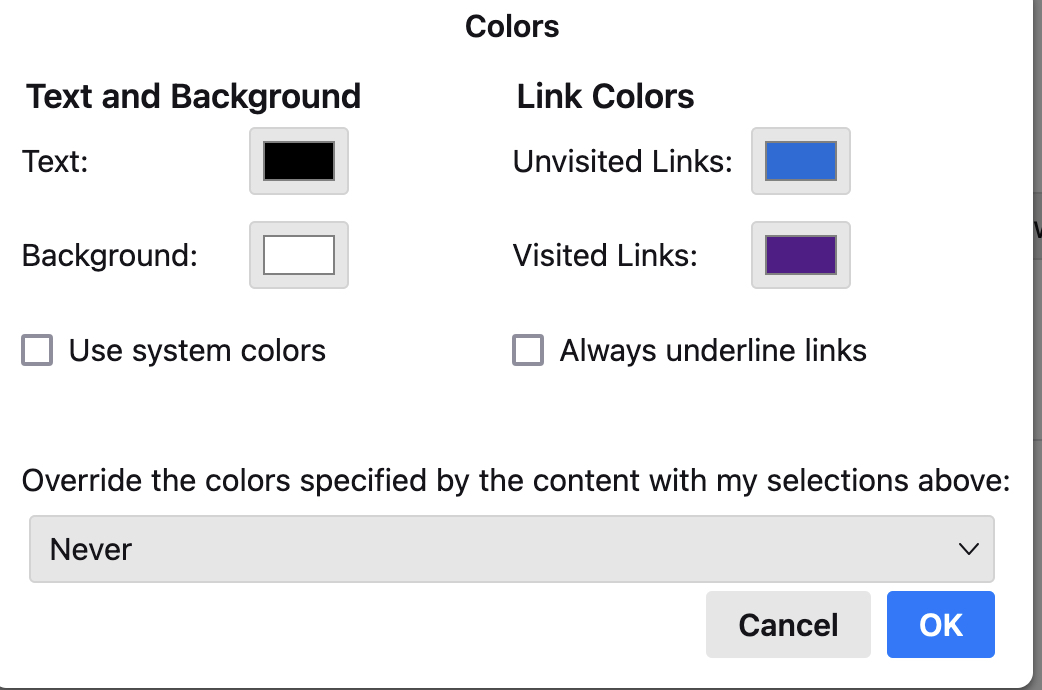
1. sfhowes 7/19/24: 'Make sure you don't have 'Always' for 'Override the colours...' in Settings/General/Language & Appearance, Colours (see picture). Mine is set to "never" (see screenshot attached)
Here's how I am trying to change the color:
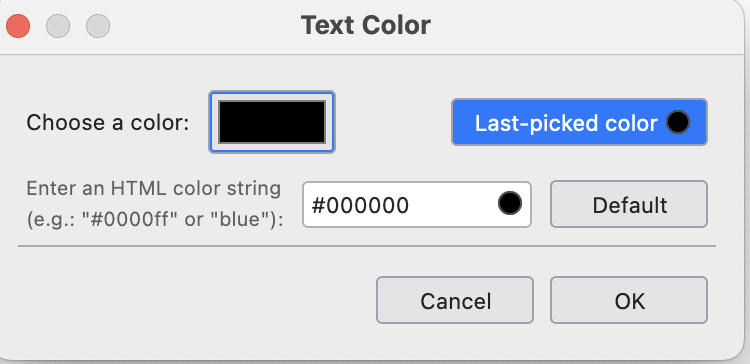
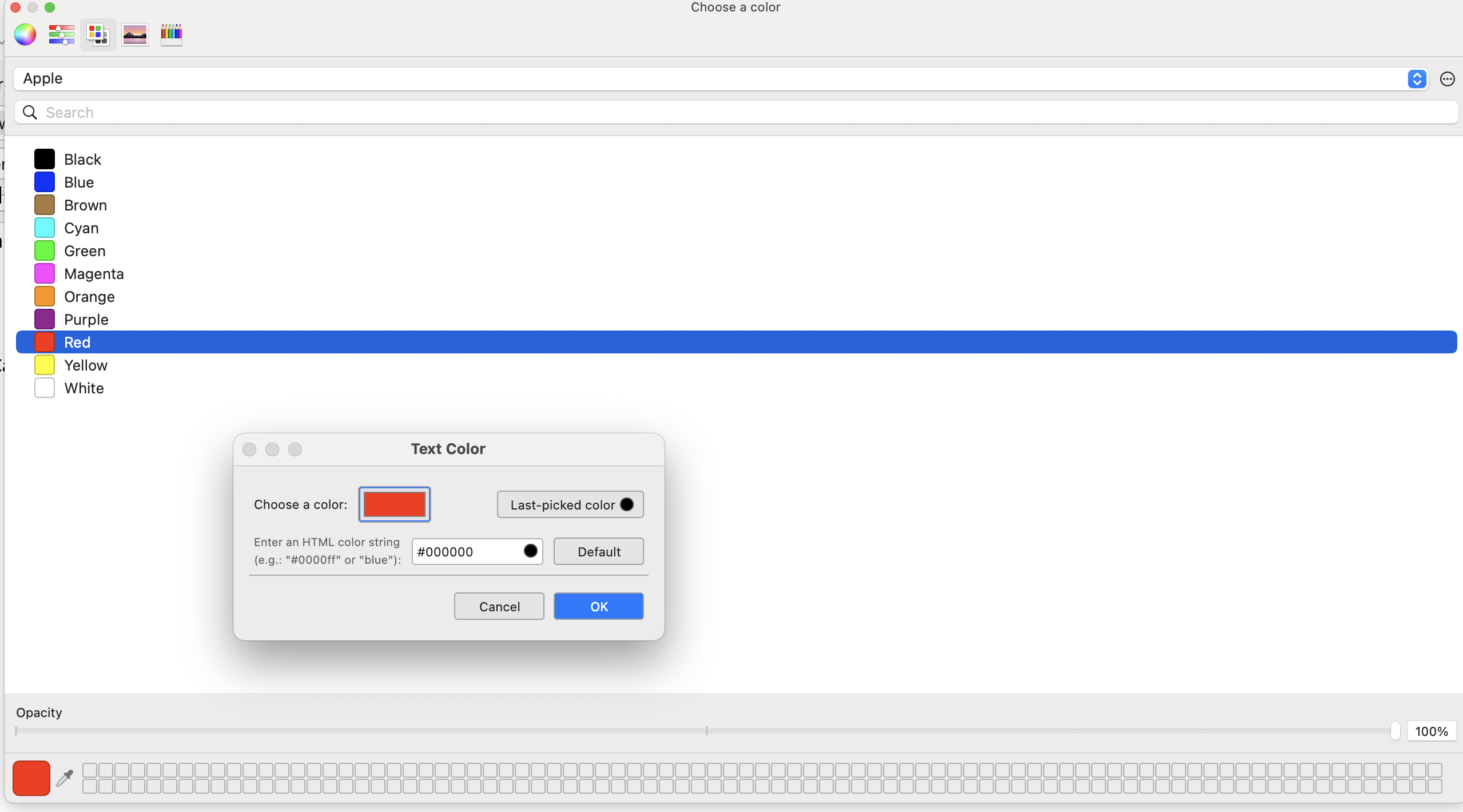
1. Highlight the text in the email 2. Select "Format"/"Text Color" from the toolbar menu 3. This brings up a small popup titled "Text Color". (see second screenshot). 4. I click on the (black) box to the right of the words "Choose a color". This brings up a larger popup titled "Choose a Color" (see 3rd screenshot) 5. I click on the color to which I want to change the text. I click "okay" on the smaller popup and then close the larger popup using the red circle in the upper left corner of the larger popup. (I do not have an "okay" button on the larger popup.)
However, the text remains black, Any suggestions. Thanks in advance for your help.
선택된 해결법
Close the larger popup (the system colour picker) before closing the TB colour dialog:
https://support.mozilla.org/en-US/questions/1392360#answer-1540034
문맥에 따라 이 답변을 읽어주세요 👍 0모든 댓글 (2)
선택된 해결법
Close the larger popup (the system colour picker) before closing the TB colour dialog:
https://support.mozilla.org/en-US/questions/1392360#answer-1540034
Thanks - that works.